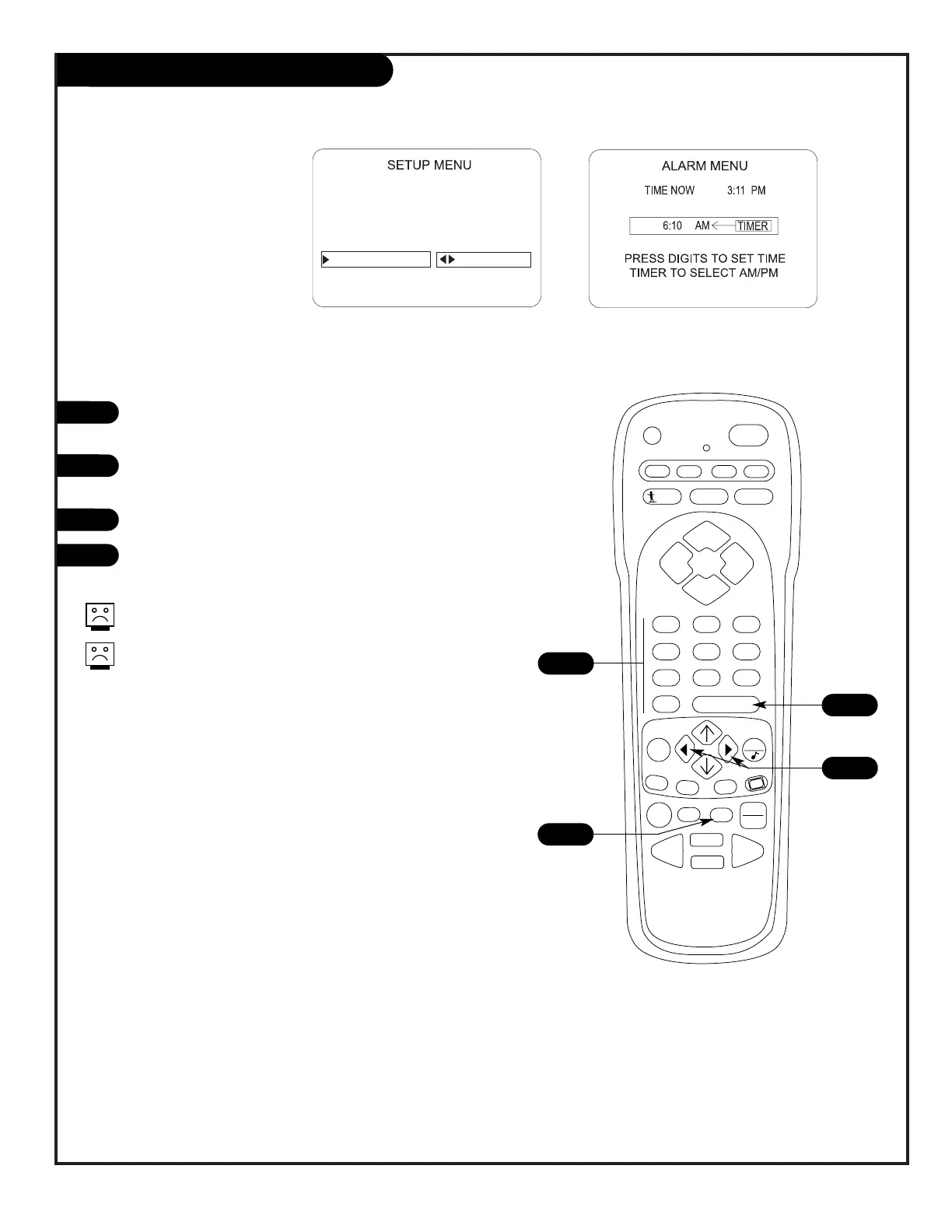
Use the Alarm menu to
set a time for the TV
to automatically turn
itself on
With the Alarm Menu option highlighted in the Setup menu,
press the Left/Right arrow to go to the menu.
Using the NUMBER keypad, set the time you want the TV to
turn on. For example, to set 7:30 AM, press 0, 7, 3, 0.
Use TIMER to choose AM or PM, as shown on the menu.
Press ENTER to remove menu from screen.
The alarm will only work if the TV is turned off.
Be sure the TV’s internal clock is set to the cur-
rent time, so that the wake up alarm will work
properly.
1
2
3
4
Setting the Wake Up Alarm




 To Next Page