2
1
4
Choose the source of
the picture and sound
Source Selection
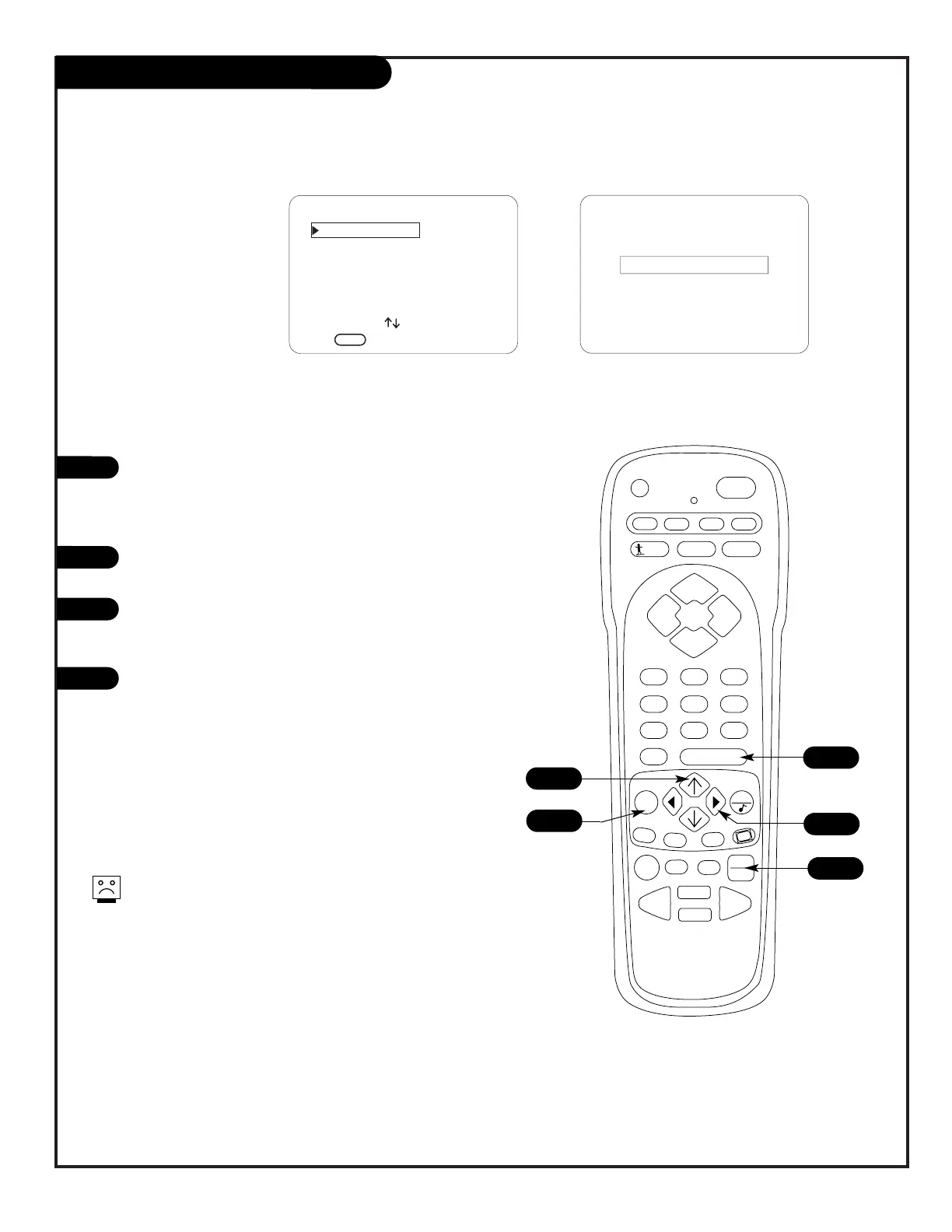
Press TV/VCR SOURCE on the remote repeatedly to cycle
through the available sources.
Note: See page 26 for source connection priorities.
Source Selection using Source Menu
Press MENU on the remote repeatedly until the Source
menu appears.
Use the Up/Down arrow on the remote control, to select
a new source for the picture and sound that you want to
to appear on your screen.
Press ENTER on the remote, to change to the new
source, press ENTER again to remove menu and return
to TV viewing.
1
2
3
3
A
Selecting Viewing Sources Using
Onscreen Menus
Selecting Viewing Sources Pressing
TV/VCR Source Key on Remote
A
Menu Operation/Front Control Panel
The menus can also be operated by using the TV front
control panel buttons. See page 22 for menu operation
instructions.
If you need to key-in numbers, use the remote control.
If you are unable to select connected sources, see the
troubleshooting pages.




 To Next Page