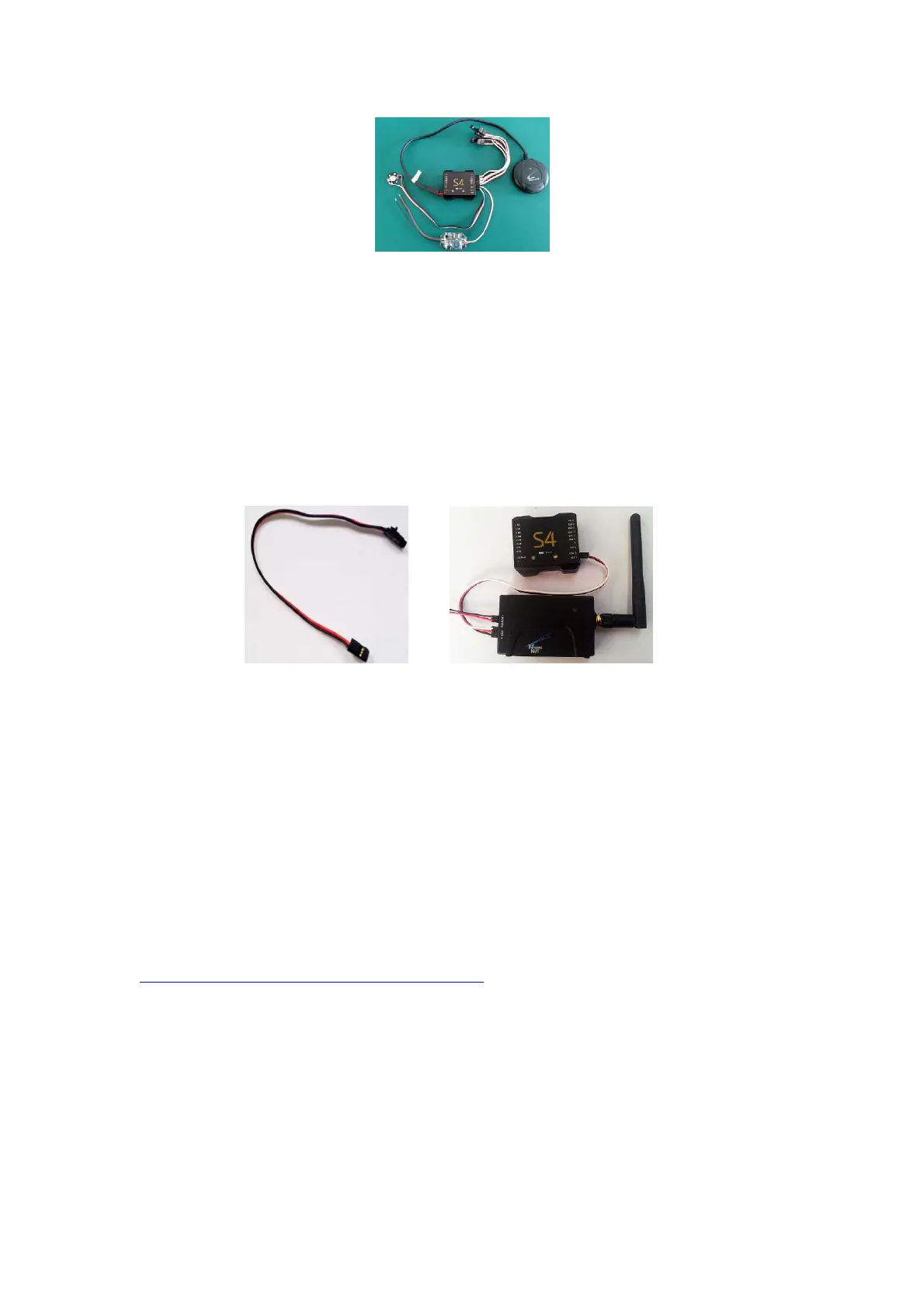
YS-S4 Multi-rotor Autopilot User Manual V1.4
9
Thereceivershouldbeconnectedasfollows:theWHITEwire(signal)isup,theREDwire(positive)isinthe
middle,andtheBLACKwire(ground)isatthebottom.TheESCwiresshouldbeconnectedinthesamewaybut
NB:IfyourESCshaveaBEC(supplyvoltage
viaabatteryequivalencecircuit)thenyoumustremovetheredwire
fromeach.IfyouarenotsureabouttheBEC,removetheredwireanyway!
5)ConnecttheWI‐FIModule(extendedconnection)
TheWI‐FIdatacableisa3‐corecable,connecttheendwhichhas
thelocktotheWI‐FImoduleandconnectthe
otherendtotheCOMinterfaceontheYS‐S4(whitewireisup,redisinthemiddle,blackisbelow).TheWI‐FI
moduleshouldbepoweredsep arately;powersupplyrangeis3s‐6sLipo.
6. ConfigurationbeforeFlying
6.1
InstallPhoneGroundControlSoftware(GCS)
TousethePhoneGCS,youmustpurchasetheoptionalWI‐FImodule.Downloadthe“Phone‐GCS
Software‐YSS4V2”fromourofficialwebsite
http://www.zerouav.com/en/service/Download/Software/
TheAppmustbeinstalledtotheMobile‐phonememorycard.Itcanbeinstalledautomaticallybyselecting
INSTALLontheAPKfileonceinthefilemanager.


 To Next Page