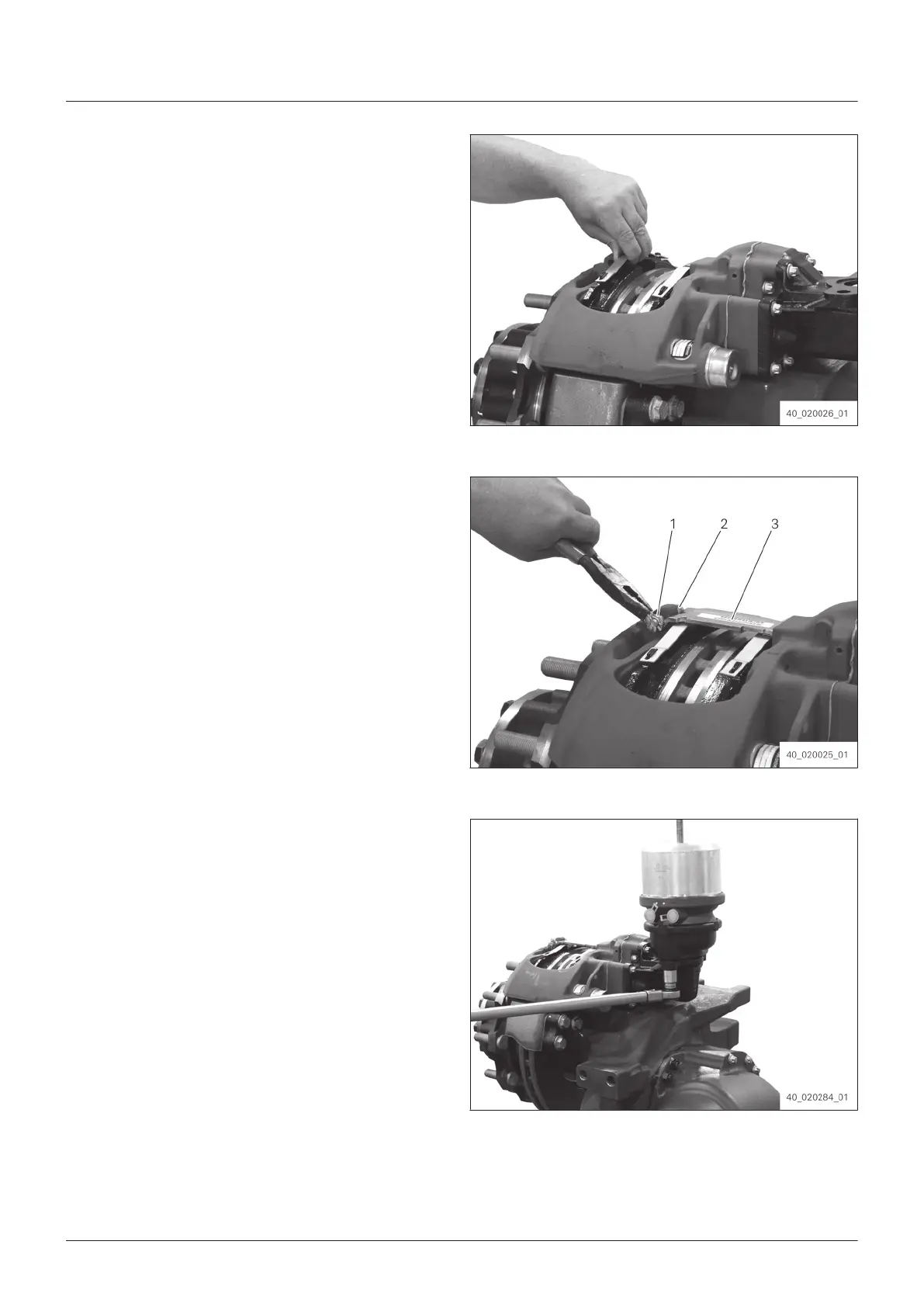
4. Insert brake lining set into the brake caliper.
Fig. 264
5. Attach lining bracket (3) into the brake.
6.
Press lining bracket (3) downwards and push
pin (2) into the opposite driving direction into
the hole on the brake caliper.
7. Push disk (1) onto pin (2).
8. Fix pin (2) with spring split pin.
Fig. 265
9. Mount brake cylinder with the connections
sho
wing backwards to the brake caliper.
10. Fix brake cylinder with new locknuts.
Tightening torque: 195 Nm (±15 Nm)
Fig. 266
Assembly
128
EN 4472.751.001 - 2015-11



 To Next Page