SW3
GIGABIT/FAST ETHERNET SWITCH TYPE SW3 (DIN) 39/122
USER GUIDE - M0SW3D1905Iv04 - V04 May 2019
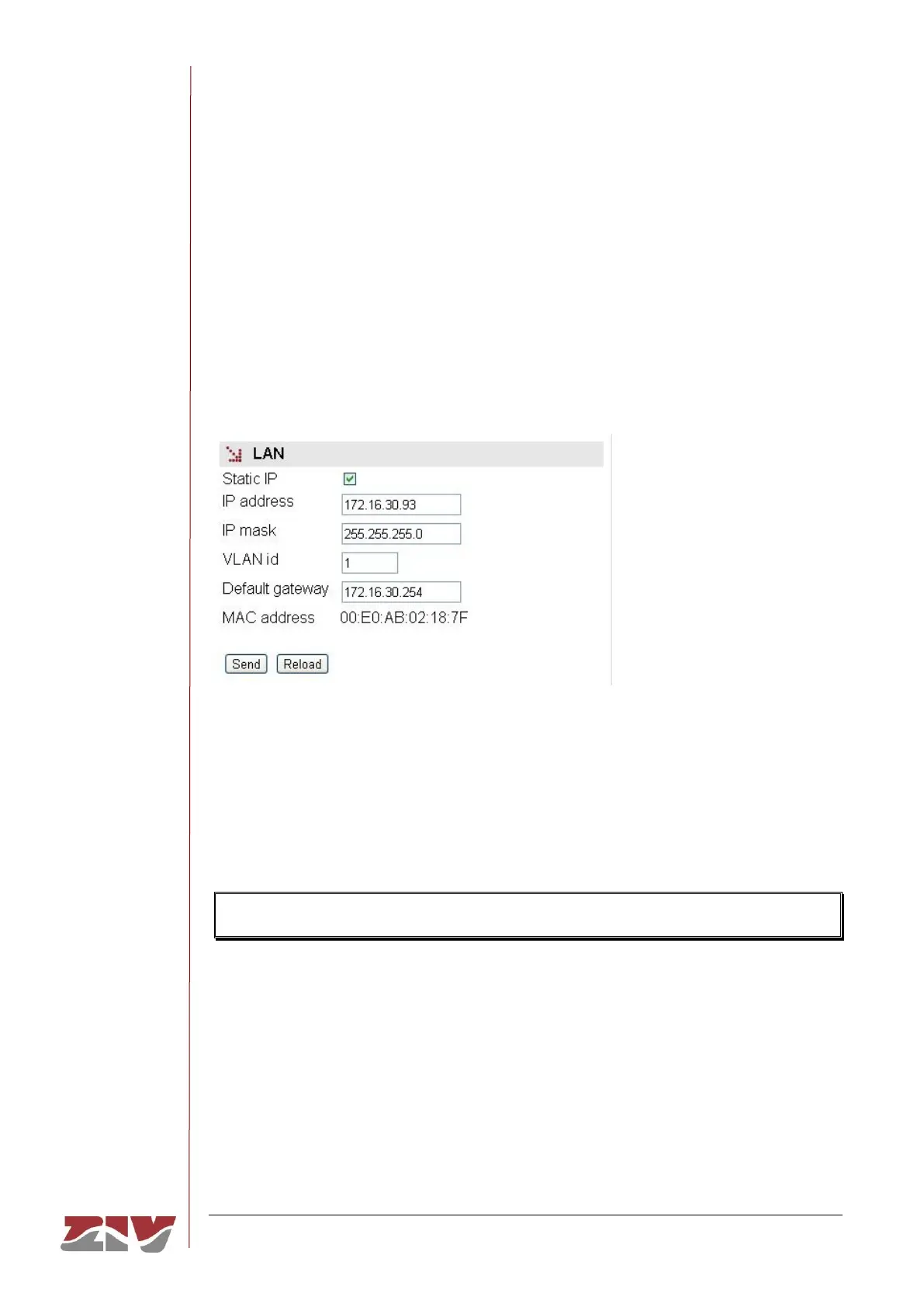
• IP address. It sets the switch IP address.
• IP mask. It sets the mask associated with the switch IP address.
• VLAN id. VLAN numeric identifier. When configuring multiple VLANs, this parameter
specifies where the equipment will be accessed for management. It is configured
with the value 1 by default, that is, management will be accessed from the interfaces
assigned to the vlan1.
• Default gateway. This sets the default router IP address (Default Gateway).
• MAC address. It shows the own Ethernet MAC address of the switch.
FIGURE 21 LAN menu configuration page
5.4 ETHERNET PORTS CONFIGURATION
The Ports menu permits the configuration of the operating parameters of the Gigabit/Fast
Ethernet ports of the equipment, and the assigning of each port to the VLANs defined in the
equipment (see section 5.5).
The switch also features running as a switch PVLAN (RFC 5517), see section 5.5.
The page related to the Ports menu has two well differentiated sections, which are
described below.
Ports:
• #. It identifies the port number, and it coincides with the equipment connector
number. Ports 9 and 10 are always associated with the SFP ports.
• Enable. This permits a port to be enabled or disabled, by ticking or not ticking the
respective Enable box.



 To Next Page