SW3
GIGABIT/FAST ETHERNET SWITCH TYPE SW3 (DIN) 80/122
USER GUIDE - M0SW3D1905Iv04 - V04 May 2019
5.19.2 Download (from the equipment to the PC)
With this option the user obtains a local copy of the operating configuration in .txt format or
.xml format.
The procedure for downloading this file depends on both the HTTP browser and the actions
to perform with the received file (for example, where to store it).
5.20 EVENT FILES
With this option, the user can download different log files in txt format.
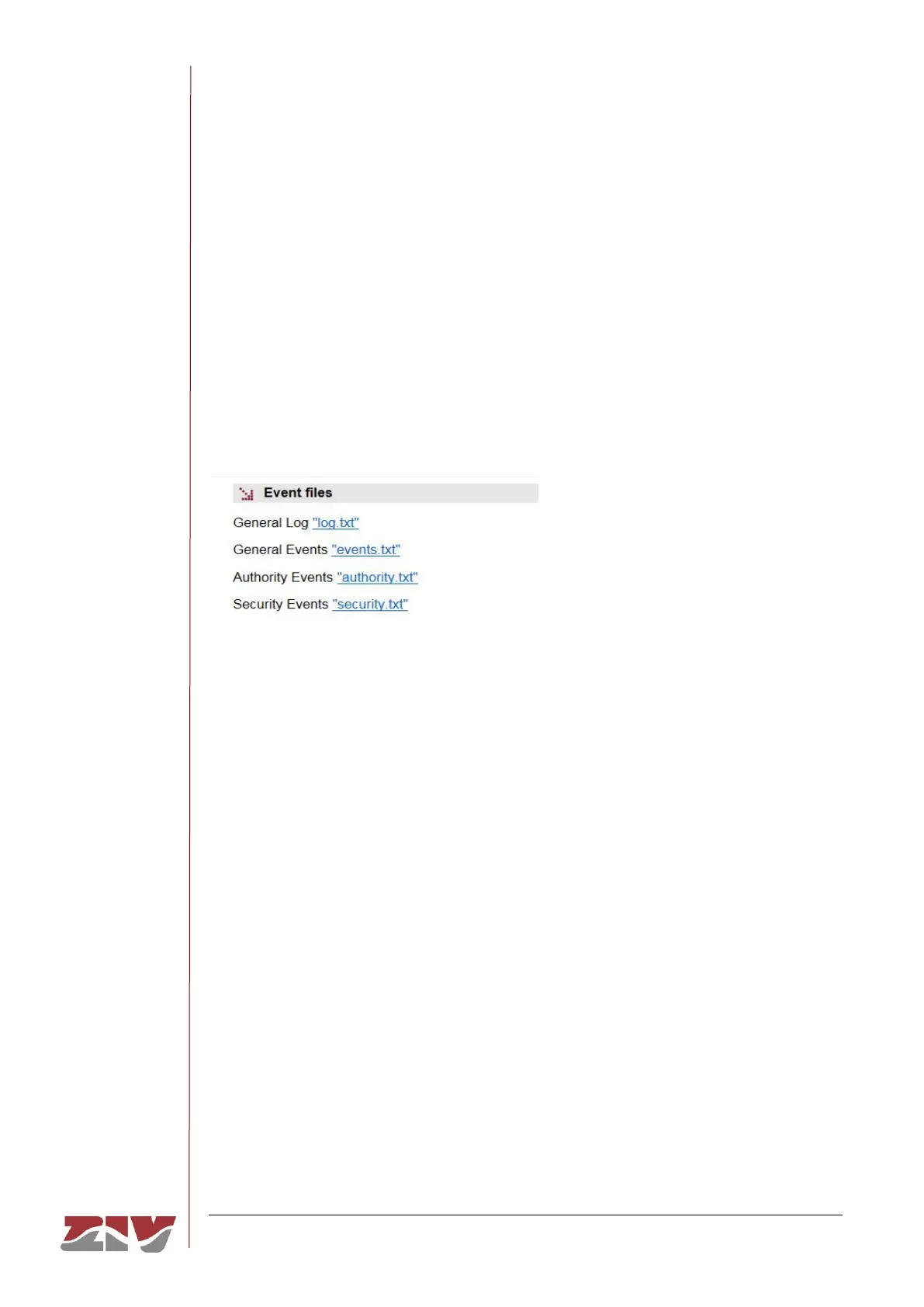
FIGURE 48 Event Files configuration page
The total event log (General Log “log.txt”), the most relevant event log (General Events
“events.txt”), the authentication event log (Authority Events “authority.txt”) and the security
event log (Security Events “security.txt”) are available. The latter is only accesible for Admin
users.
As in the case of the downloading of the configuration of the equipment, the procedure for
obtaining the file will depend on the HTTP browser used by the user, as well as the actions
that must be performed with the received file (for example, where to store it, etc).



 To Next Page