SW3
GIGABIT/FAST ETHERNET SWITCH TYPE SW3 (DIN) 60/122
USER GUIDE - M0SW3D1905Iv04 - V04 May 2019
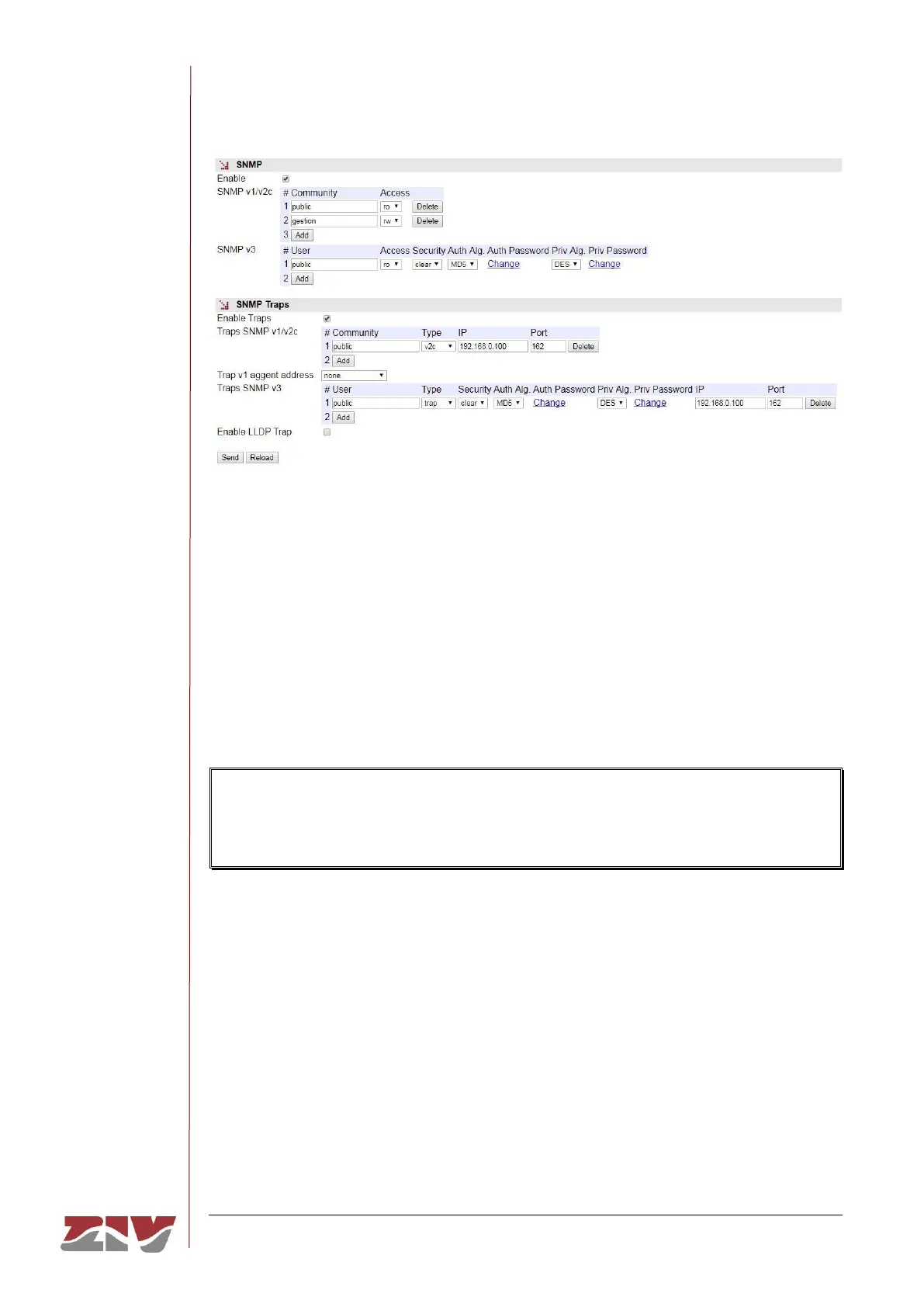
FIGURE 32 SNMP menu configuration page
5.11 STP PROTOCOL CONFIGURATION
The Spanning Tree Protocol, in both its original version (STP) and the improved version
(RSTP) has the objective of identifying potential loops in level 2 networks, so that the
different devices can communicate with each other and set whether the different interfaces
in each will be active for switching client traffic, or on the contrary, whether they will be used
as backups in case of potential topological changes. The final result is that the active
interfaces of each device end up forming a tree structure with no loops from the root device.
If the device is to be included in a level 2 network interconnected to other switching
devices and there is a possibility of loops being created (depending on the connection
topology), it is ESSENTIAL to activate the Spanning Tree Protocol.
The specific device configuration parameters are:
• Enable. A simple CheckBox parameter to set whether the STP must be executed or
not.
• Version. This sets which of the possible protocol versions will be executed. STP or
RSTP (Rapid STP).
• Bridge Priority. This sets the priority of the device communicating with the root
device.



 To Next Page