SW3
GIGABIT/FAST ETHERNET SWITCH TYPE SW3 (DIN) 78/122
USER GUIDE - M0SW3D1905Iv04 - V04 May 2019
5.17 REBOOT
The equipment can be rebooted by running the Reboot command, through the console or
through the HTML pages. The command is available only for the administrator profile.
5.18 CODE REFLASH
The equipment admits the updating of applicative software by running the Reflash
command, which is only available in the HTML pages and for the administrator profile.
The code reflash process does not alter the configuration data, unless this is expressly
indicated. Nevertheless, once terminated, it entails a momentary loss of service due to
the automatic rebooting of the unit.
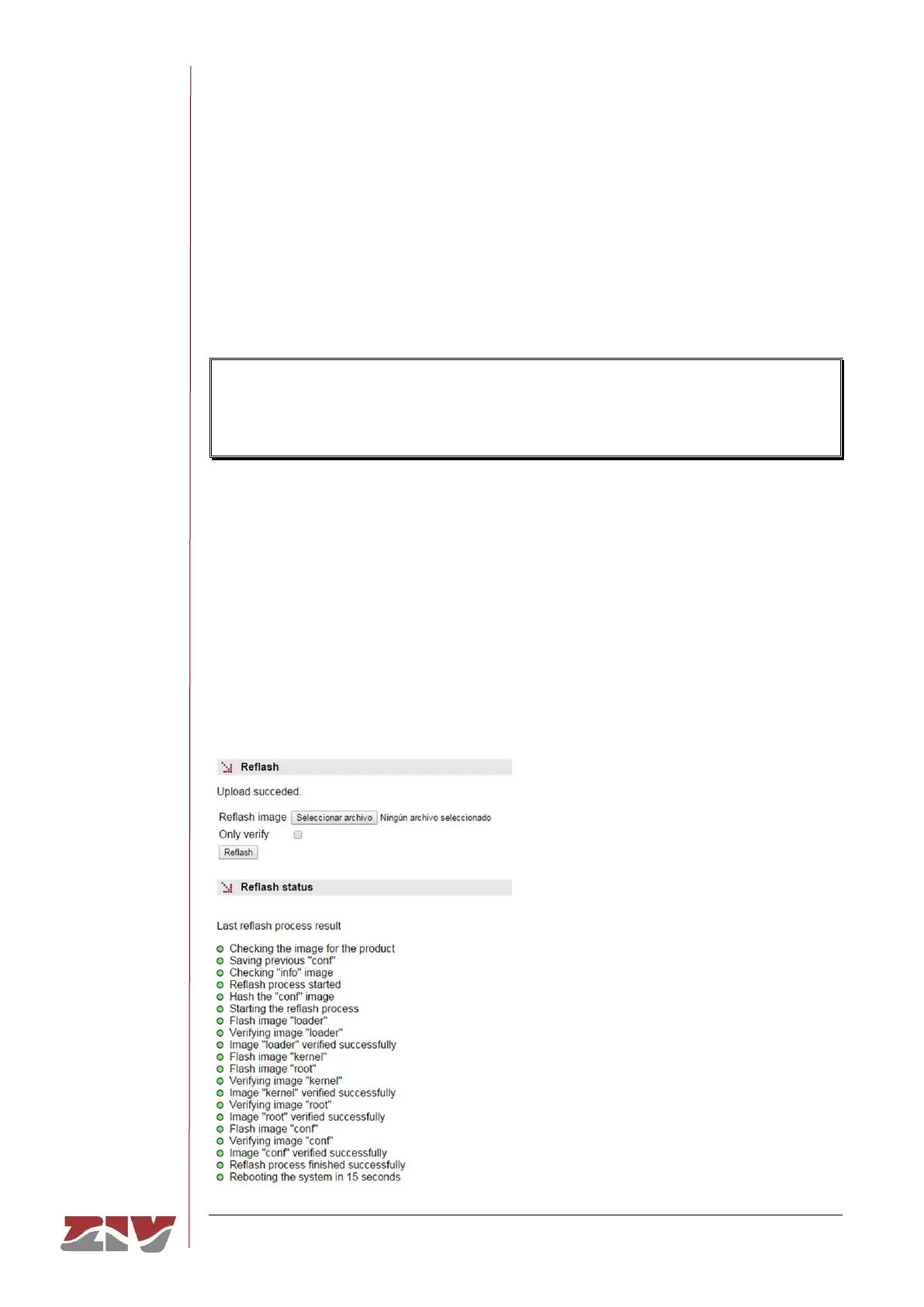
A binary image is necessary, which can be selected by pressing the button Examine.
After having selected the image, the update is executed by pressing Reflash. The process
usually takes about 5 minutes, during which time the results of the different steps are
displayed in the HTML browser window, but depending on the browser, it is possible that
only the result at the end of the process is shown.
The Only verify option allows users to check that the code saved is coincident with the
binary image selected without affecting the installed image.
FIGURE 46 Reflash configuration page



 To Next Page