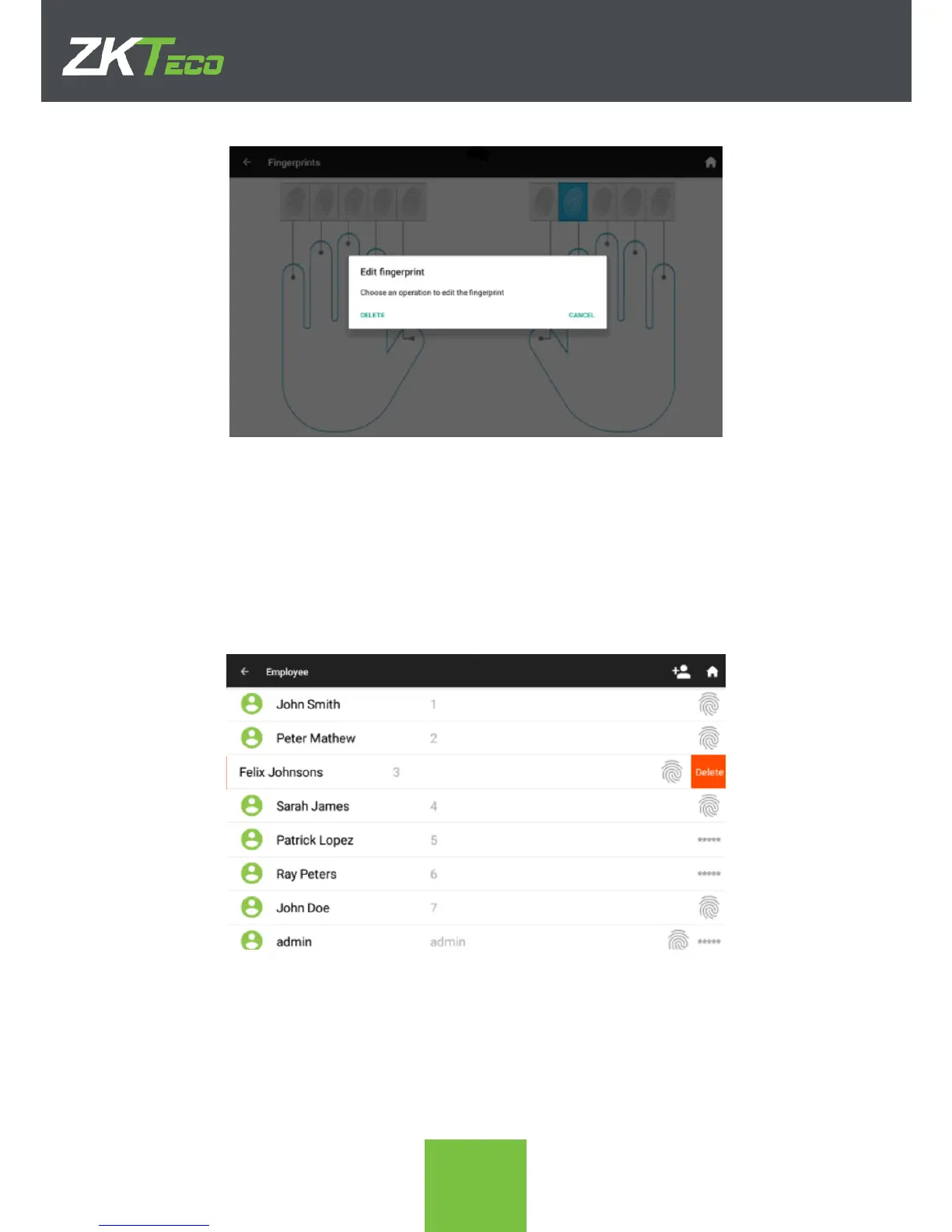
4. Remember to SAVE after doing all the edits needed. If the upper left arrow is
clicked the changes will NOT be saved.
3.3. Delete a registered employee.
When an Employee is dismissed, it is possible to delete the registry in the device. Be
careful doing this as any of the T&A records of this employee will also be deleted. The
process to delete an existing employee is the following.
1. On the Employees screen, swipe left the employee that needs to be deleted. A red
Delete icon will show on the right of the screen.
2. Click on the Delete icon to delete the employee. A confirmation message will
appear for safety.



 To Next Page