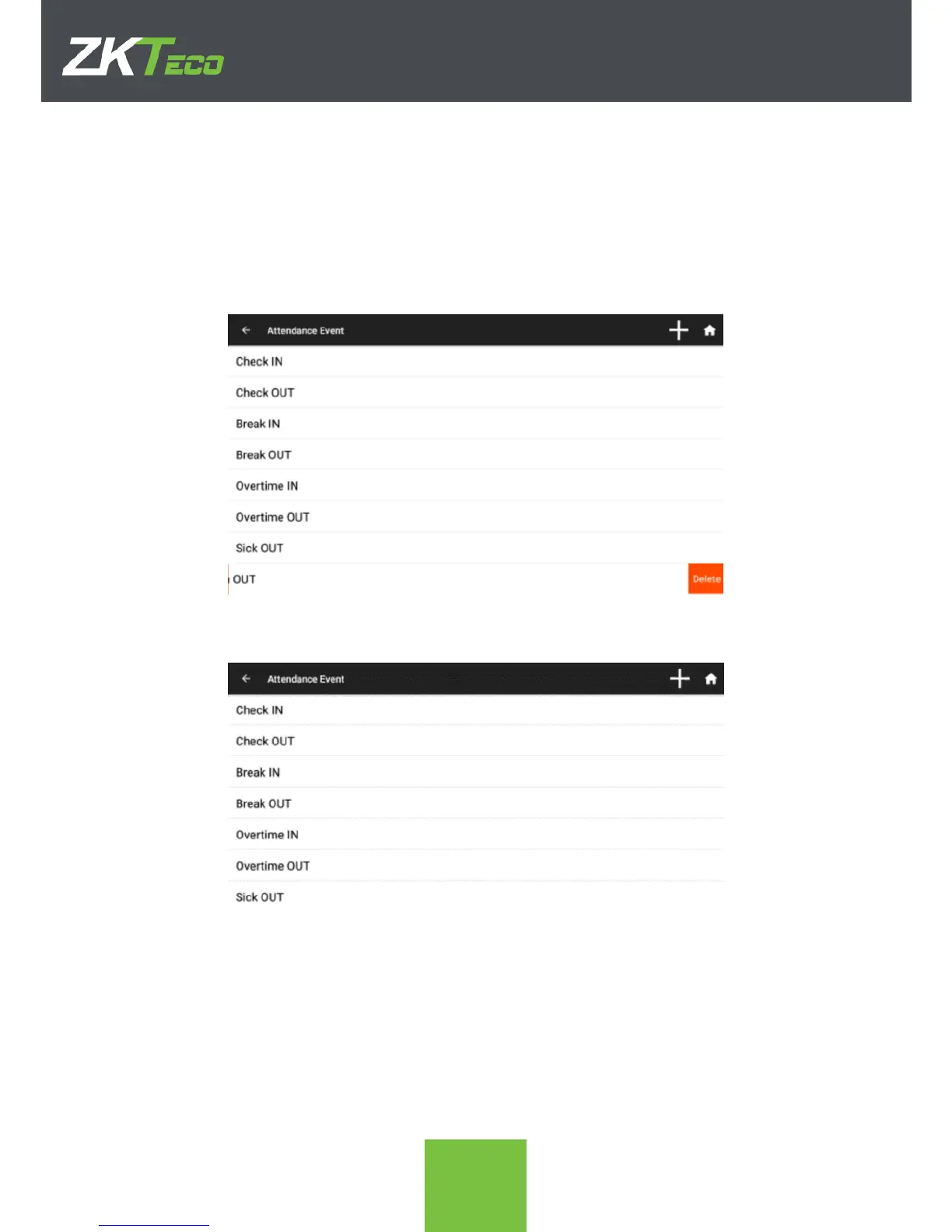
6.3. Delete an Attendance Event
Basic attendance events that come by default with the device can NOT be deleted, but
user-generated ones can, the process is as follows.
1. In the Attendance events app, swipe left the event that needs to be deleted. A red
Delete icon will appear in order to delete the event.
2. After clicking Delete and confirming the event list will be updated without the
deleted event.



 To Next Page