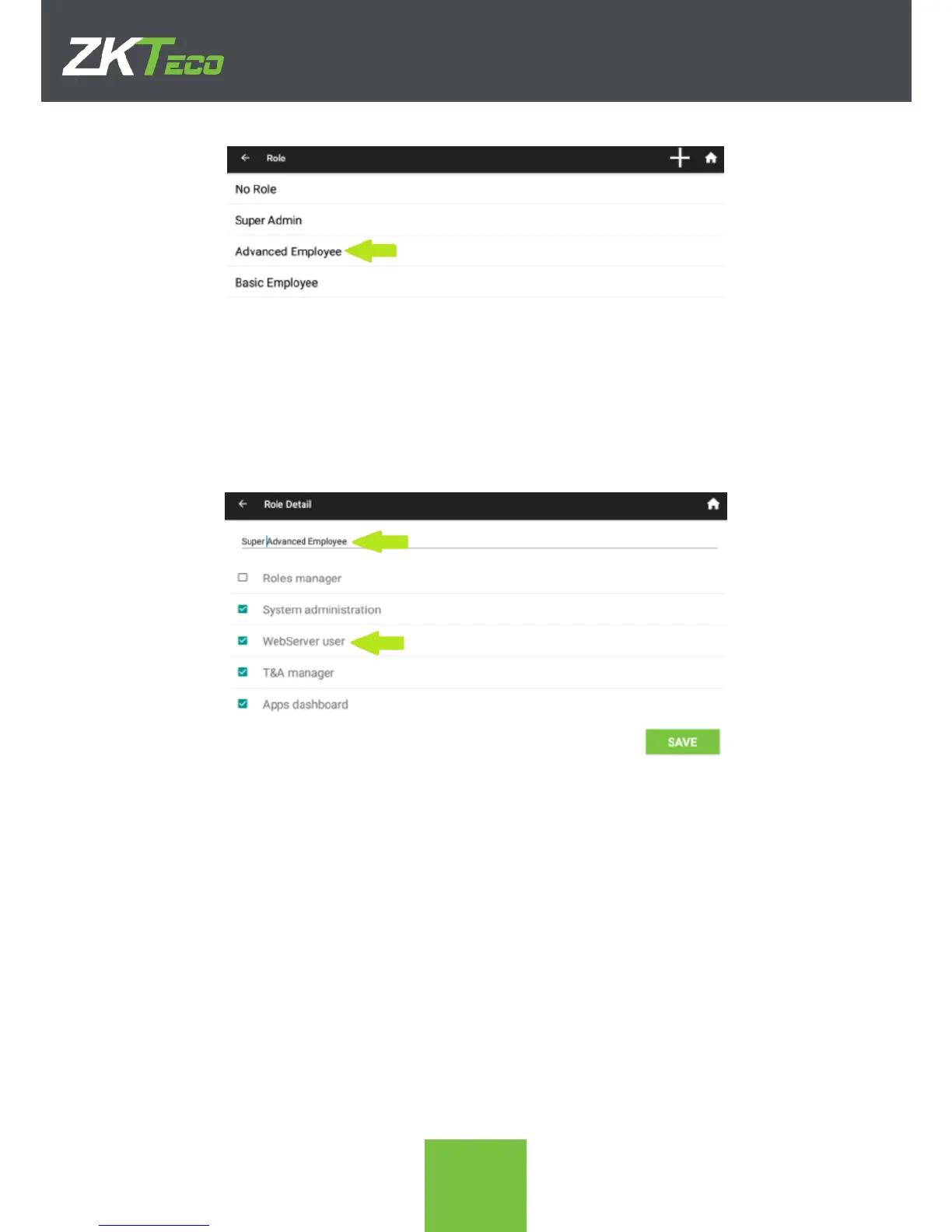
2. The name or the permissions of the role can be edited. In the following screenshot
both are going to be edited. Click SAVE when done.
7.3. Deleting an Existing Role
The process for deleting a user-made role is as follows. Warning: The deletion of a role that
is assigned to an employee will set the employee role-less. This is important because if
there are no employees assigned to the Super Admin role, all restrictions in the apps will
NOT be enforced anymore.
1. In the Roles app, swipe left the role that needs to be deleted. A red Delete icon will
appear on screen.



 To Next Page