setting to select the correct date format for the location where the device is
installed.
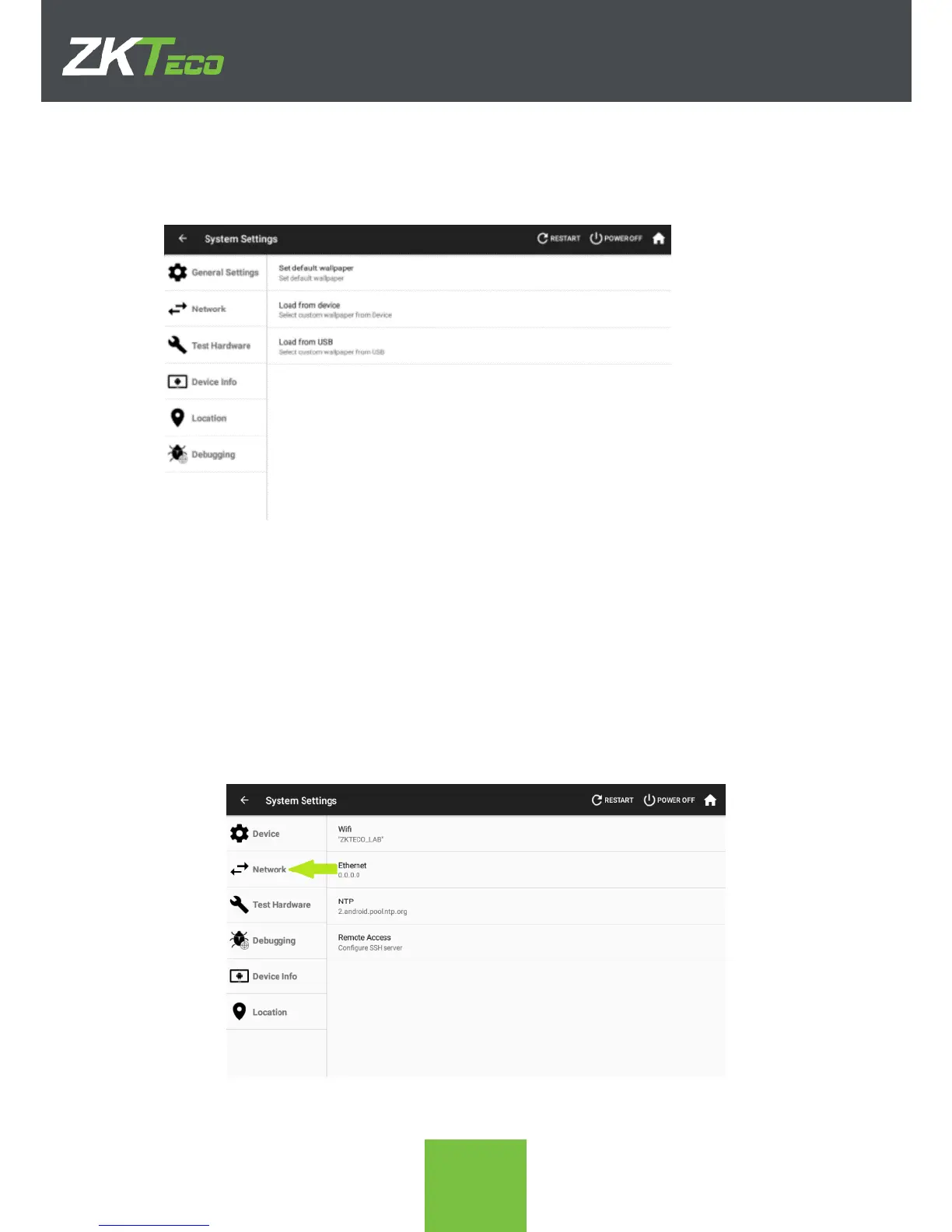
3. Custom Wallpapers. The wallpaper is the background image of the desktop
3.1. Set default wallpaper. Cancels back any wallpaper change that had been done
3.2. Load from device. Set a wallpaper image from the images present in the device.
3.3. Load from USB. Set a wallpaper image from the images present in a connected
USB-drive.
9.2. Network
The device can be connected to the network through a wired Ethernet connection or Wi-Fi.
In order to select either one or the other connection type, click on Network on the System
Settings app, marked with a green arrow on the following screenshot.
From here we can select whereas a wired ethernet connection will be used or Wi-Fi by
clicking on Ethernet or Wifi



 To Next Page