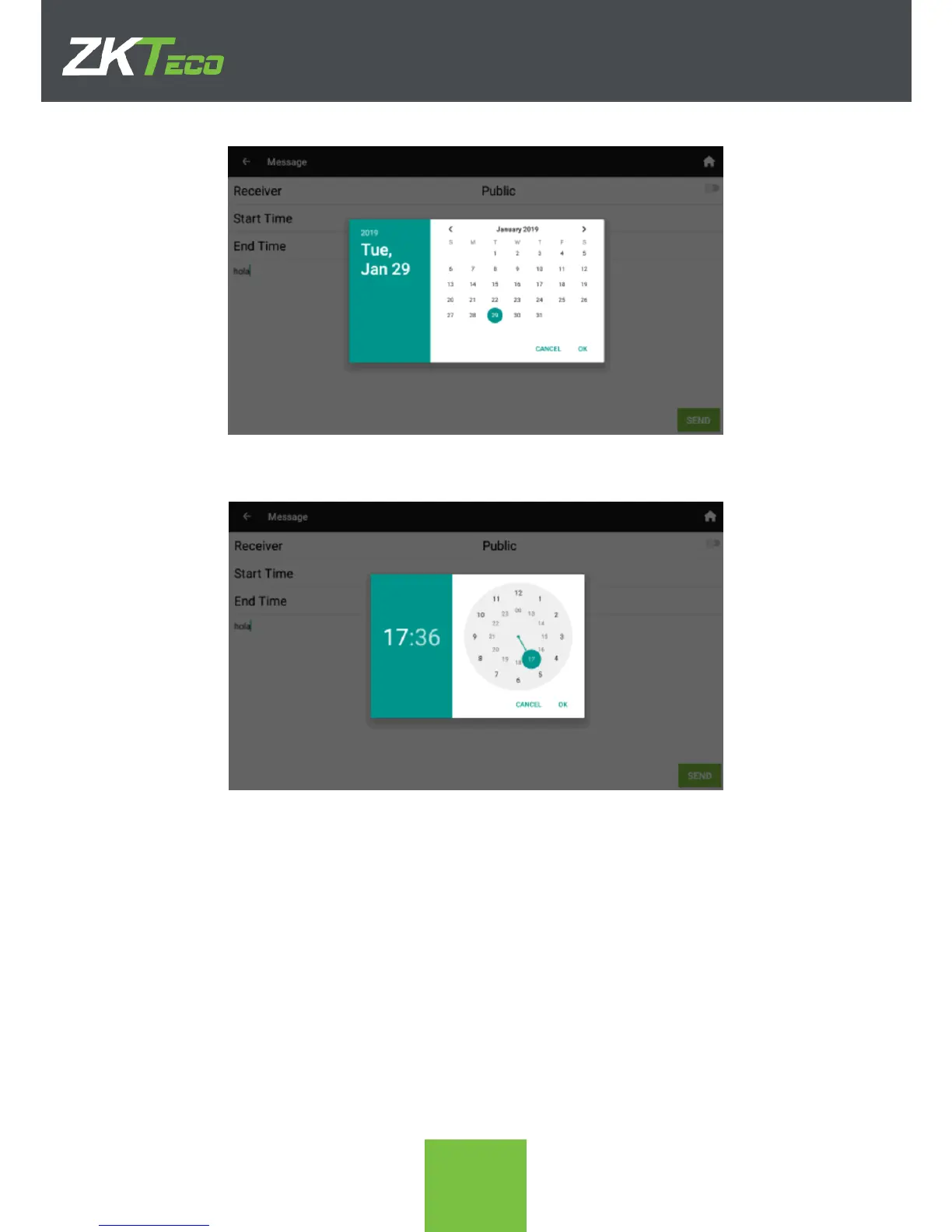
5. After clicking OK, the time is asked.
6. Once time has also been selected in both start and end times we have all the details
needed. Click SEND to save the message and to display it when the time comes.
5.2. Message Display
In the following screenshot we have a public message “Welcome” and an employee-
specific message “Sales Review 15:30”



 To Next Page