If the Web Server is activated, it is possible to access the device from the same local area
network with a standard internet browser. From the Web Server all Employee, Events and
Messages can be managed, along with Reporting Options (View the BioTime Web User
Manual for more information on the subject). The device shows the address needed in
order to access the webserver when the Enable Web Server option is set to ON.
8.5. Relay Settings
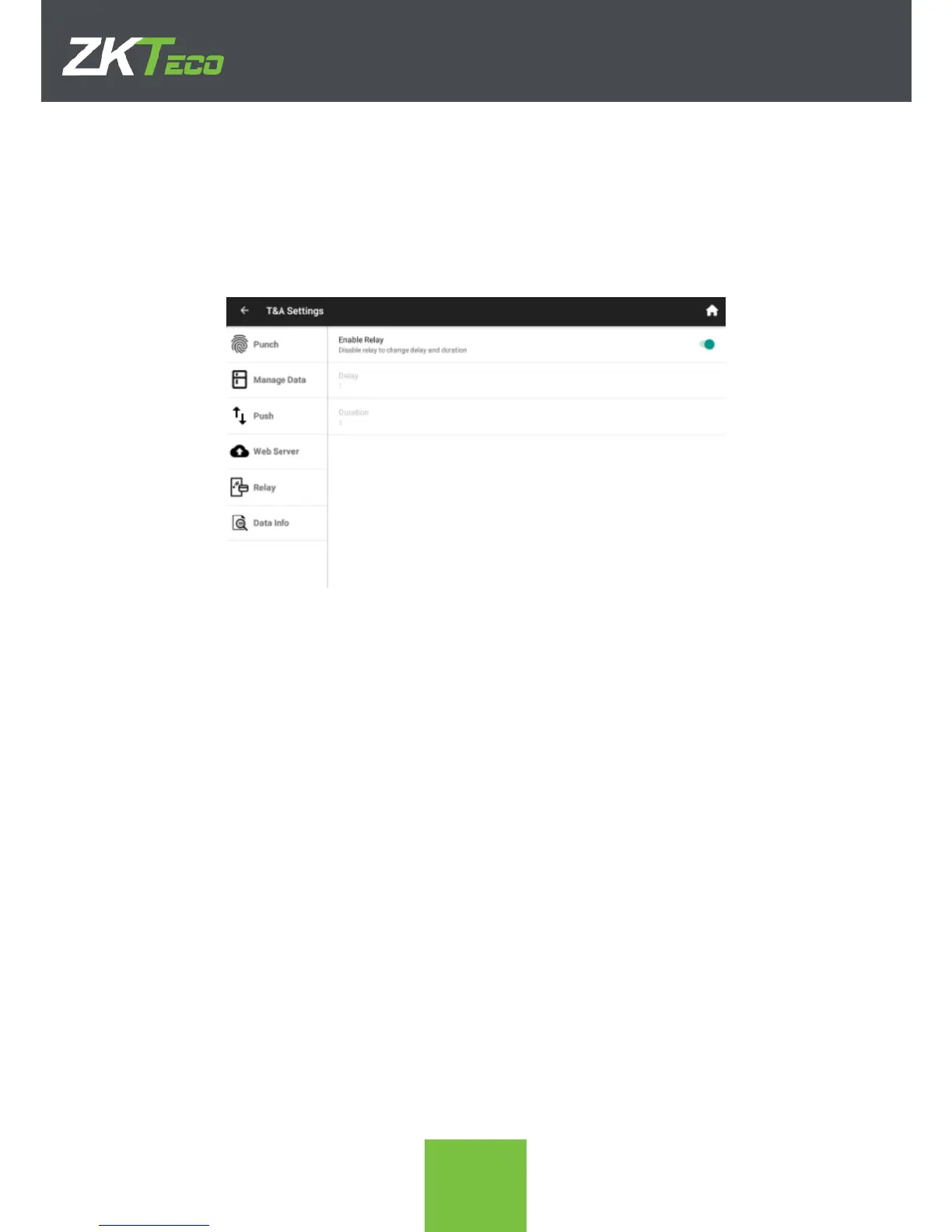
The ZPAD+ device integrates a relay that can be used for access control among other
functionalities. The behavior of the relay is configured in this section.
1. Enable Relay. When the relay is enabled, on each punch the relay will be activated
according to the setting of the following configuration aspects.
2. Delay. Seconds delay from the punching to the relay activation
3. Duration. Seconds during the relay will be activated.



 To Next Page