Please refer to Resetting the Router to the Default Configuration on page 10 or The
Reset to Default Dialog on page 58 for more information in the unlikely event that you
need to restore the router's default settings.
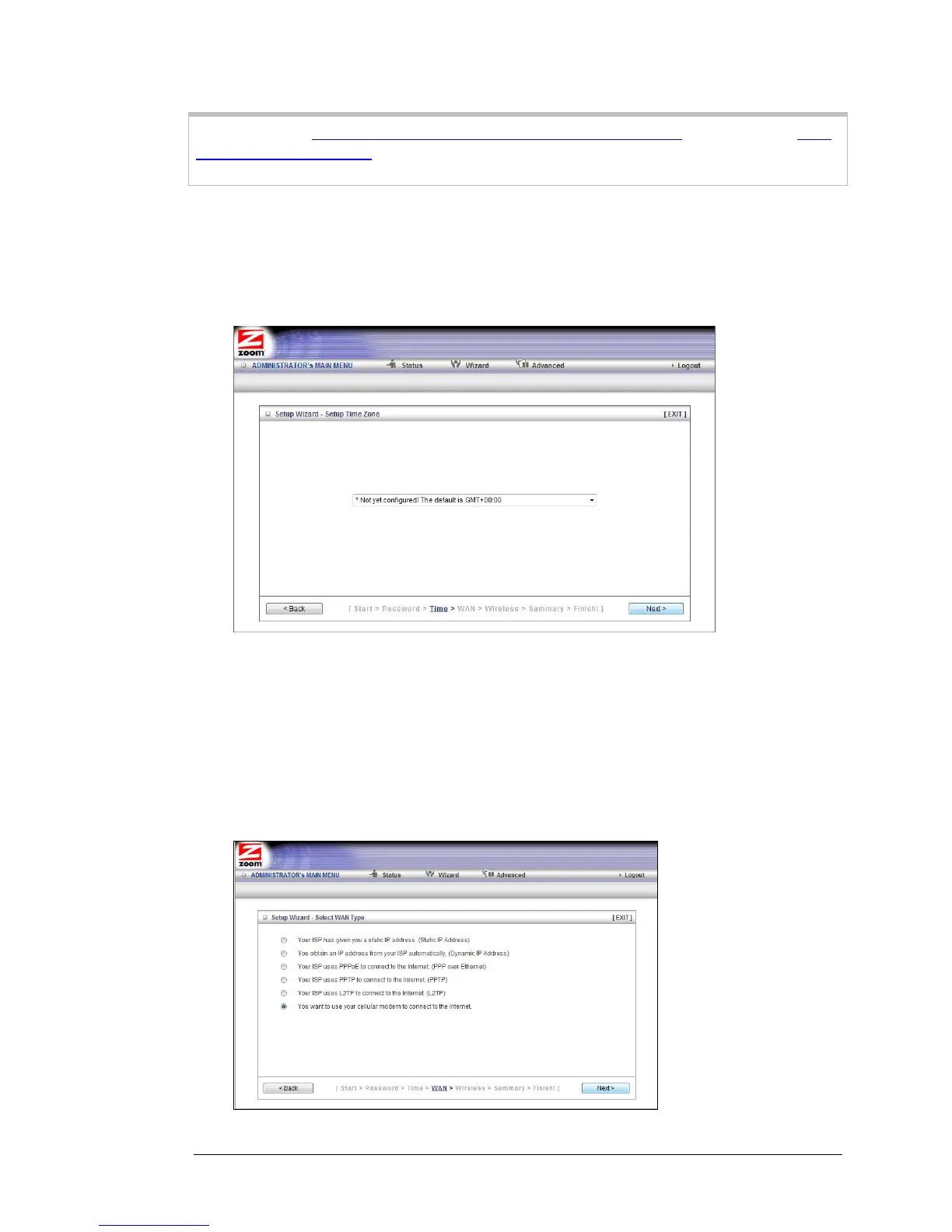
Step 2. Setup Time Zone
The Time Zone setting is not configured initially. You can set it to your current locale
and change it later, as needed, if you are traveling across time zones.
To set the time zone, select the time zone that applies to your locale from the
dropdown menu, then click Next.
Step 3. WAN Type Setup
The WAN Type refers to the protocol used by your Internet Service Provider in
establishing your Internet connection. By default, WAN Type is set to your Mobile
Broadband USB modem, a wireless cellular connection.
14 Travel Router with Wireless-N User Manual



 To Next Page