• LAN IP Address
This is the LAN IP Address of your router. Devices behind your router use
this address as their default gateway. Most users will not need to change
this address.
• APN
This is the Access Point Name (APN) assigned by your service provider, if
needed.
• PIN
This is the Personal Identification Number (PIN) code assigned by your
service provider, if needed.
• Dialed Number
This number is assigned by your service provider, if needed.
• Account
This is the Account Name provided by your service provider, if needed.
• Password
This is the Password assigned by your service provider, if needed.
Go to
Step 4. Wireless Settings.
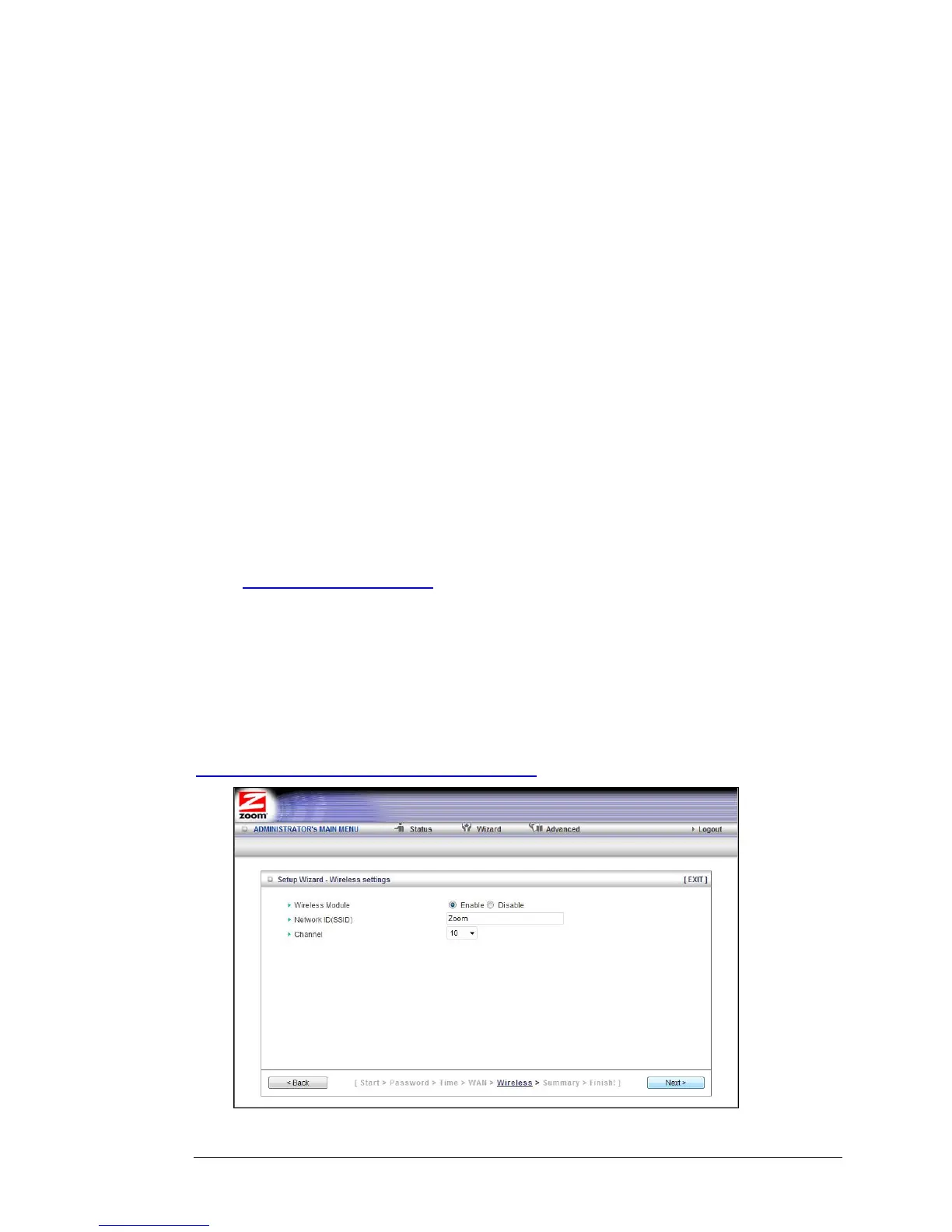
Step 4. Wireless Settings
The Wireless Settings page lets you configure the wireless settings for your Travel
Router and devices. If you are happy to have no wireless security, click Next to go to
Step 5. If all of your network's wireless devices are capable of WPS security setup
and you want to use WPS, please go to Steps 5 and 6, then exit the Wizard and go to
Chapter 3: Wireless and Wireless Security on page 27. Otherwise, continue below.
Chapter 2: Using the Configuration Manager 21



 To Next Page