• Wireless Module Accept the default, Enable. Click the Disable checkbox only if
you do not want wireless clients to access your network.
•
Network ID (SSID) refers to the Service Set Identifier for your device. By
default, the SSID for the Travel Router with Wireless-N is
Zoom. You can
change the SSID to a name of your choice. The SSID can be up to 32
alphanumeric characters. If you change the name, make sure that all
devices on your network use the new SSID as the access point.
•
Channel refers to the wireless network channel assigned to your LAN. By
default, the Travel Router uses channel 10.
TIP: Other wireless networks might be within range of your network. Your neighbors,
for instance, may be within range. If possible, there should be at least a five-channel
difference between your network and neighboring networks with strong signals.
Having less than a five-channel difference may result in interference with your
connection.
Wireless Security Settings
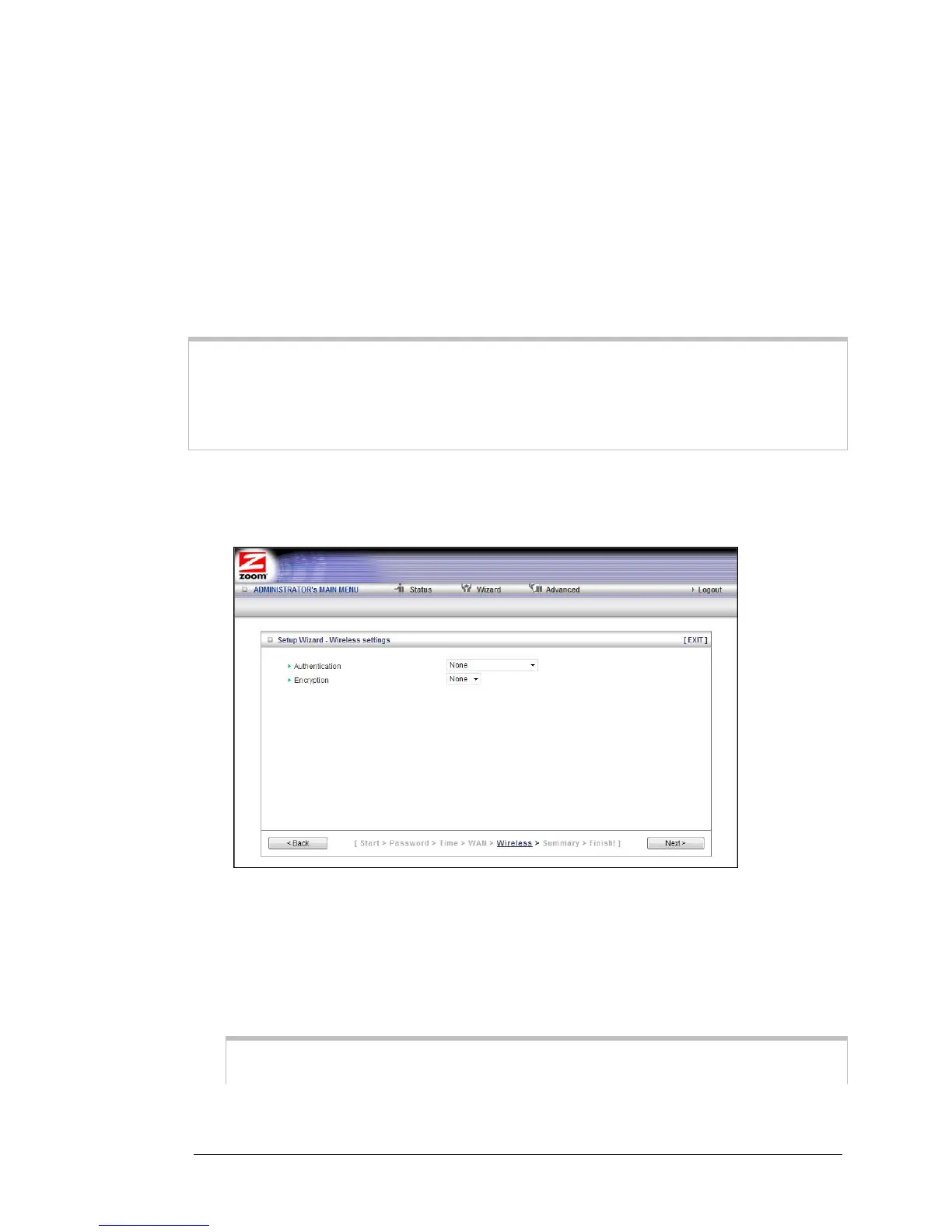
If you accepted the default to Enable the Wireless Module (on the Wireless Settings page
at Step 4), the following page opens when you click Next.
Configuring Authentication and Encryption
By default, Authentication and Encryption services are not configured. You can
configure both settings on the Wireless settings page.
1 To configure Authentication, select either Wired Equivalent Privacy (WEP) or
WiFi Protected Access-Pre-Shared Key (WPA-PSK/WPA2-PSK) from the
dropdown menu.
Important: Be aware that WEP is a basic authentication service and is not as
secure as WPA-PSK/WPA2-PSK. If you have devices on your wireless network that
22 Travel Router with Wireless-N User Manual



 To Next Page