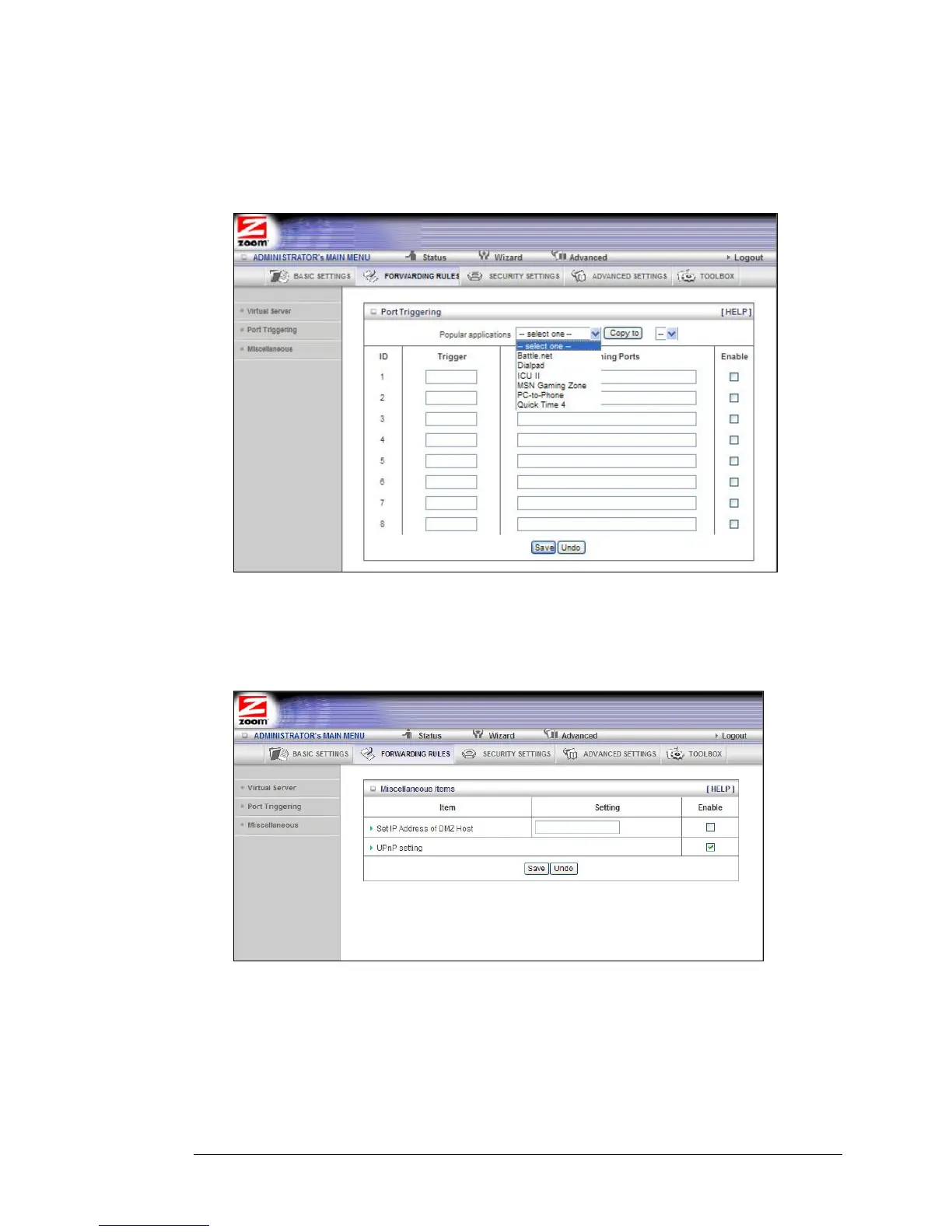
• Popular applications
Provides a menu of applications from which to choose.
• Select an application and click Copy to to add the application to your list.
• Click Save to store your selection or Undo to remove the entry.
The Miscellaneous Page
The Miscellaneous Page lets you set up and enable a DMZ Host on your network, and
enable UPnP settings for software and devices. In this way, specific ports can open for
incoming traffic that must pass through your firewall.
• Set IP Address of DMZ Host
A DMZ (Demilitarized Zone) Host is a host without the protection of the
firewall. It allows a computer or gaming system to be exposed to
unrestricted two-way communication for Internet games, video conferencing,
Internet telephony and other special applications. Use caution when using a
DMZ because your firewall no longer protects the computer that is set up as
a DMZ.
44 Travel Router with Wireless-N User Manual



 To Next Page