• URL
If any part of the Website's URL matches the pre-defined word, the
connection will be blocked. For example, you can use the pre-defined word,
sex, to block all websites those URLs contain the pre-defined word, sex.
• Enable
Click the checkbox to enable each rule.
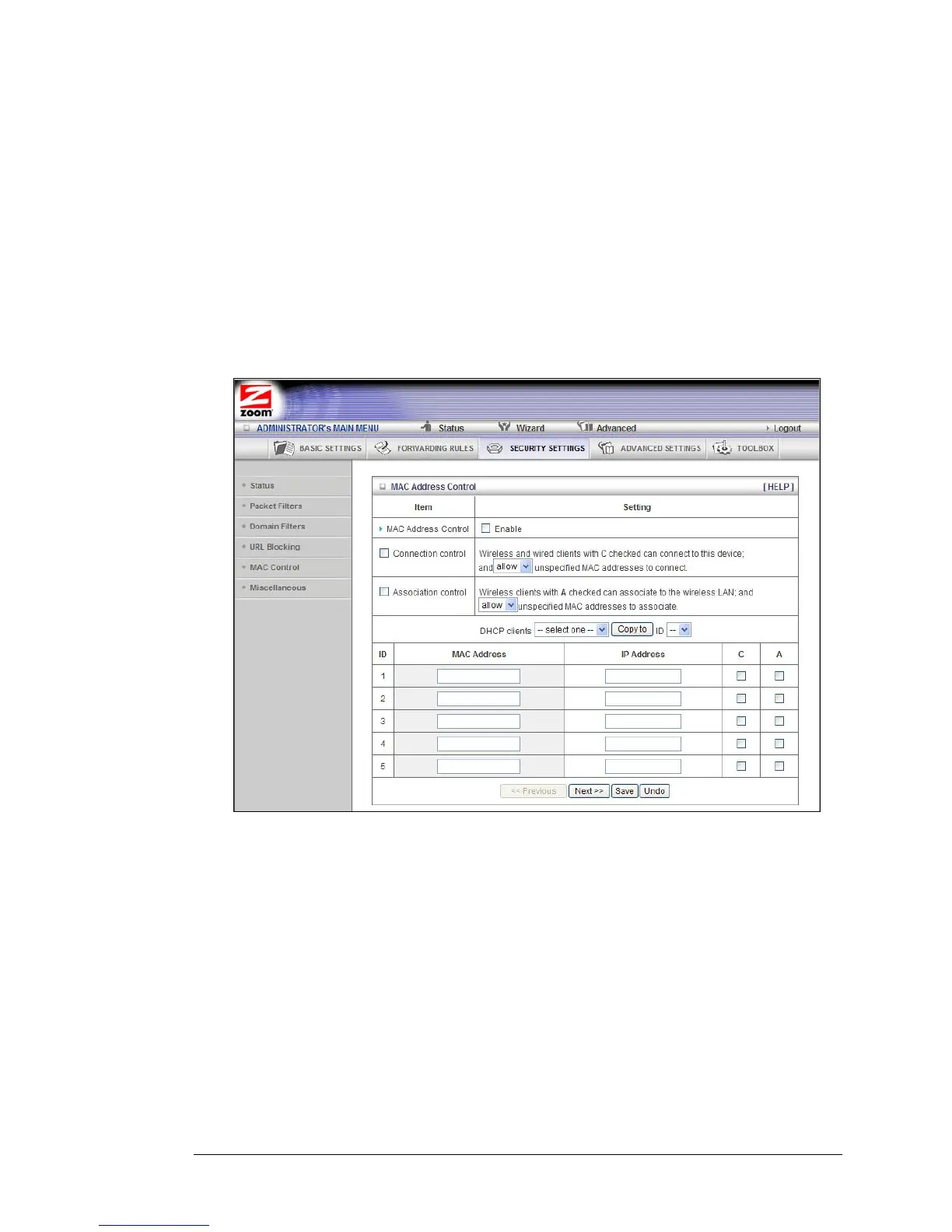
The MAC Address Control Page
You can use the MAC Address Control page to enable MAC Address control and to
define connection and association rights for clients whose using IP and MAC
addresses are specified.
• MAC Address Control
Check Enable to enable MAC Address Control. All of the settings on this page
will take effect only if Enable is checked.
• Connection control
Check Connection control to specify which wired and wireless clients can
connect to this device. If a client is denied a connection to this device, then
that client is also defined Internet access. Choose allow or deny to indicate
which clients can connect to this device.
48 Travel Router with Wireless-N User Manual



 To Next Page