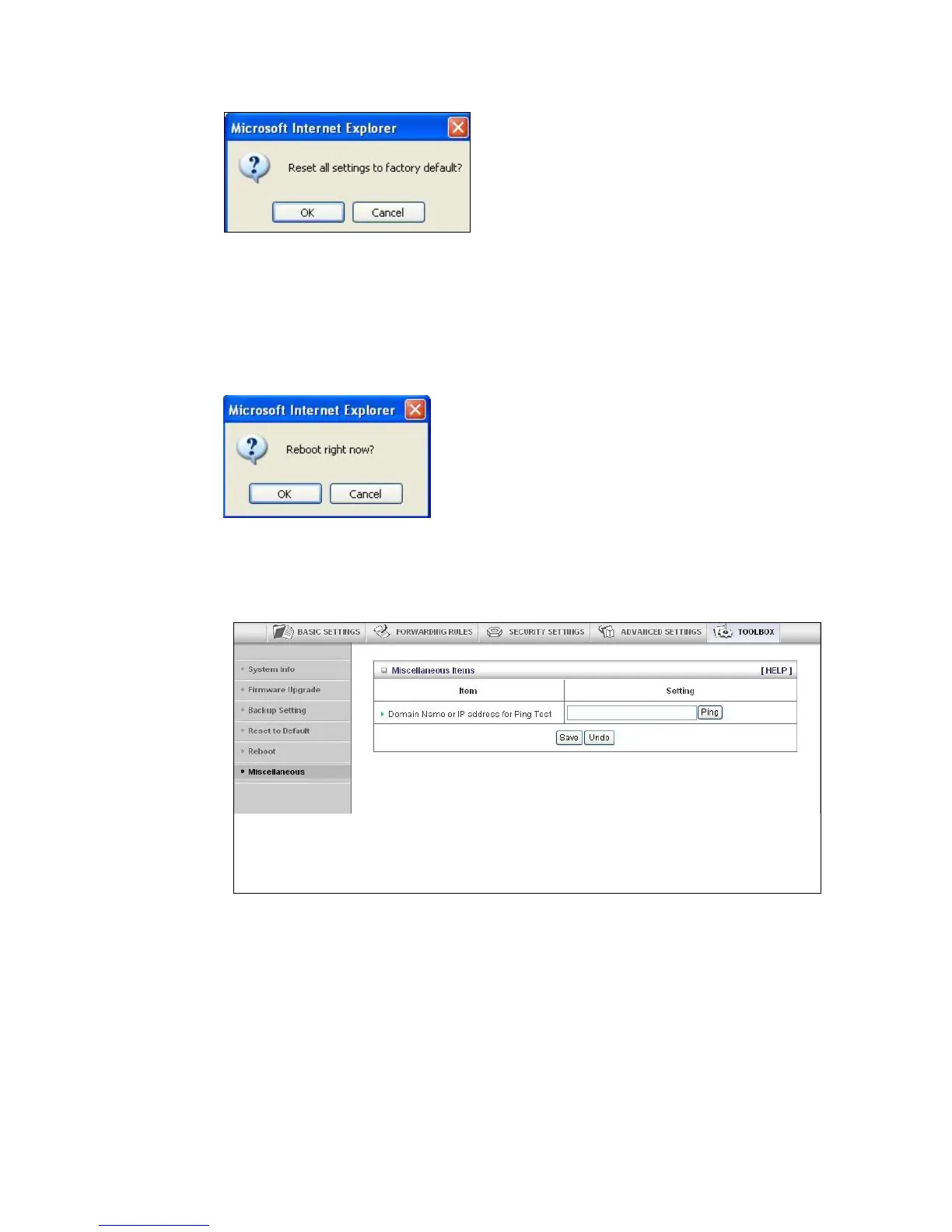
1 Click OK to reset the router.
We recommend that you back up and save your configuration first if you've made
changes and want a record of that configuration
The Reboot Dialog
You can reboot the router by clicking the Reboot item from the left pane of the Toolbox
menu. The following dialog opens.
1 Click OK to reboot the router.
The Miscellaneous Page
You can use this page to Ping a remote device on your network
59



 To Next Page