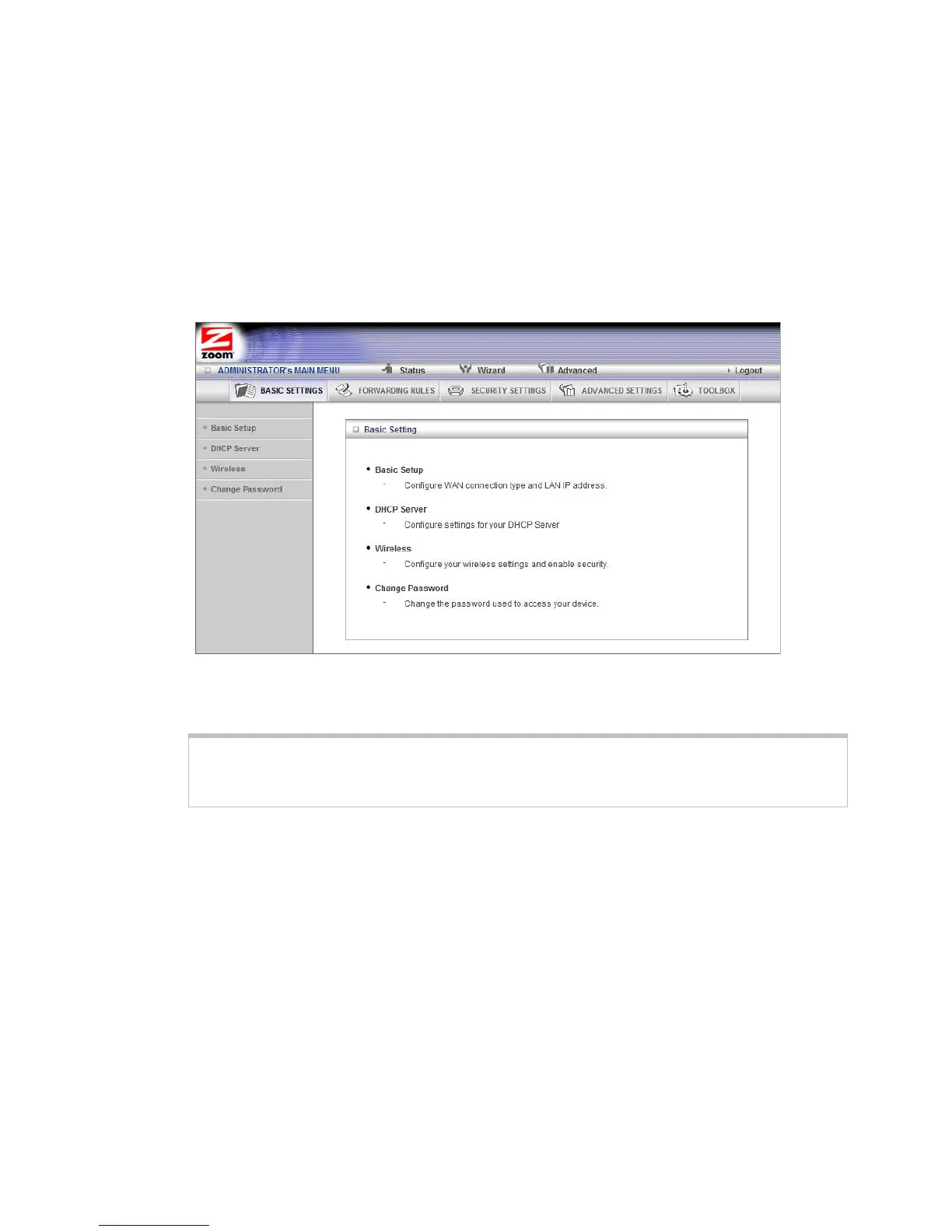
7 On the Basic Settings page, click one of the Toolbar buttons (Basic Settings,
Forwarding Rules, Security Settings, Advanced Settings, or Toolbox).
The corresponding window opens. Each window contains a description of
the configuration options at center and a configuration menu on the left
pane.
Configuring Basic Settings
The Basic Settings page lists the four configuration menus on the left pane and
provides a description of the configuration menus at center.
The Basic Setup Page
You can use the Basic Setup page to configure your LAN and WAN setup.
Note: The following image depicts the fields that the program displays when 3G is
selected as the WAN Type. The fields will differ for each WAN Type. See the online help
for a description of each WAN Type and its corresponding fields.
35



 To Next Page