• UPnP setting
This feature is enabled by default. Games and applications that are UPnP
compatible will automatically open ports for you on your router.
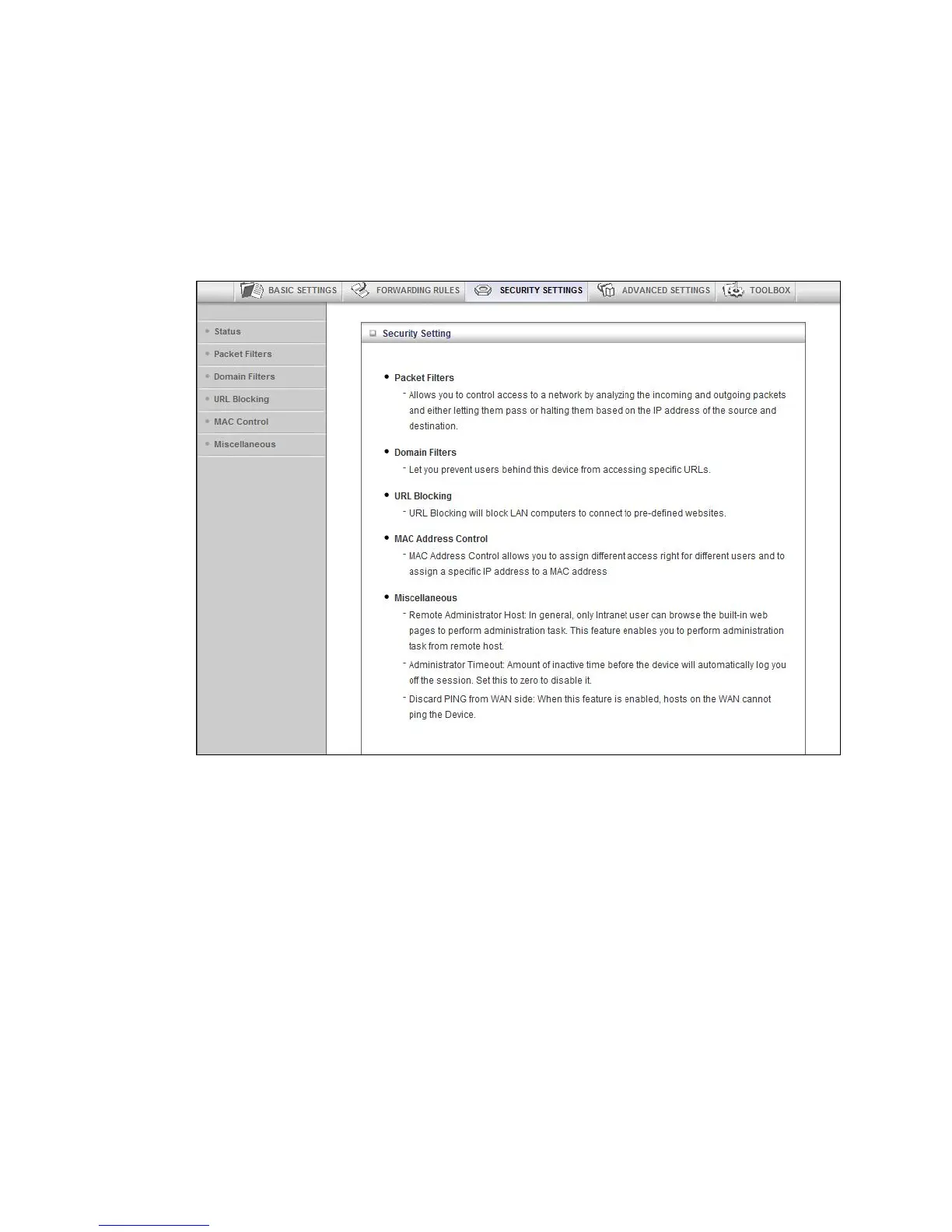
Configuring Security Settings
The Security Setting page lists six configuration menus on the left pane and provides a
description of the configuration menus at center.
The Status and Packet Filters Pages
You can use the Status page and the Packet Filters page to control which packets are
allowed or denied access. As shown on the Status page, Inbound, Outbound, and
Domain filters are disabled, by default.
45



 To Next Page