• Use Rule#
You can enable your virtual server for certain periods of time by assigning it
a Rule #. You must first set up the appropriate Scheduling Rule. See
The
Schedule Rule and Rule Setting Pages on page 55 for more information.
For example, if you have an FTP server (port 21) at 192.168.1.5, a Web server (port
80) at 192.168.1.6, and a game at 192.168.1.7, then you need, at minimum, to specify
the following mapping.
ID Service Port Server IP Enable
1 21 192.168.1.5 Yes
2 80 192.168.1.6 Yes
3 5000 192.168.1.7 Yes
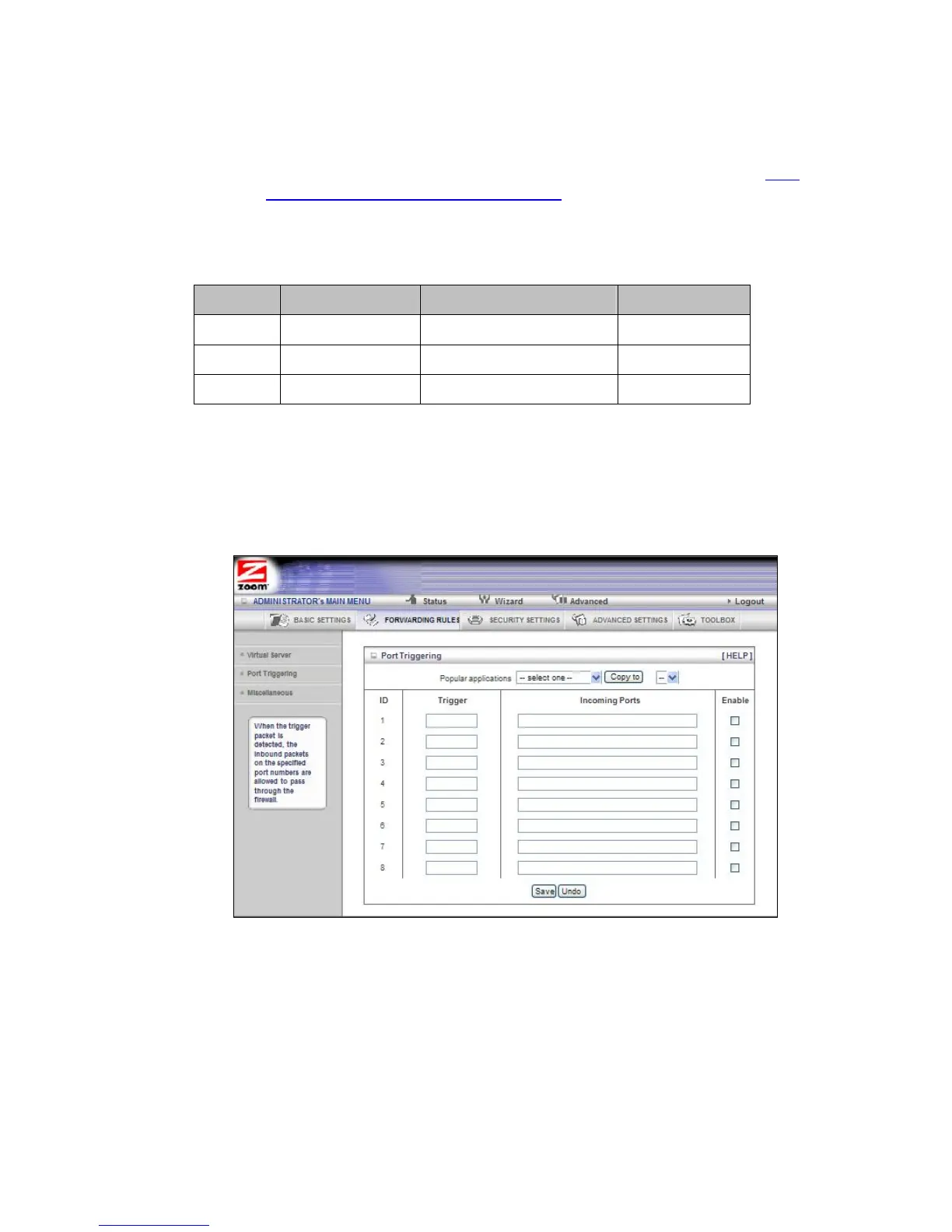
The Port Triggering Page
Port triggering opens an incoming port when your computer is using a specified
outgoing port for specific traffic. This provides a way for you to automate setting up a
Virtual Server with some applications. You can use the Port Triggering page to
configure which packets are allowed access.
• Trigger
The outbound port number used by the application.
• Incoming Ports
When the trigger packet is detected, the inbound packets sent to the
specified port numbers are allowed to pass through the firewall.
• Enable
Enables access for the specified application.
43



 To Next Page