• Domain Filter Enable
Check if you want to enable the Domain Filter.
• Log DNS Query
Check if you want to log the action when someone accesses the specific
URLs.
• Privilege IP Address Range
Domain filtering rules do not apply to IP addresses in this range.
• Domain Suffix
The suffix of the restricted URL; for example, xxx .com.
• Action
The action to be taken when a user accesses the restricted domain suffix
URL. Check Drop to block access. Check log to record the attempted access.
• Enable
Click the checkbox to enable a rule.
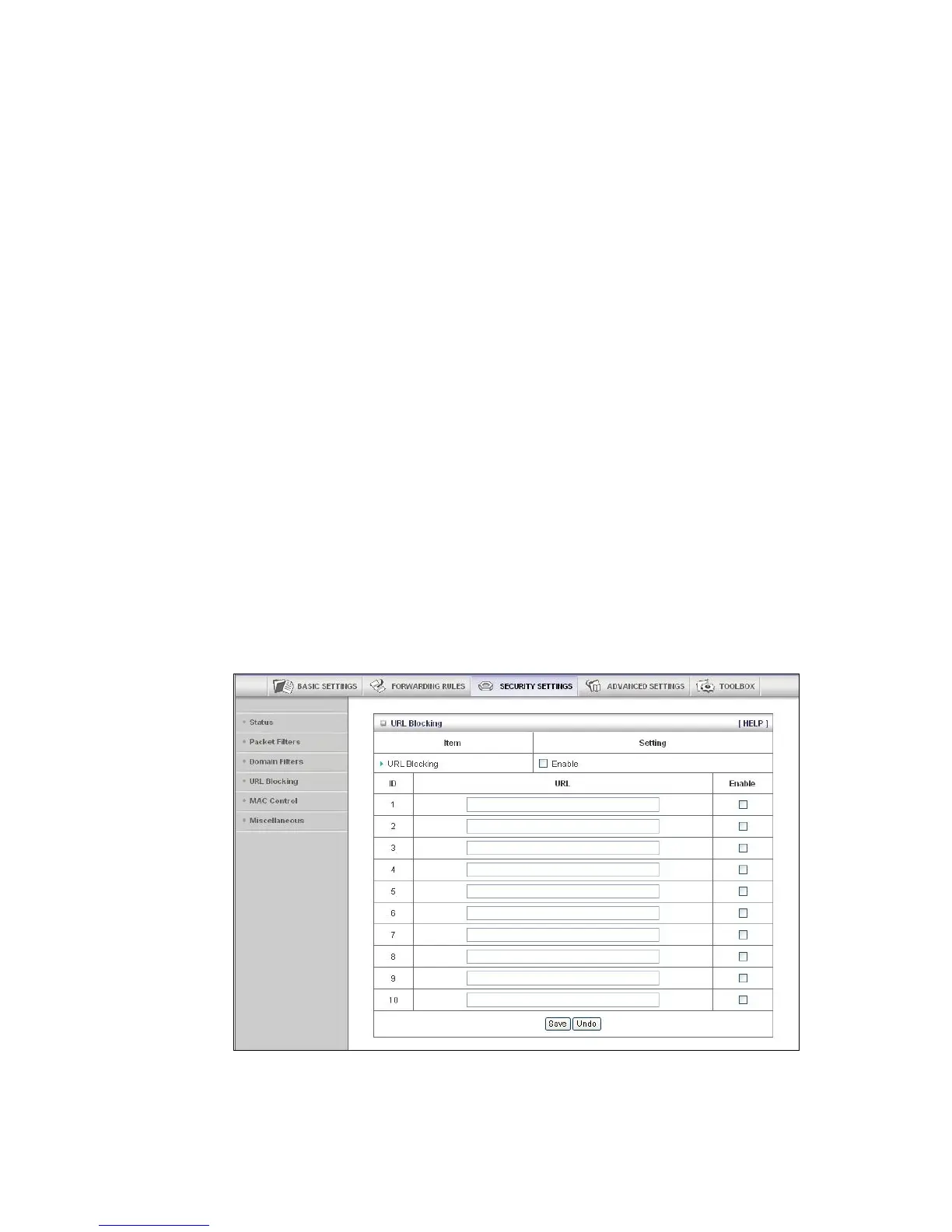
The URL Blocking Page
You can use the URL Blocking page to block LAN computers from connecting to
pre-defined Web sites. The major difference between Domain Filtering and URL
Blocking is that Domain Filtering requires the user to input a suffix whereas URL
Blocking requires the user to input a keyword only. In other words, Domain Filtering
can block a specific web site, whereas URL Blocking can block hundreds of web sites
by specifying a keyword.
• URL Blocking Enable
Check if you want to enable URL Blocking.
47



 To Next Page