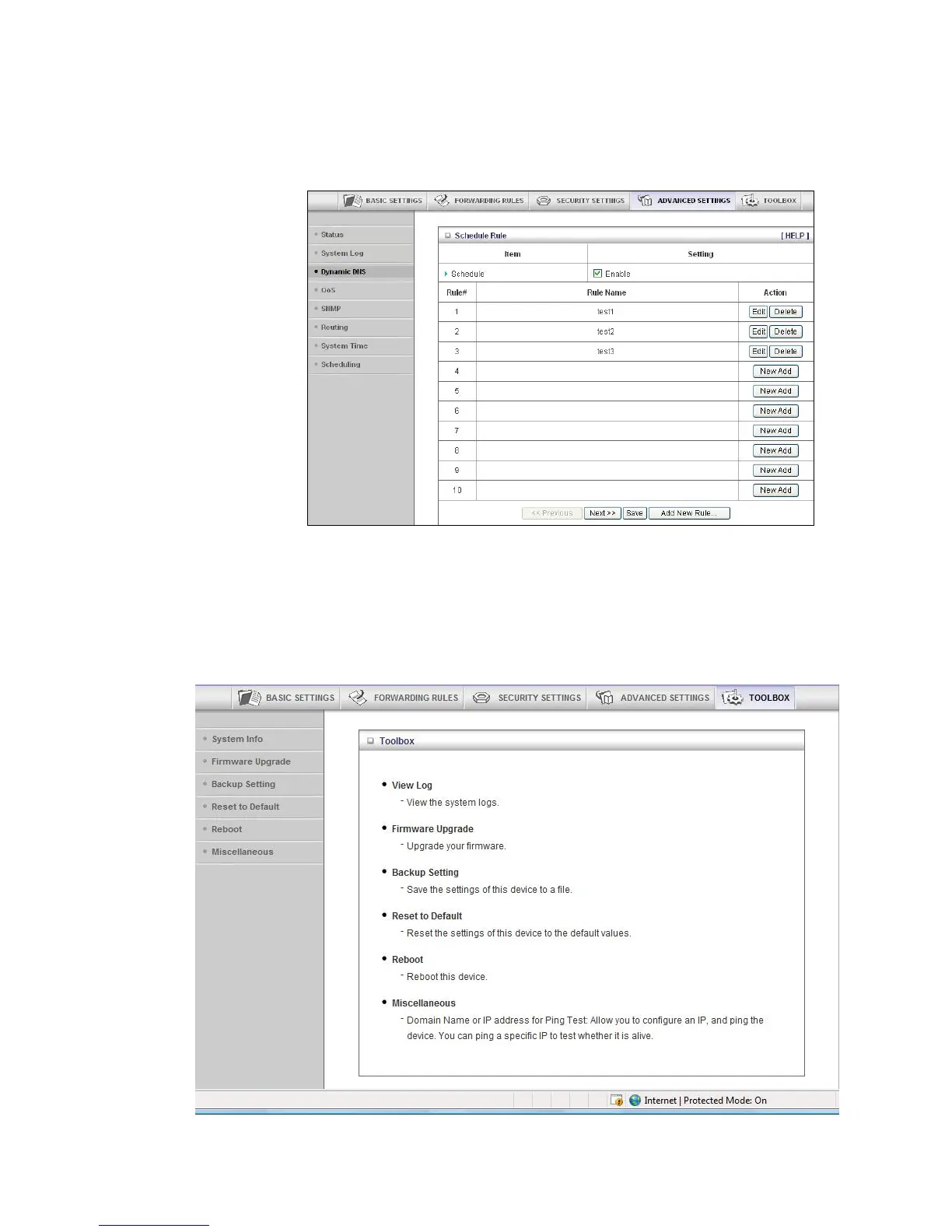
e When the Schedule Rule page opens, the rule(s) that you created and
saved appear in the Rule Name column.
f Click Edit to make changes to a scheduled rule.
g Click Delete to remove a scheduled rule.
Configuring Toolbox Settings
The Toolbox Settings page lists six configuration menus on the left pane and provides a
description of the configuration menus at center.
57



 To Next Page