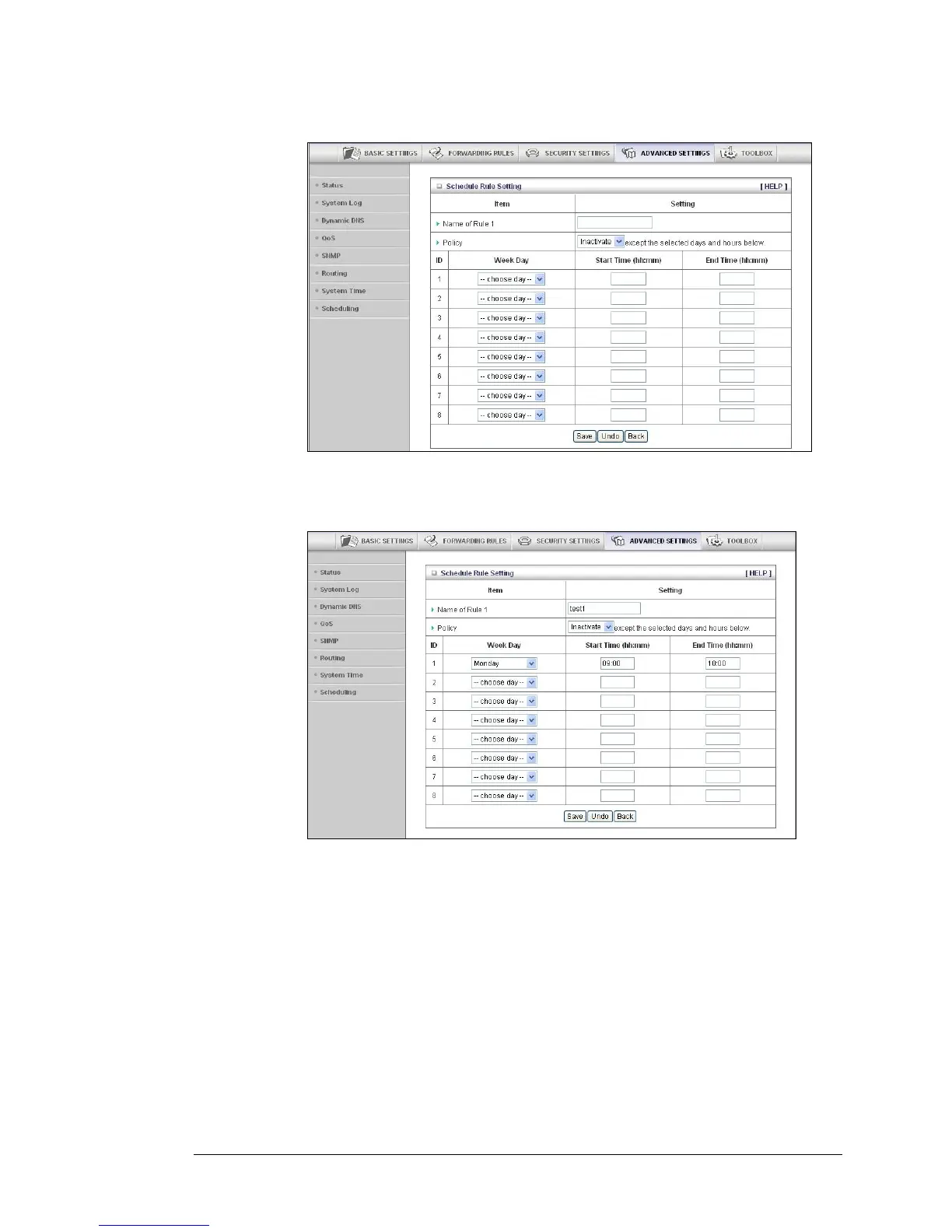
a. Click Add New Rule to open the Schedule Rule Setting page.
b On the Schedule Rule Setting page, specify a Rule name, a Policy that defines
whether the rule is Active or Inactive, Week Day and the Start Time and End Time
for each rule that you are creating.
c Click Save for each rule that you create.
d Click Back to return to the Schedule Rule page.
56 Travel Router with Wireless-N User Manual



 To Next Page