Connecting input devices
Using the built-in XY microphone
The H4essential uses an XY stereo format employing two mic units oriented perpendicularly to each other.
By having left and right diaphragms face inward perpendicularly to each other, a wide recording range can
be covered while fully capturing sound sources in the center.
Moreover, since the points of recording are almost the same, no phase differences occur between the left
and right channels.
Providing three-dimensional sound with natural depth and width, this recording technique is ideal for
capturing specific sound sources that are nearby or at medium distance.
Use examples: solo and chamber music performances, live rehearsals, field recordings, etc.
Connecting mics and other devices to inputs 1 and 2
In addition to input from the built-in XY mic, the H4essential also has inputs 1 and 2 as well as a MIC/LINE
IN jack that supports plug-in power. These can be used together to input up to 4 channels.
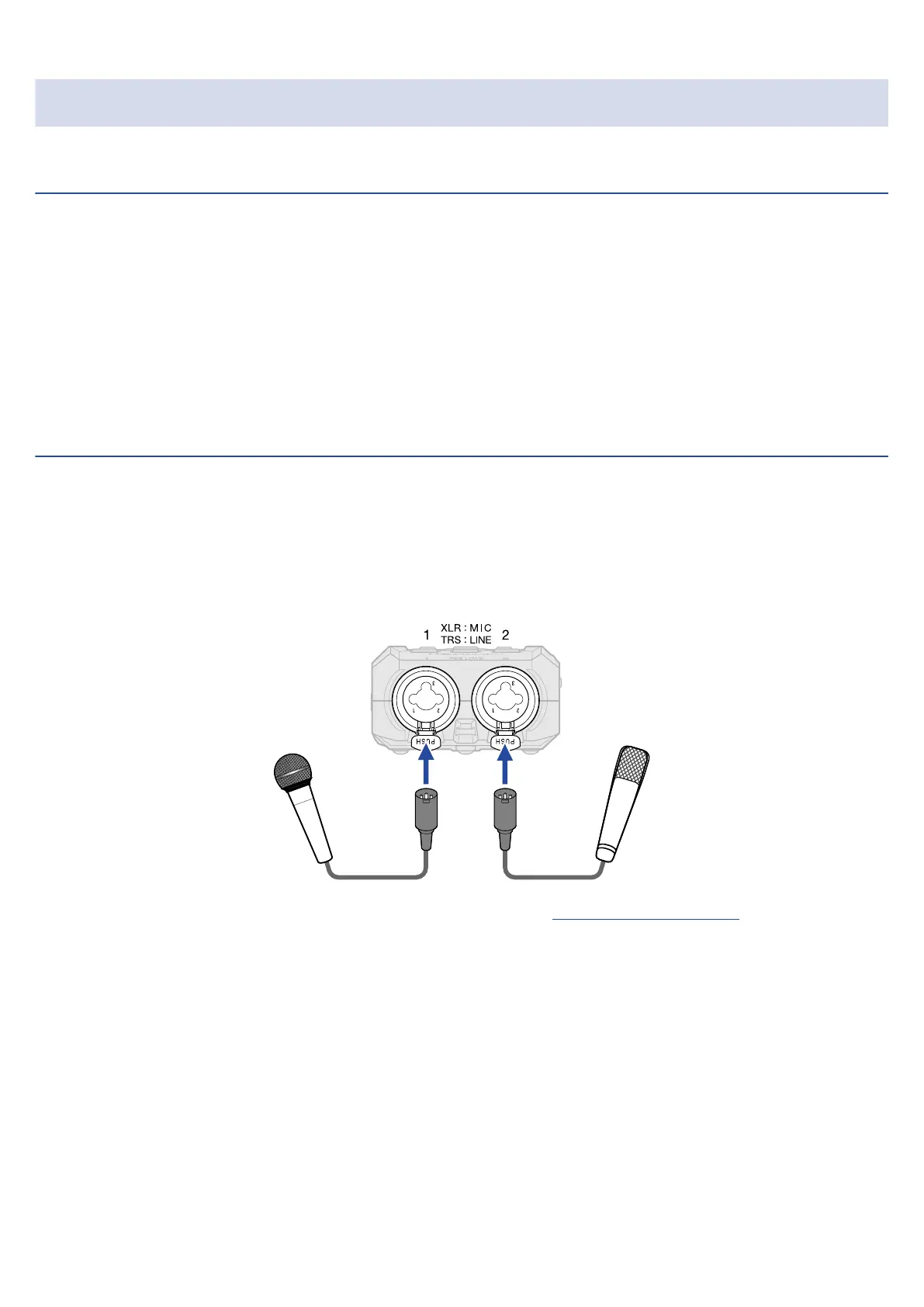
Mics, mixers and other devices can be connected to inputs 1 and 2.
■ Connecting mics
Connect dynamic and condenser mics with XLR plugs to inputs 1 and 2.
• Phantom power (+48V) can be supplied to condenser mics. (→ Setting phantom power)
• When disconnecting a mic, pull the XLR plug while pushing the connector lock release button.
30



 To Next Page