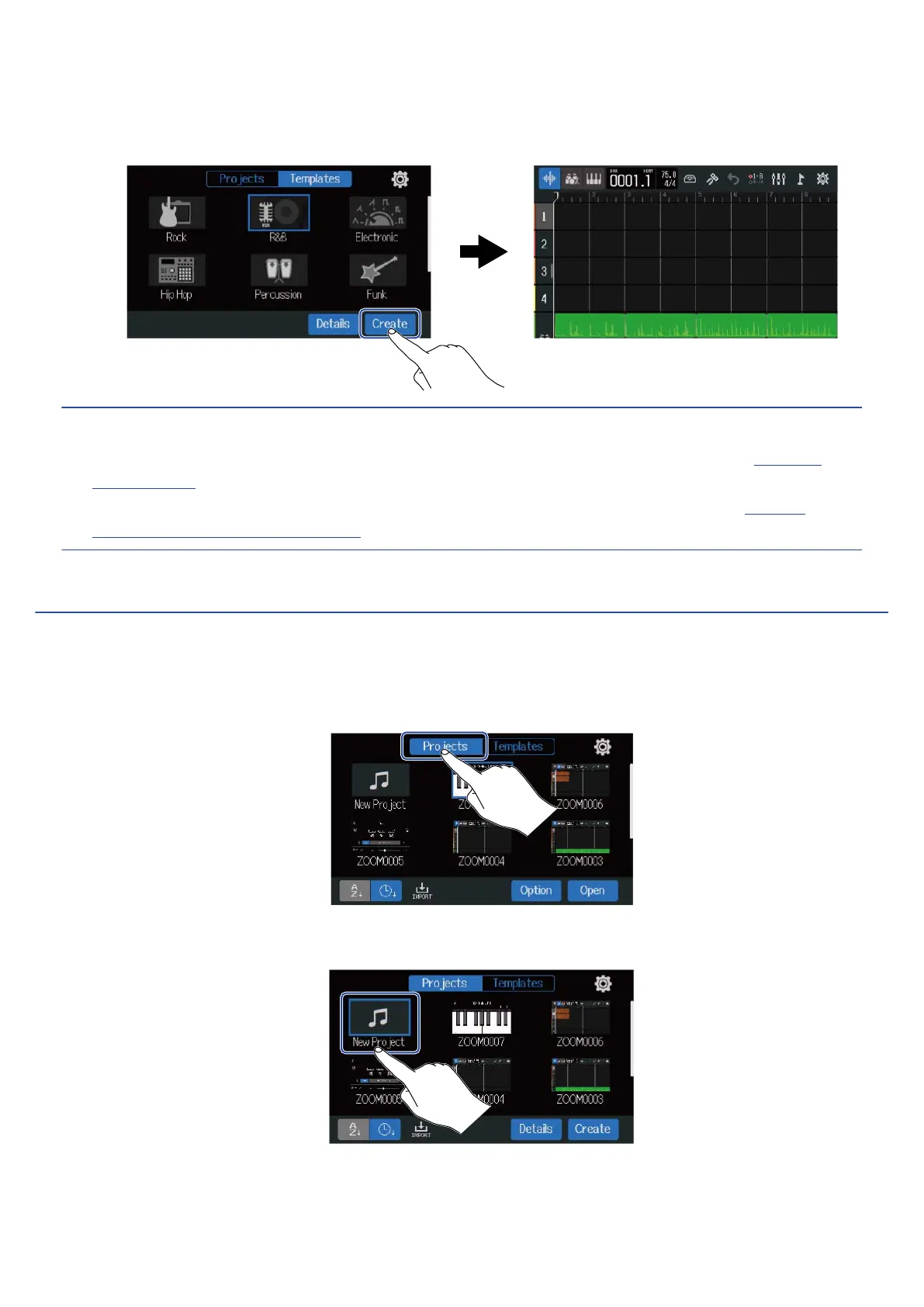
3. Tap “Create”.
This will create a new project and open the Track View Screen, showing the rhythm loop for the
selected genre.
HINT:
• Projects will be named “ZOOM0001”– “ZOOM9999”. Project names can be changed later. (→ Changing
project names)
• Tap “Details” to set the tempo, time signature and bit depth before creating a project. (→
Creating
empty projects using specific settings)
Creating empty projects using specific settings
Projects can be made after setting the tempo, time signature and bit depth.
The tempo and time signature can also be changed later from the settings.
1. Tap “Projects” on the Projects Screen.
2. Tap “New Project” to select it.
31



 To Next Page