Router Settings
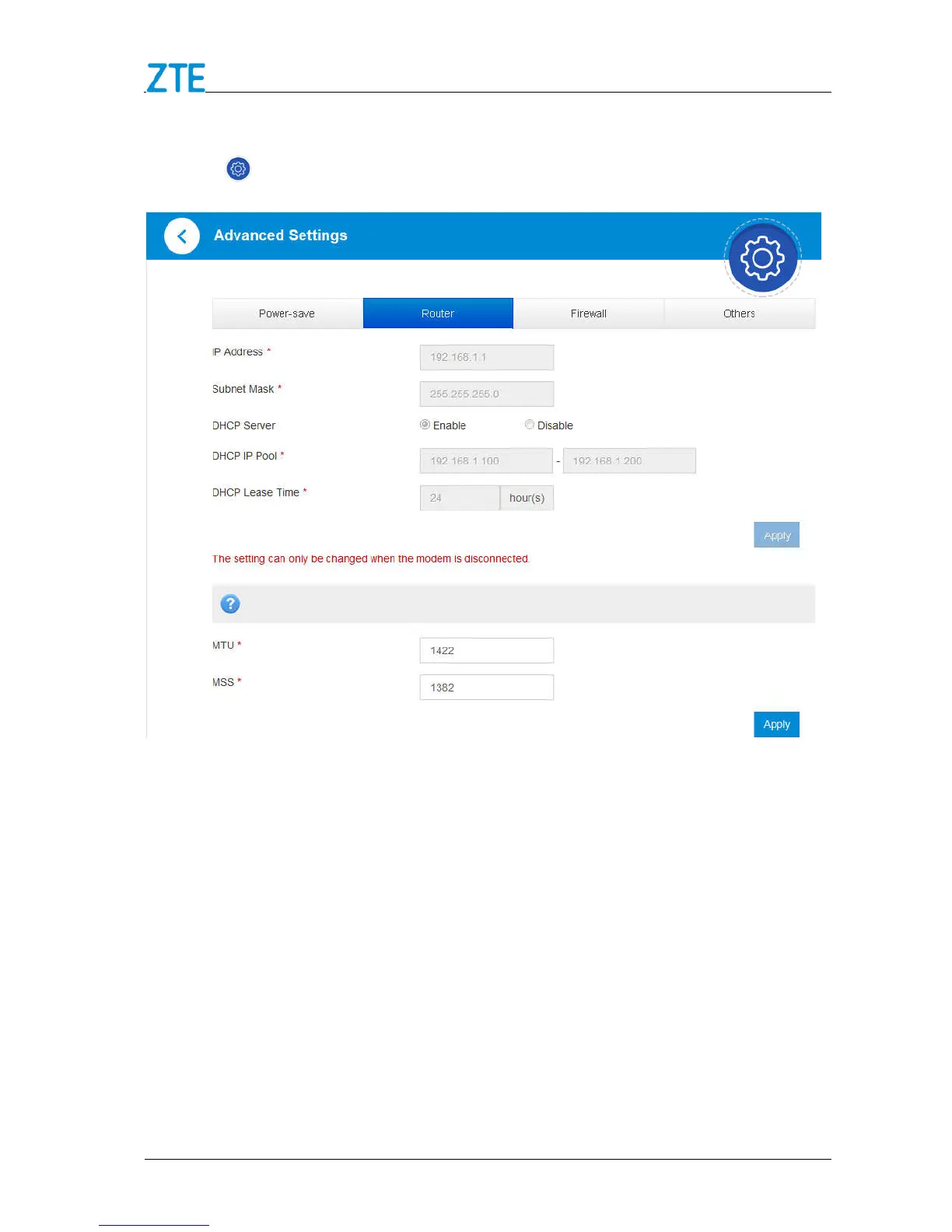
1. Click > Router, the router information is shown in the following figure:
IP Address: IP address for the LAN interface.
Subnet Mask: Subnet mask for the IP address.
DHCP Server: Enable or disable DHCP Server function.
DHCP IP Pool: Allocate begin and end IP address for IP pool.
DHCP Lease Time: Define how long before the leased IP address will expire. The
new IP address will be reallocated after the IP address has expired.
2. Click Apply to confirm your configuration.
Firewall
A firewall protects your connected devices against malicious incoming traffic from the



 To Next Page