Confidential and Proprietary Information of ZTE CORPORATION 27
Internet. The firewall cannot be disabled, but the following settings are available.
Port Filtering
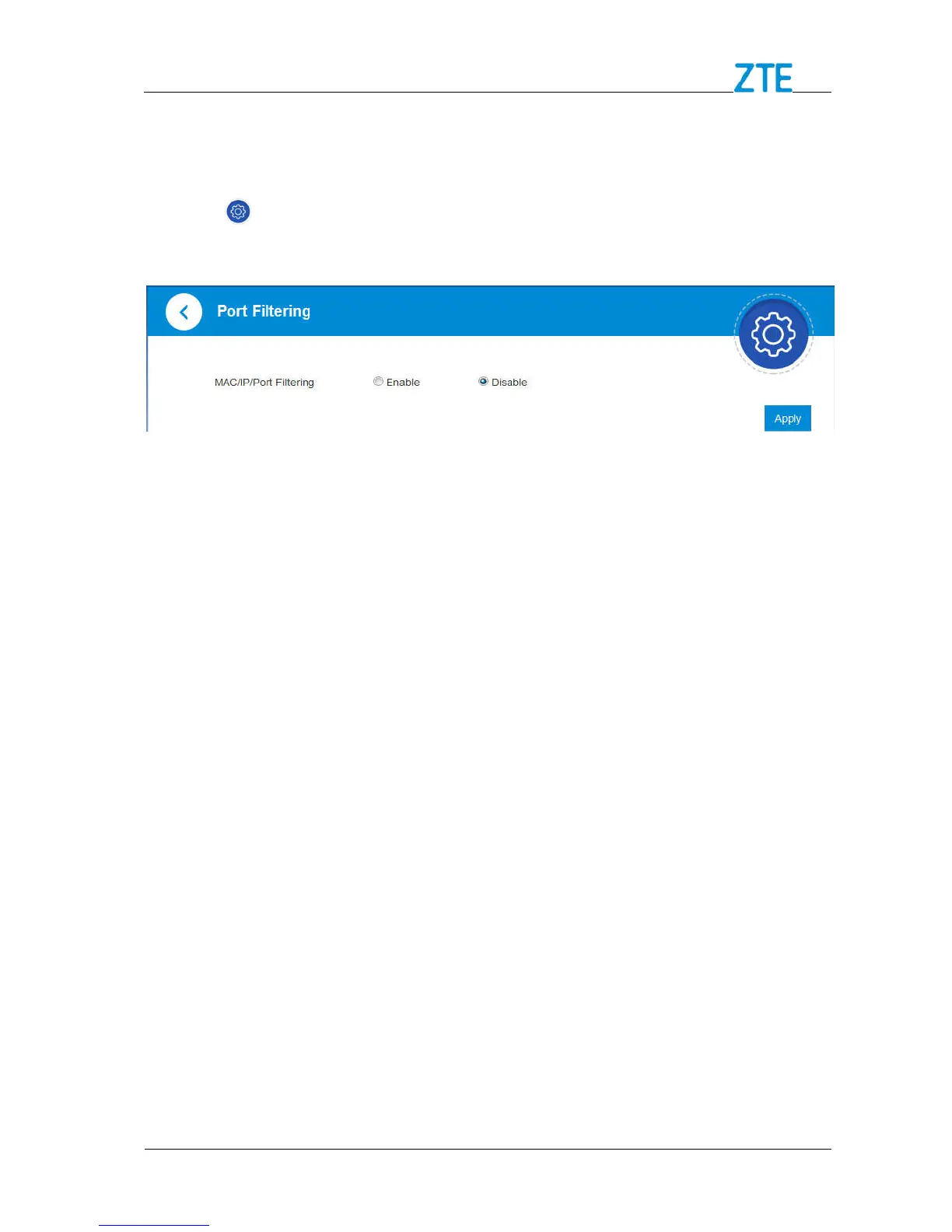
1. Click > Firewall > Port Filtering, the MAC/IP/Port Filtering section is shown in
the following figures.
2. Set MAC/IP/Port Filtering to Enable, Default Policy to Accepted or Dropped and
click Apply, the filter settings will appear as shown below:



 To Next Page