Configuration & User Manual: 2N IP Intercoms and CCURE 9000
COPYRIGHT © 2022 2N Telekomunikace a.s. All rights reserved
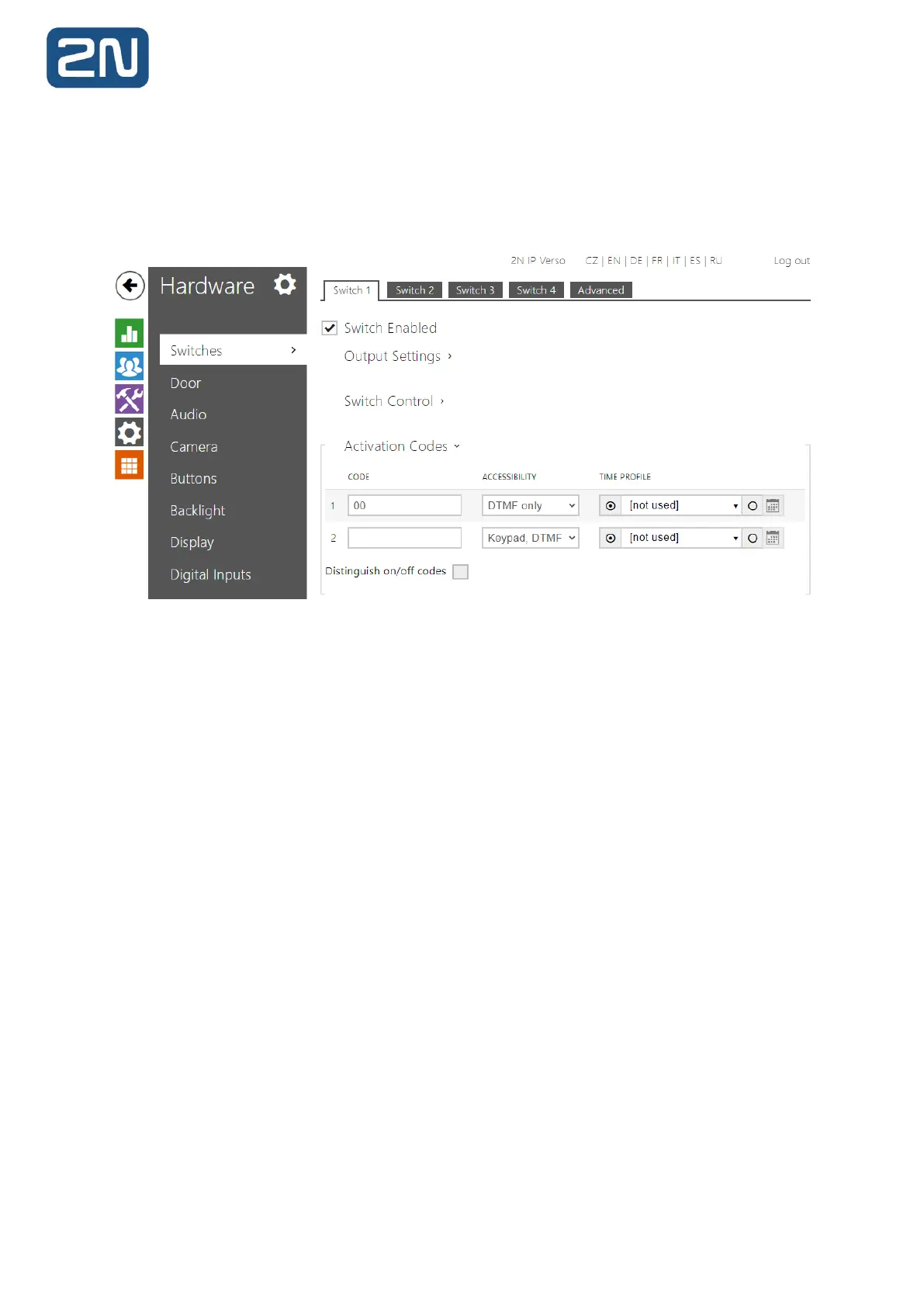
7. The Master Station offers an “Open Door” button function. To use this, you should enter
the intercom’s Switch Code into the Master Station’s configuration to open doors without having
to enter this switch code manually. Firstly, this code must be defined in the intercom’s
configuration: Hardware>Switches>Switch#>Switch Codes or in Directory>Users>User#>User
Codes.
This code is referred to as “DTMF Code” earlier in this manual.



 To Next Page