Warning
Never remove the main board or camera electronics from under the
lower cover while installing . Do not disconnect the camera 2N IP Vario
®
flat cable from the main board. Do not bend and press upon the flat
cable either.
4. In multiple-module assemblies connect the boxes, placing the basic module to the
left and the extending modules to the right. The interconnecting cable shall be
connected later!
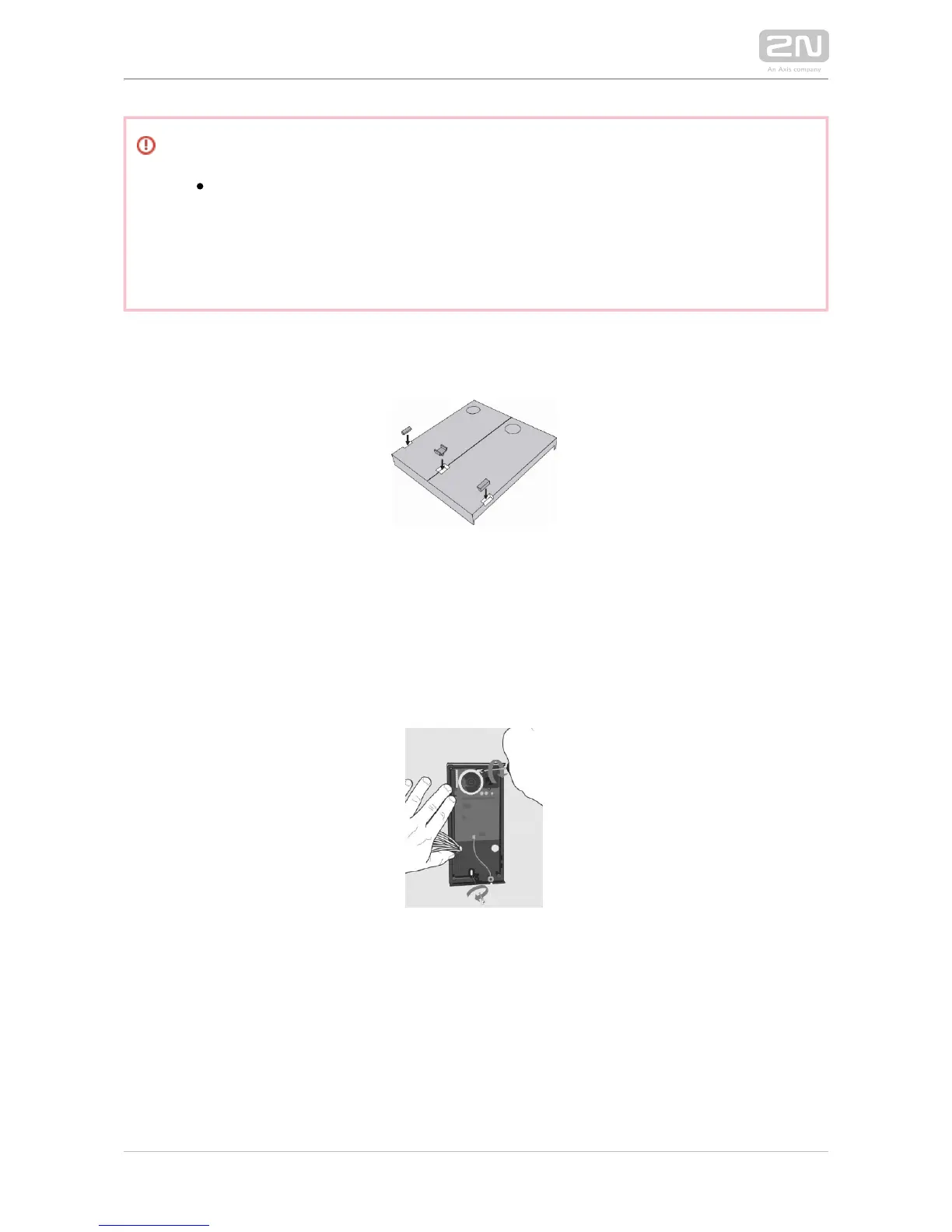
5. Install blank modules on the unused side holes as shown in Figure previous step.
6. If you are installing a roof module, put it on the wall now.
7. Fix on the wall with screws. Carry the supply cables (Ethernet, lock, 2N IP Vario
®
power cables) to the basic module box through one of the holes. Seal the screw hole
carefully with some cement or non-aggressive silicone to avoid water infiltration.



 To Next Page