Management and Diagnostic Console
109
Advanced - Static Routes
Note: To access this page, your organization must have the Remote Management feature enabled. If the
feature is not enabled, an error message will display when you click the link to access this page.
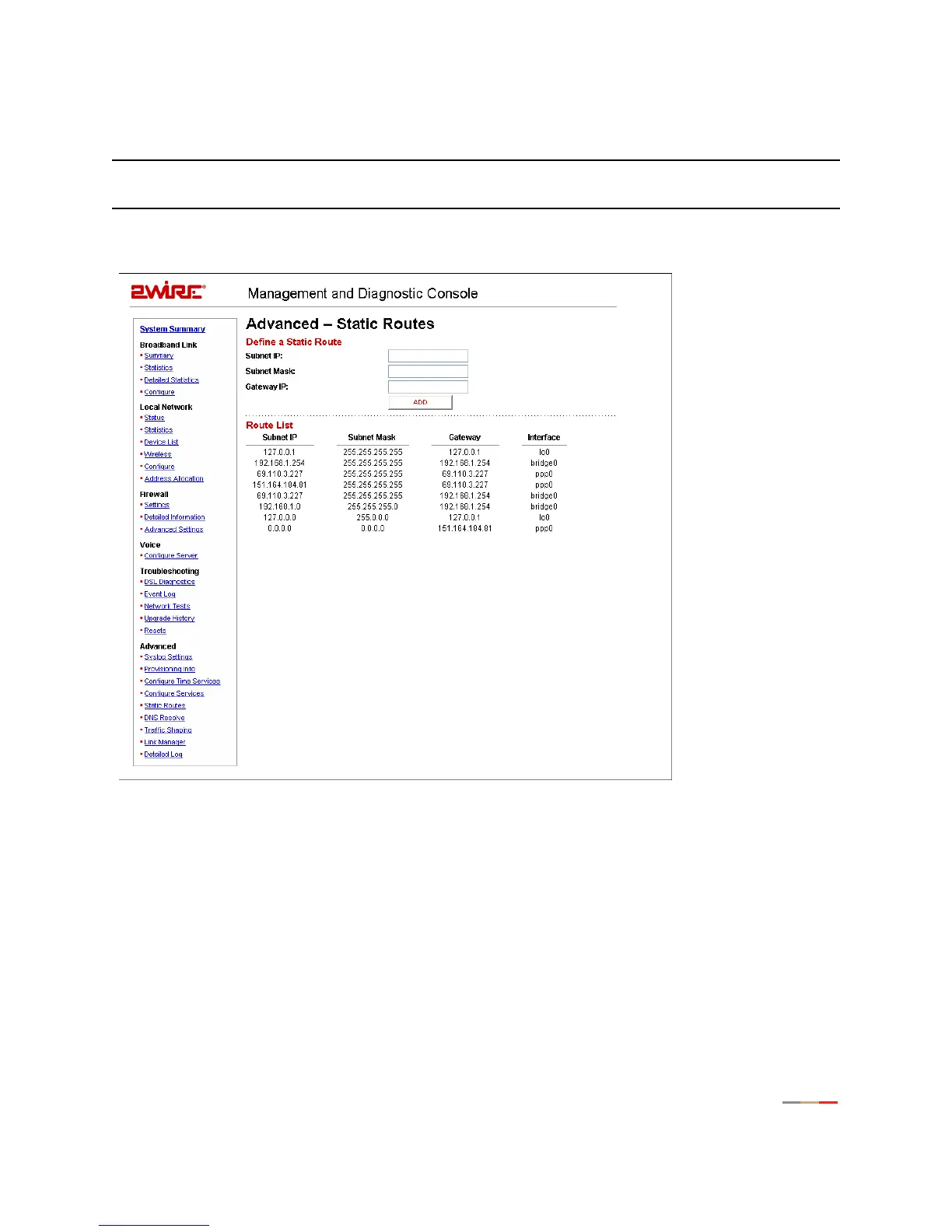
The Advanced - Static Routes page allows you to manually configure static routes that specify the
transmission path data must follow between devices on the gateway network.
Figure 49. MDC Advanced Static Routes Page
To define a static route:
1. In the Subnet IP field, enter the IP address of the network to which you want to configure a static route.
2. In the Subnet Mask field, enter the subnet mask of the destination network.
3. In the Gateway IP field, enter the IP address of the router for the specified subnet.
4. Click the Add button.



 To Next Page