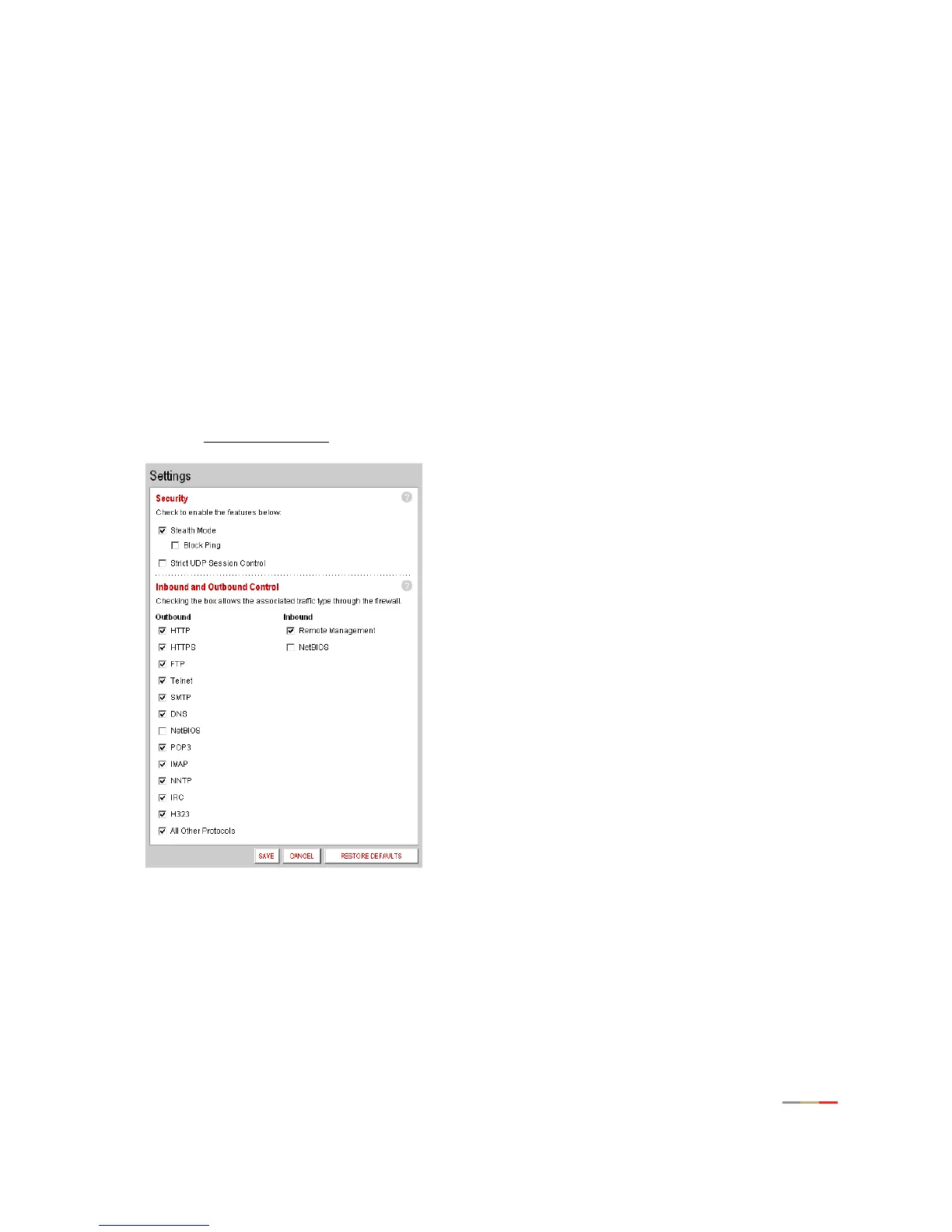
Firewall Tab
46
Stealth Mode
In normal firewall operation, when an unknown remote device makes a request to connect to a user’s
network the firewall does not allow the connection to be made and responds with a “connection not
available” message. This may not discourage a determined hacker, because the message confirms that
there is an active network sending the response. The hacker may then use more sophisticated tools in an
attempt to access your network.
When in stealth mode, the 2Wire gateway firewall does not return any information in response to network
queries; that is, it will appear to the hacker who is trying to access your network that your network does not
exist. This discourages hackers from further attempts at accessing your network, because to them it will
appear as though there is no active network to access.
To enable Stealth Mode:
• Open a Web browser and access the 2Wire gateway user interface by entering
http://2Wire.gateway.net.
• Click the
Firewall tab.
• Click the Advanced Settings
link under the tab to open the Edit Advanced Firewall Settings page.
1. In the Security pane, click the Stealth Mode checkbox.
2. Click SAVE.



 To Next Page