Management and Diagnostic Console
105
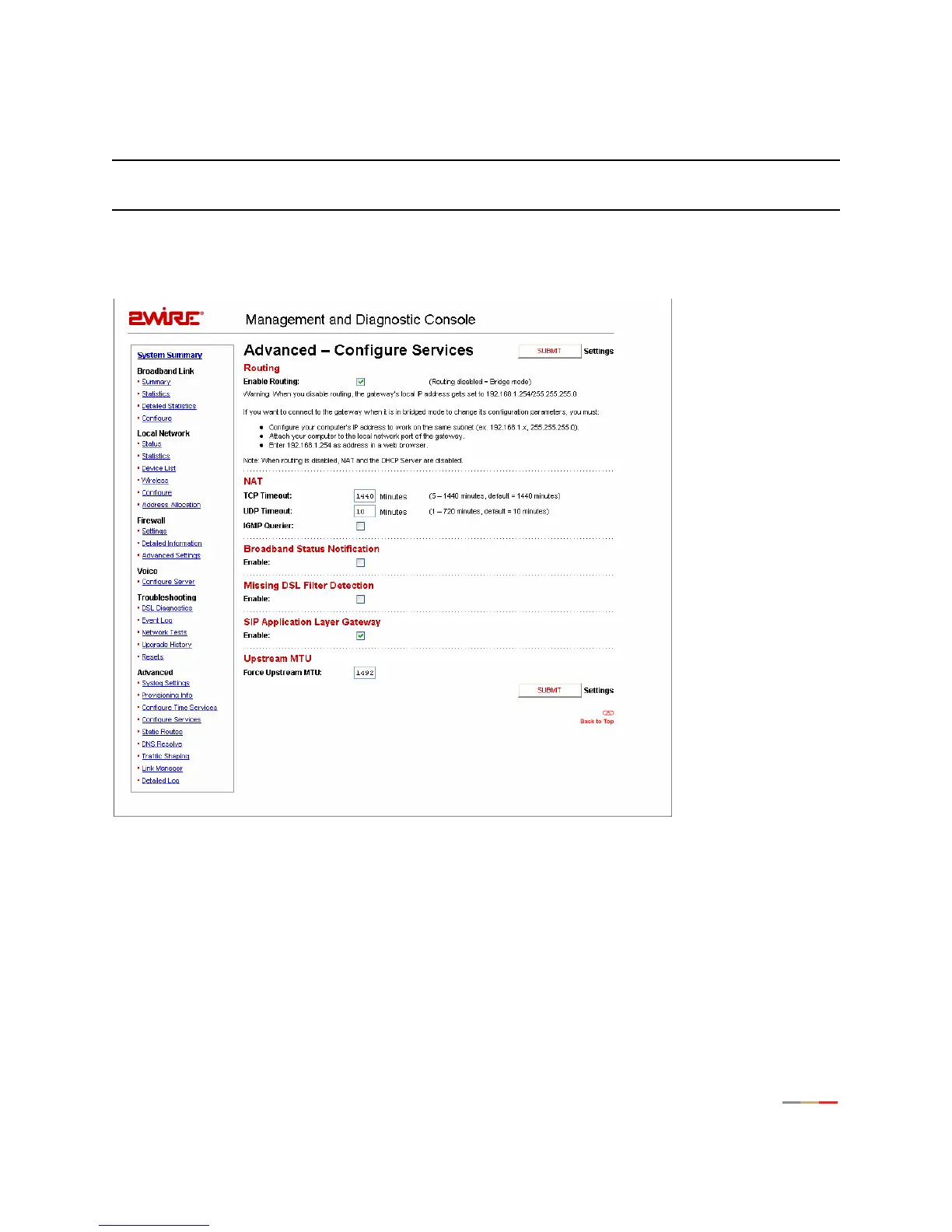
Advanced - Configure Services Page
Note: To access this page, your organization must have the Remote Management feature enabled. If the
feature is not enabled, an error message will display when you click the link to access this page.
The Advanced – Configure Services page allows you to enable the 2Wire gateway to operate in bridged
mode, change the timeout settings for NAT, enable notification messages, enable the SIP ALG, and change
the upstream maximum transmission rate.
Figure 48. MDC Advanced Configure Services Page
Routing
By default, the 2Wire gateway is configured in routed mode. The Advanced – Configure Services page allows
you to configure the 2Wire gateway to operate in bridged mode.



 To Next Page