Management and Diagnostic Console
84
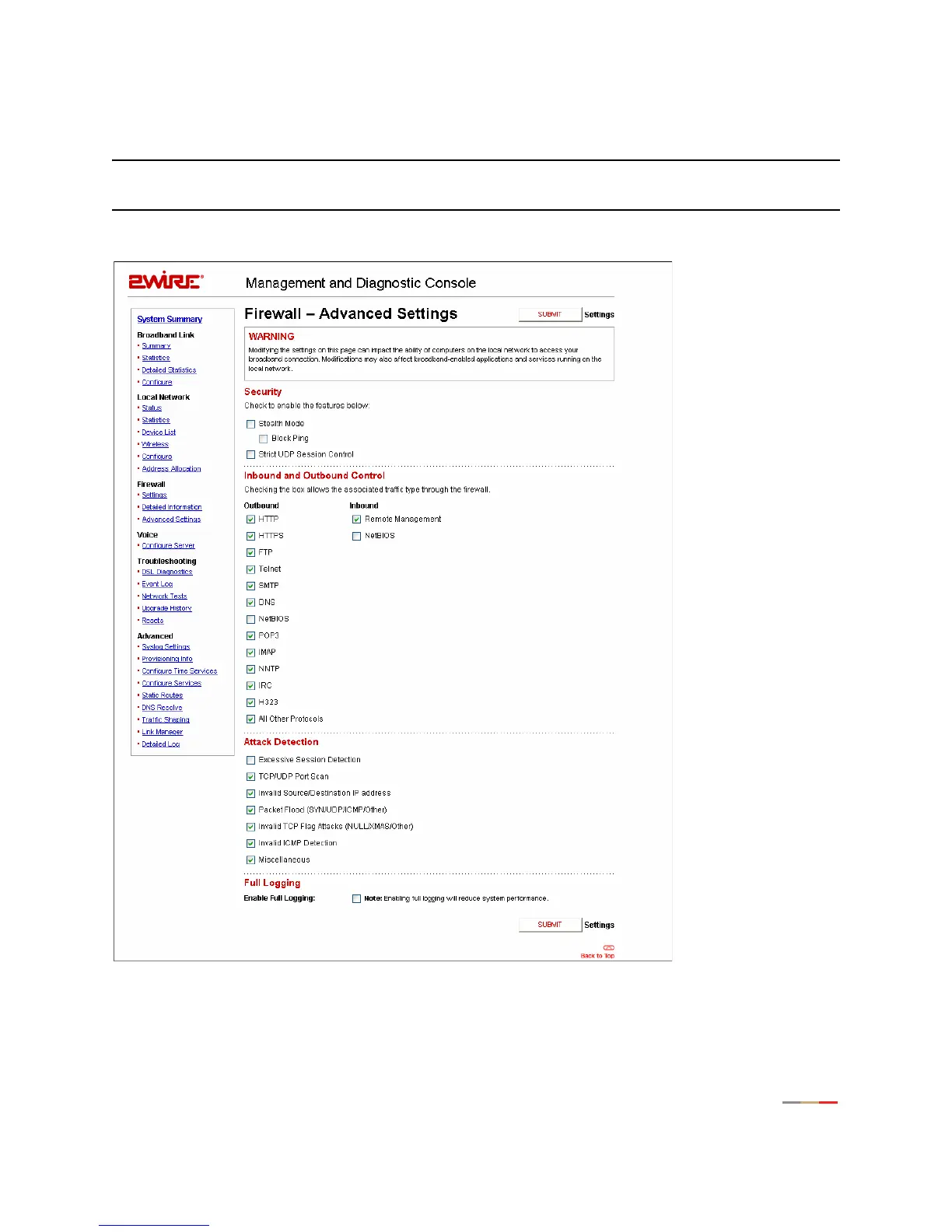
Firewall - Advanced Settings Page
Note: To access this page, your organization must have the Remote Management feature enabled. If the
feature is not enabled, an error message will display when you click the link to access this page.
The Firewall - Advanced Settings page allows you to configure the gateway’s firewall.
Figure 38. MDC Firewall Advanced Settings Page



 To Next Page