Management and Diagnostic Console
112
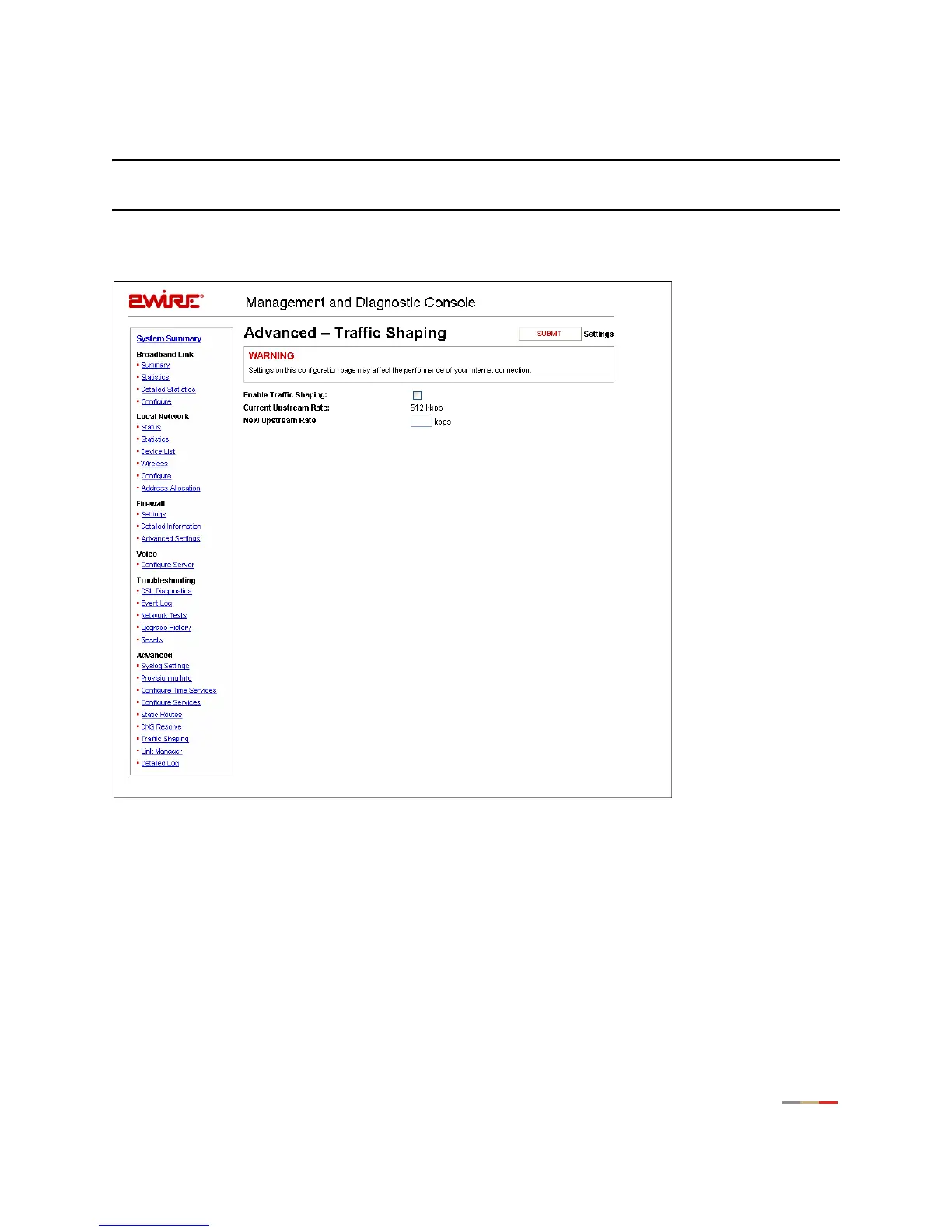
Advanced - Traffic Shaping Page
Note: To access this page, your organization must have the Remote Management feature enabled. If the
feature is not enabled, an error message will display when you click the link to access this page.
The Advanced - Traffic Shaping page allows users to change the 2Wire gateway’s maximum upstream
connection rate.
Figure 51. MDC Advanced Traffic Shaping Page
WARNING: Modifying the gateway’s configuration settings may impede or interrupt the user’s broadband
service, or violate the service provider’s service level agreement.
To change the gateway’s upstream connection rate:
1. Check the Enable Traffic Shaping checkbox.
2. In the New Upstream Rate field, enter the upstream rate at which you want the gateway to connect.
3. Click the Submit button.



 To Next Page