Firewall Tab
39
Updating the Application Profile List
If the application you want to host does not appear in the Application Profile list, you may need to update
the application list. If an update is available, the
UPDATE APPLICATION LIST button appears above the list of
application profiles. If the application that you want to host is not included in the updated application list,
you may need to add your own application profile.
Adding an Application Profile
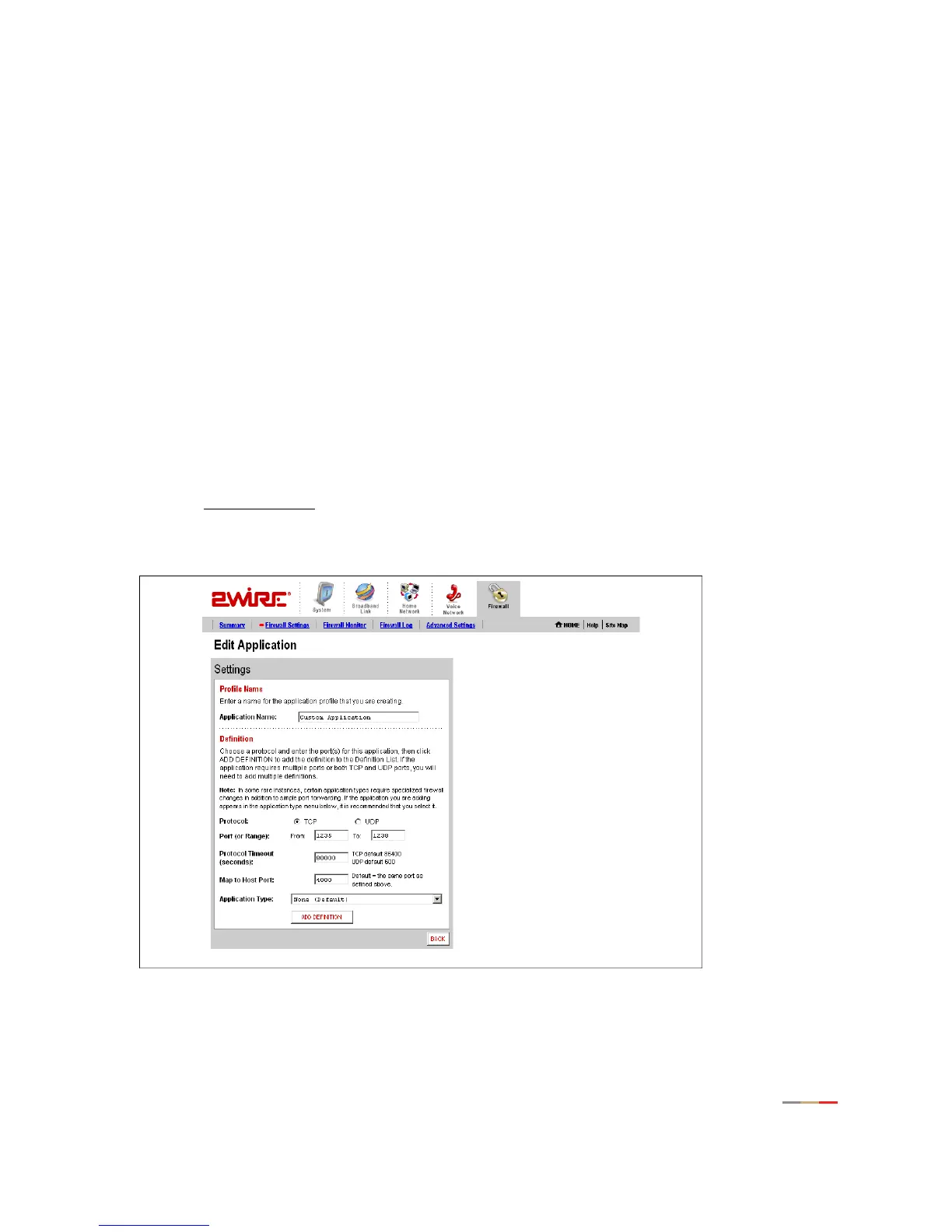
If you wish to host an application that is not included in the Application Profile list, you can add an
application using the Add Application Profile page.
An application profile configures your system’s firewall to pass through application-specific data. This
feature is typically used if the application for which you would like to pass through data to a given computer
is new or has been recently updated to a new version.
To create a new application profile:
• Open a Web browser and access the gateway user interface by entering
http://2Wire.gateway.net.
• Click the
Firewall tab.
• Click the Firewall Settings
link under the tab to open the Edit Firewall Settings page.
• In the Applications panel, click the
Add a new user-defined application link to open the Edit Application
page.
Figure 18. Edit Application Page



 To Next Page