Management and Diagnostic Console
93
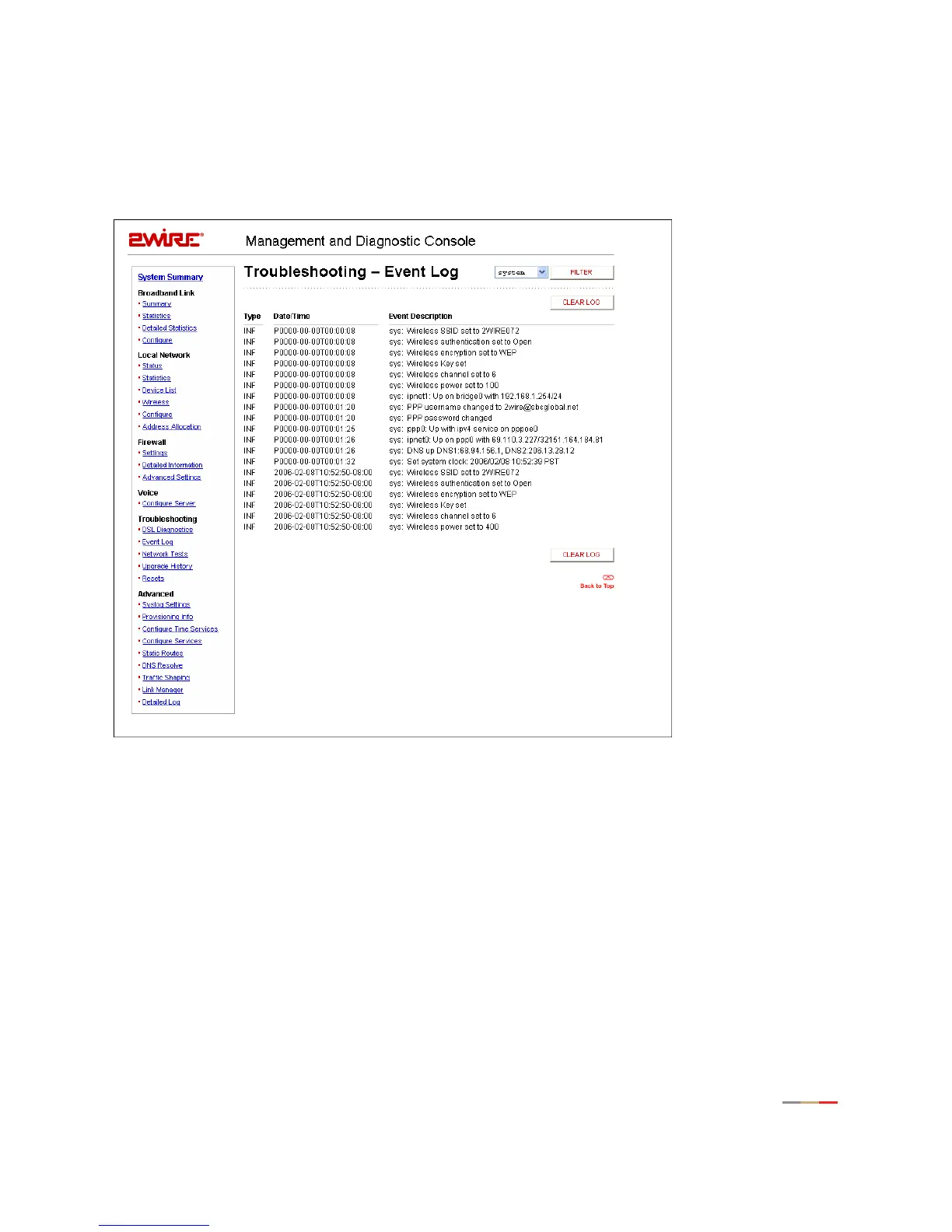
Troubleshooting - Event Log Page
The Troubleshooting – Event Log page displays all security related events for the broadband and local
network. Log information is stored in an 8 KB buffer. When the buffer is full, the oldest items are purged
from the log. You can also clear the log contents by clicking the
Clear Log button.
Figure 41. MDC Troubleshooting Event Log Page
You can view specific information by selecting which log to view from the pull-down menu and then clicking
the
Filter button (the screen capture depicted above has the system filter applied). Following are
descriptions of the logs.
• Access. Shows the current access log, which registers all significant Content Screening and Internet
Access Control events.
• All. Shows all logs that register a significant event (access, firewall, fw alert, system, and wra).
• Firewall. Shows all detailed firewall events, including Internet Access Control and Firewall Monitor.
• FW Alert. Shows the current Firewall Monitor log, which registers all significant Firewall Monitor-related
events.
• HURL. Shows the Broadband Redirect messages that have been enabled by a service provider.



 To Next Page