Management and Diagnostic Console
79
Firewall - Settings Page
Note: To access this page, your organization must have the Remote Management feature enabled. If the
feature is not enabled, an error message will display when you click the link to access this page.
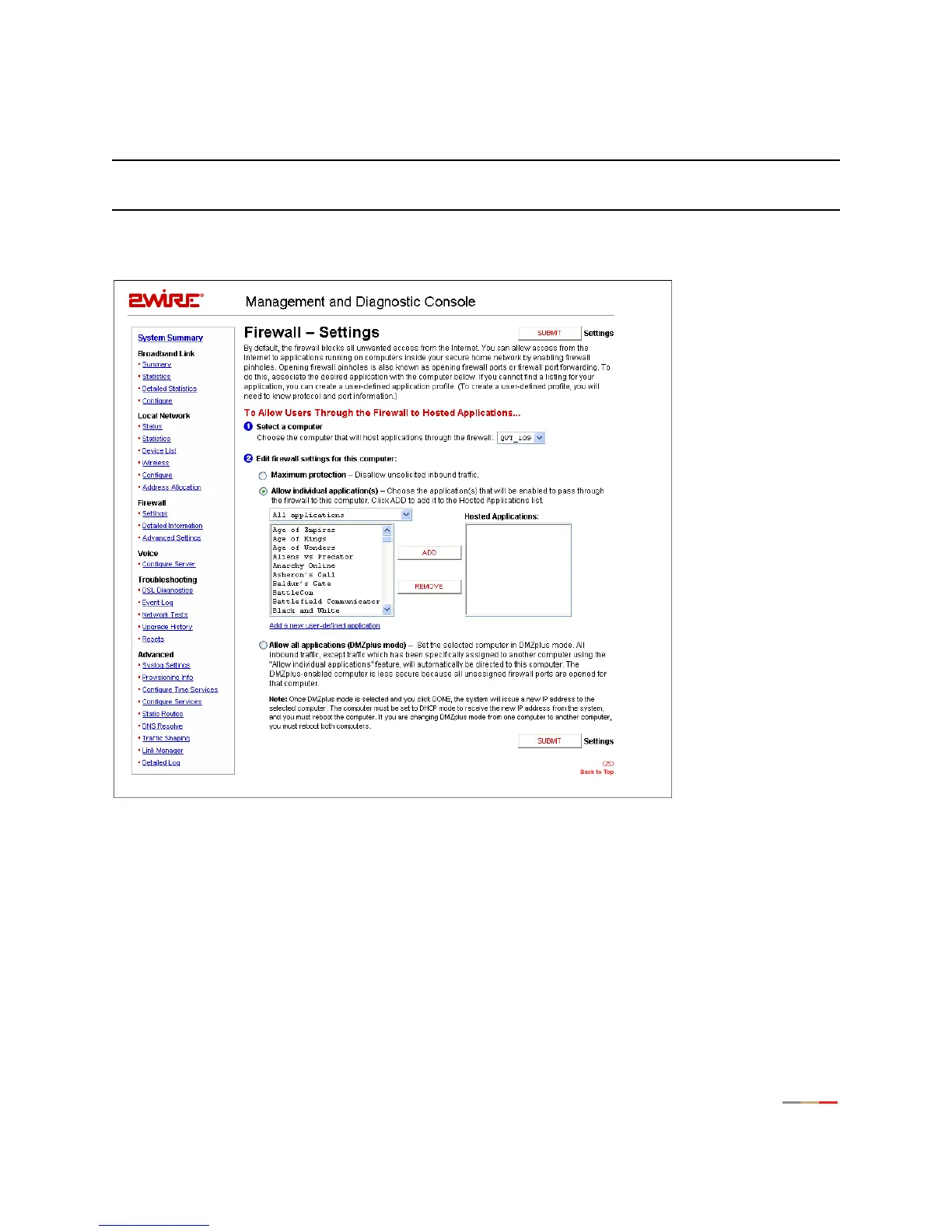
The Firewall - Settings page allows you to configure the firewall to pass through specific application data to
a selected computer.
Figure 35. MDC Firewall Settings Page
Hosting an Application
To host an application on the gateway’s network for Internet users to access (such as a Web server), the
firewall must be configured to allow users on the Internet to access it.
To host an application:
1. From 1 Select a computer, select a computer from the pull-down menu.
2. From 2 Edit firewall settings for this computer, click the Allow individual application(s) radio button.



 To Next Page