Firewall Tab
44
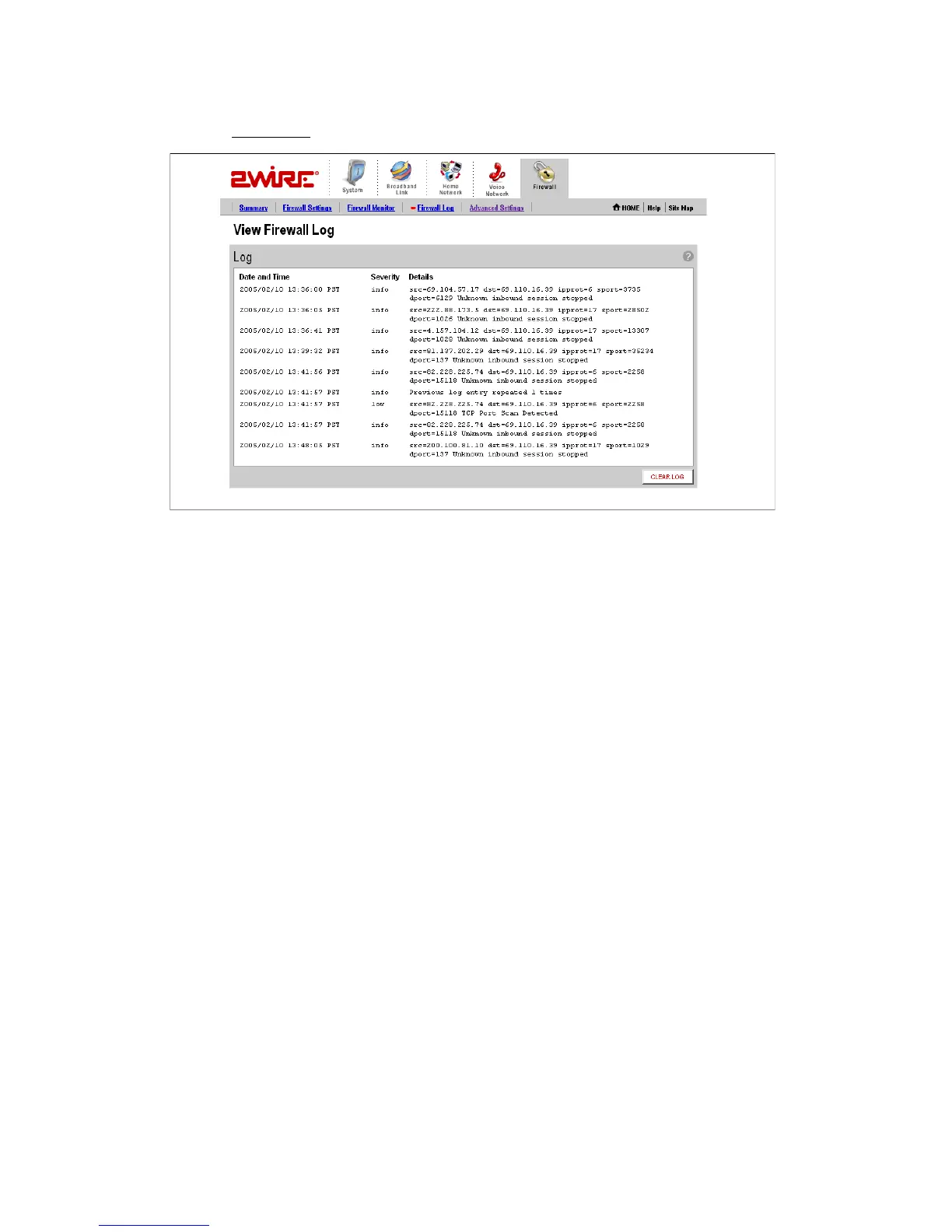
• Click the Firewall Log
link under the tab to open the View Firewall Log page.
Figure 21. View Firewall Log Page
The following table provides additional information about the log entries.
Click
CLEAR LOG to clear the log.
Severity • Info. Informational only—the event does not imply a
threat to network security.
• Low. Occurs when the firewall detects a low-level threat
to the network, such as an invalid IP header or invalid
packet length.
• Medium. Occurs when a medium-level threat is detected,
such as an invalid IP fragment offset.
• High. Occurs when an attack is launched against the
network (for example, a SYN Flood).
Details Includes the following information:
• The IP address from which the packet originated.
• The destination IP address of the packet.
• The action that was taken.



 To Next Page