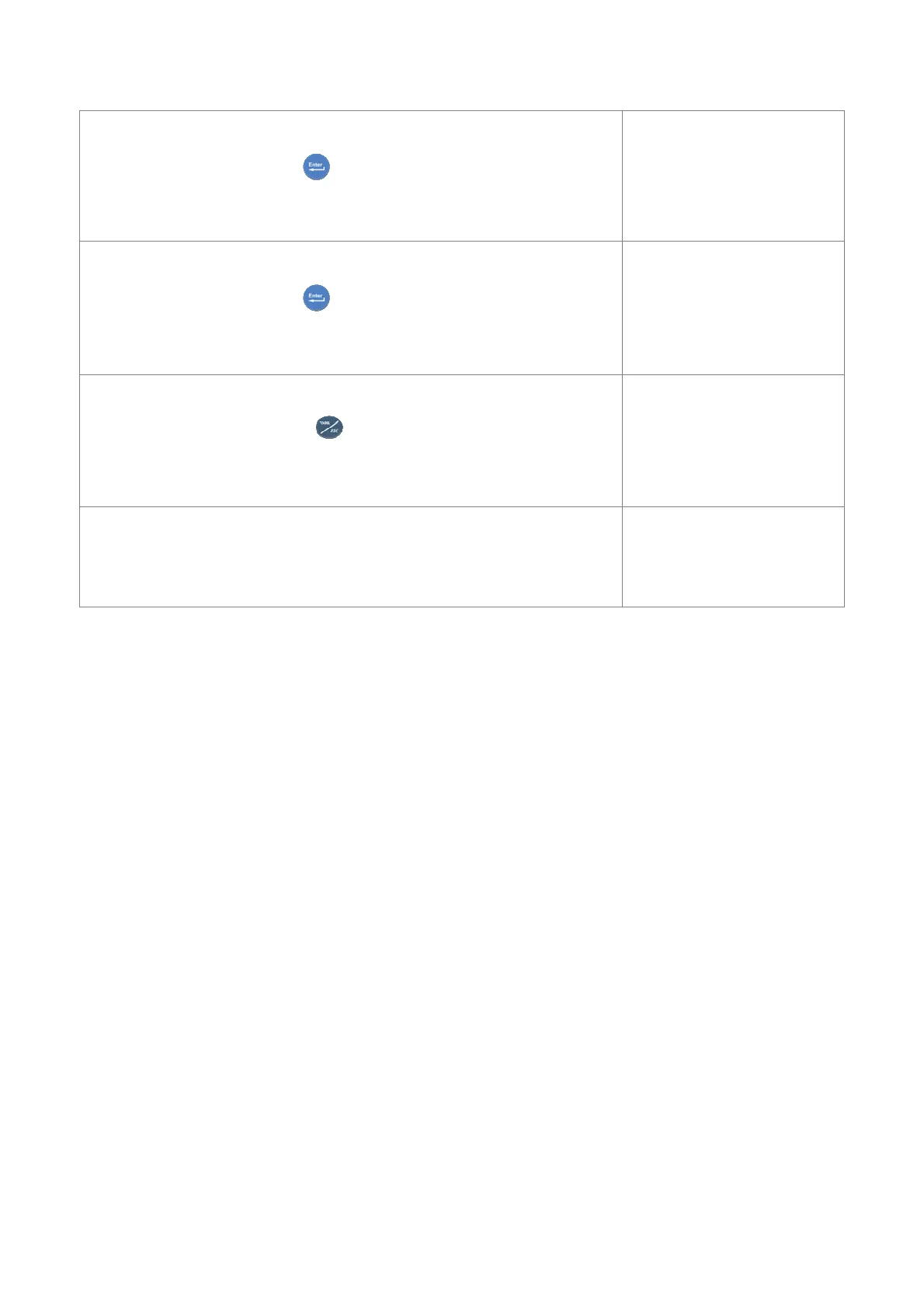
”Move A1 at 5” : move the boom until the angle 5 degree;
”ENTER TO START” : press key to continue.
If the system allow the action, the system will go immediately to the next step.
Move A1 at 5
ENTER TO START
”Move A1 at 0” : move the boom until the angle 0 degree;
”ENTER TO START” : press key to continue.
If the system allow the action, the system will go immediately to the next step.
Move A1 at 0
ENTER TO START
” ”: empty row;
”END OF PROCEDURE” press to terminate and Exit from procedure.
END OF PROCEDURE
Now the procedure calibration is finished and you can save
the calibration by “SAVE” menu.
OPTIONS
01 Save


 To Next Page