Option 184 Supporting Configuration 143
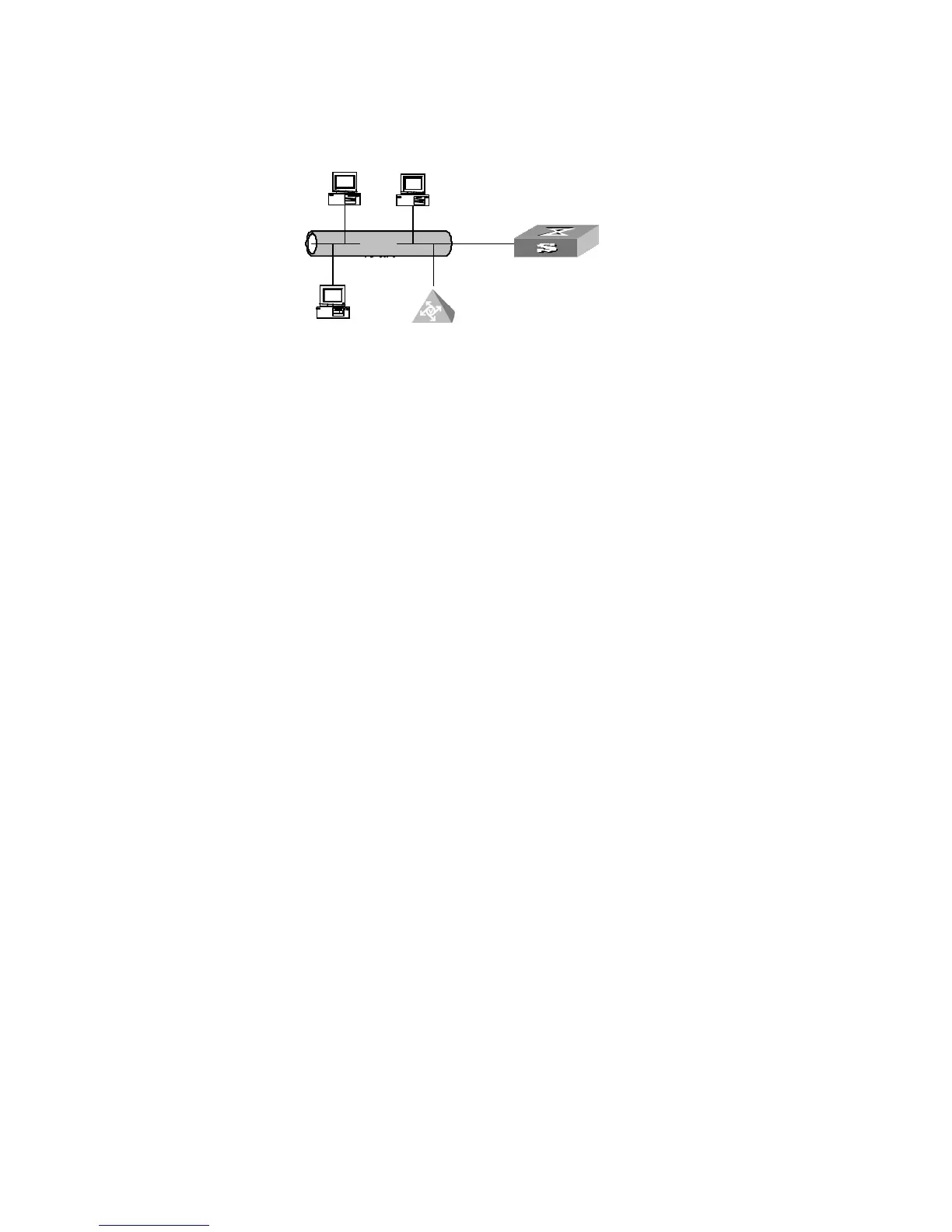
Network diagram
Figure 33 Network diagram for option 184 supporting configuration
Configuration procedure
1 Configure the DHCP client
Configure the 3COM VCX device to operate as a DHCP client and to request for all
sub-options of option 184. (Omitted)
2 Configure the DHCP server.
a Enter system view.
<S5500> system-view
b Add Ethernet1/0/1 port to VLAN 2 and and configure the IP address of VLAN 2
interface to be 10.1.1.1/24.
[S5500] vlan 2
[S5500-vlan2] port Ethernet1/0/1
[S5500-vlan2] quit
[S5500] interface vlan-interface 2
[S5500-Vlan-interface2] ip address 10.1.1.1 255.255.255.0
[S5500-Vlan-interface2] quit
c Configure VLAN 2 interface to operate in the DHCP server mode.
[S5500] dhcp select global interface vlan-interface 2
d Enter DHCP address pool view.
[S5500] dhcp server ip-pool 123
e Configure sub-options of option 184 in global DHCP address pool view.
[S5500-dhcp-pool-123] network 10.1.1.1 mask 255.255.255.0
[S5500-dhcp-pool-123] voice-config as-ip 2.2.2.2
[S5500-dhcp-pool-123] voice-config ncp-ip 3.3.3.3
[S5500-dhcp-pool-123] voice-config voice-vlan 1 enable
[S5500-dhcp-pool-123] voice-config fail-over 1.1.1.1 99*
局域网
DHCP server
DHCP client
DHCP client
GigabitEthernet1/0/1
10.1.1.1/24
3COM VCX
LAN
局域网
LAN
局域网
LAN
局域网
LAN
局域网
LAN
局域网
LAN
局域网
LAN
局域网
DHCP server
DHCP client
DHCP client
GigabitEthernet1/0/1
10.1.1.1/24
3COM VCX
LAN
局域网
DHCP server
DHCP client
DHCP client
GigabitEthernet1/0/1
10.1.1.1/24
3COM VCX
LAN
局域网
LAN
局域网
LAN
局域网
LAN
局域网
LAN
局域网
LAN
局域网
LAN















 To Next Page