418 CHAPTER 21: 802.1X CONFIGURATION
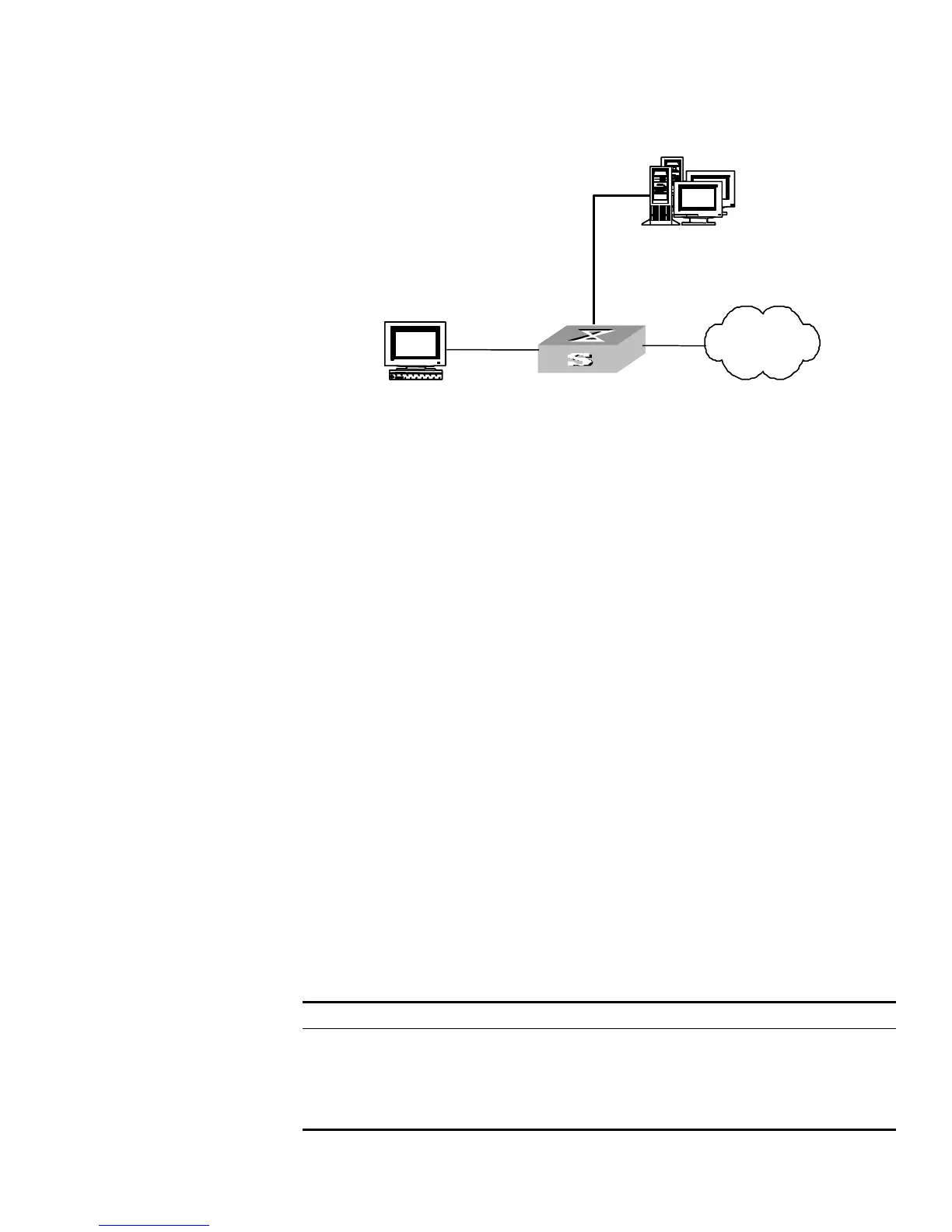
Network diagram
Figure 109 Network diagram for dynamic VLAN assignment
Configuration procedure
1 Create a RADIUS scheme.
[S5500] radius scheme ias
[S5500-radius-ias] primary authentication 1.11.1.1
[S5500-radius-ias] primary accounting 1.11.1.1
[S5500-radius-ias] key authentication hello
[S5500-radius-ias] key accounting hello
[S5500-radius-ias] quit
2 Create an ISP domain and reference the created RADIUS scheme in the domain.
[S5500] domain ias
[S5500-isp-ias] radius-scheme ias
3 Configure the VLAN assignment mode to string and return to the system view.
[S5500-isp-ias] vlan-assignment-mode string
[S5500-isp-ias] quit
4 Create a VLAN and specify a name for the VLAN.
[S5500] vlan 100
5 Set the name of the assigned VLAN to test.
[S5500-vlan100] name test
Creating a Local User A local user is a group of users set on NAS. The user name is the unique identifier of a
user. A user requesting network service may use local authentication only if its
corresponding local user has been added onto NAS.
Perform the following configurations in System View
Table 446 Creating/Deleting a Local User and Relevant Properties
By default, there is no local user in the system.
Supplicant
Internet
Authenticator
Switch
Supplicant
Internet
Switch
RADIUS authentication servers
IP address: 1.11.1.1
Internet
Switch
Ethernet0/1
Supplicant
Internet
Authenticator
Switch
SupplicantSupplicant
Internet
Authenticator
Switch
Supplicant
Internet
Switch
RADIUS authentication servers
IP address: 1.11.1.1
Internet
Switch
Ethernet0/1
Operation Command
Add local users local-user user_name
Delete all the local users undo local-user all
Delete a local user by specifying
its type
undo local-user { user_name | all [
service-type { lan_access | ftp | telnet | ssh
| terminal } ] }















 To Next Page