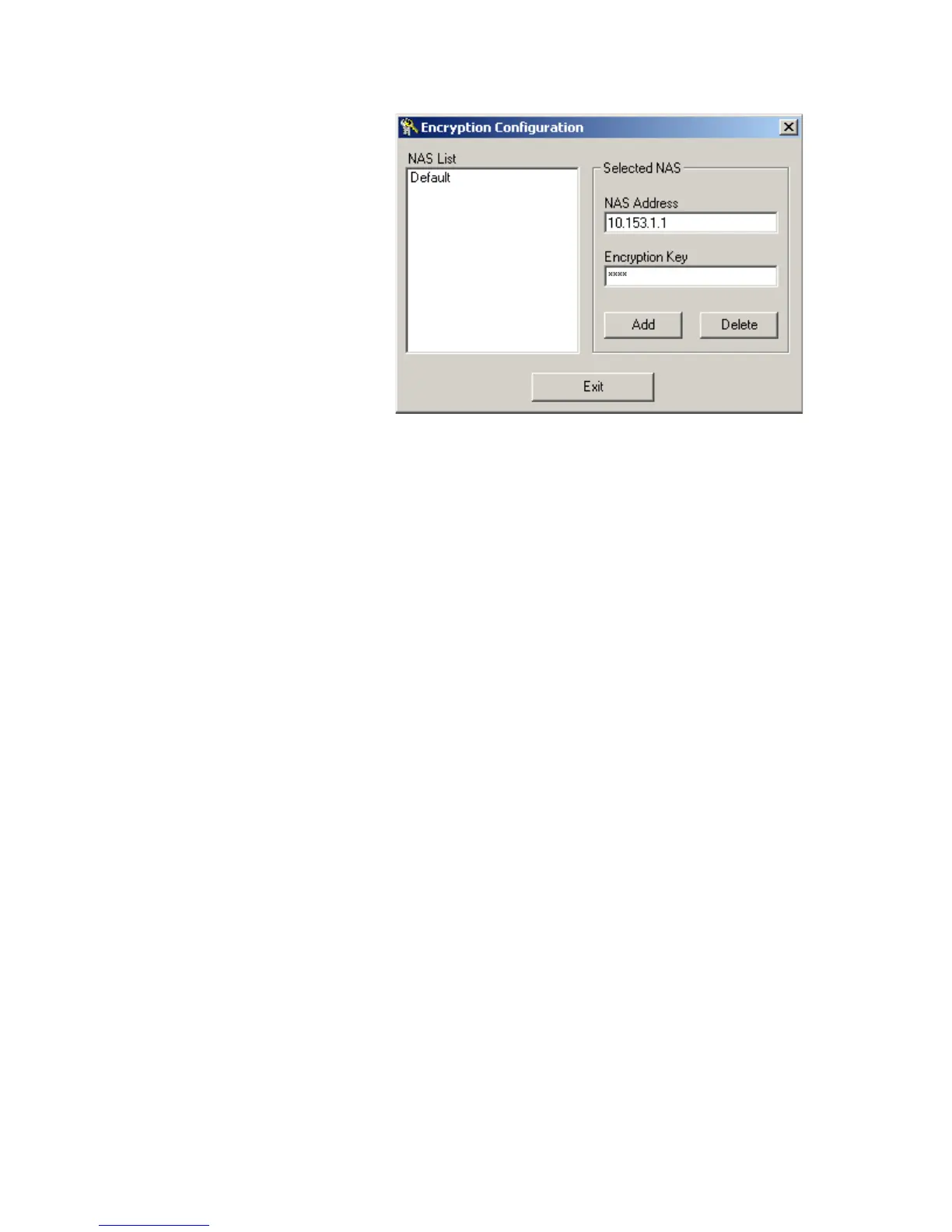
Configuration Example 529
Figure 154 The fifth step
Configuration on the
switch
1 Enable 802.1x.
<S5500> system-view
[S5500] dot1x
[S5500] dot1x interface ethernet 1/0/1
2 Configure the IP address information for the RADIUS server.
[S5500] radius scheme radius1
[S5500-radius-radius1] primary authentication 10.153.1.2 1645
[S5500-radius-radius1] primary accounting 10.153.1.2 1646
3 Set the encryption passwords for the switch to exchange packets with the
authentication RADIUS servers and accounting RADIUS servers.
[S5500-radius-radius1] key authentication aaaa
[S5500-radius-radius1] key accounting aaaa
4 Order the switch to delete the user domain name from the user name and then send
the user name to the RADIUS sever.
[S5500-radius-radius1] user-name-format without-domain
[S5500-radius-radius1] quit
5 Create the user domain test163.net and specify radius1 as your RADIUS server group.
[S5500] domain test163.net
[S5500-isp-test163.net] radius-scheme radius1
[S5500-isp-test163.net] quit
6 Define the ACL rules
[S5500] acl number 3000
[S5500-acl-adv-3000] rule 0 deny ip destination 10.153.1.0 0.0.0.255
[S5500-acl-adv-3000] quit
7 After the above configuration, you can use the display commands to show the ACL is
applied dynamically.
[S5500] display connection
------------------------Unit 1------------------------
Index=28 ,Username=test@test163.net
MAC=000a-eb7e-d28e ,IP=10.153.1.9















 To Next Page