52 CHAPTER 2: ADDRESS MANAGEMENT CONFIGURATION
Perform the following operations to bind the MAC address and IP address of a legal
user to the specified port; no other configuration is required.
Address Management
Configuration
Example
This section contains configuration examples.
Port-Based Address
Management IP Address
Pool Configuration
Example
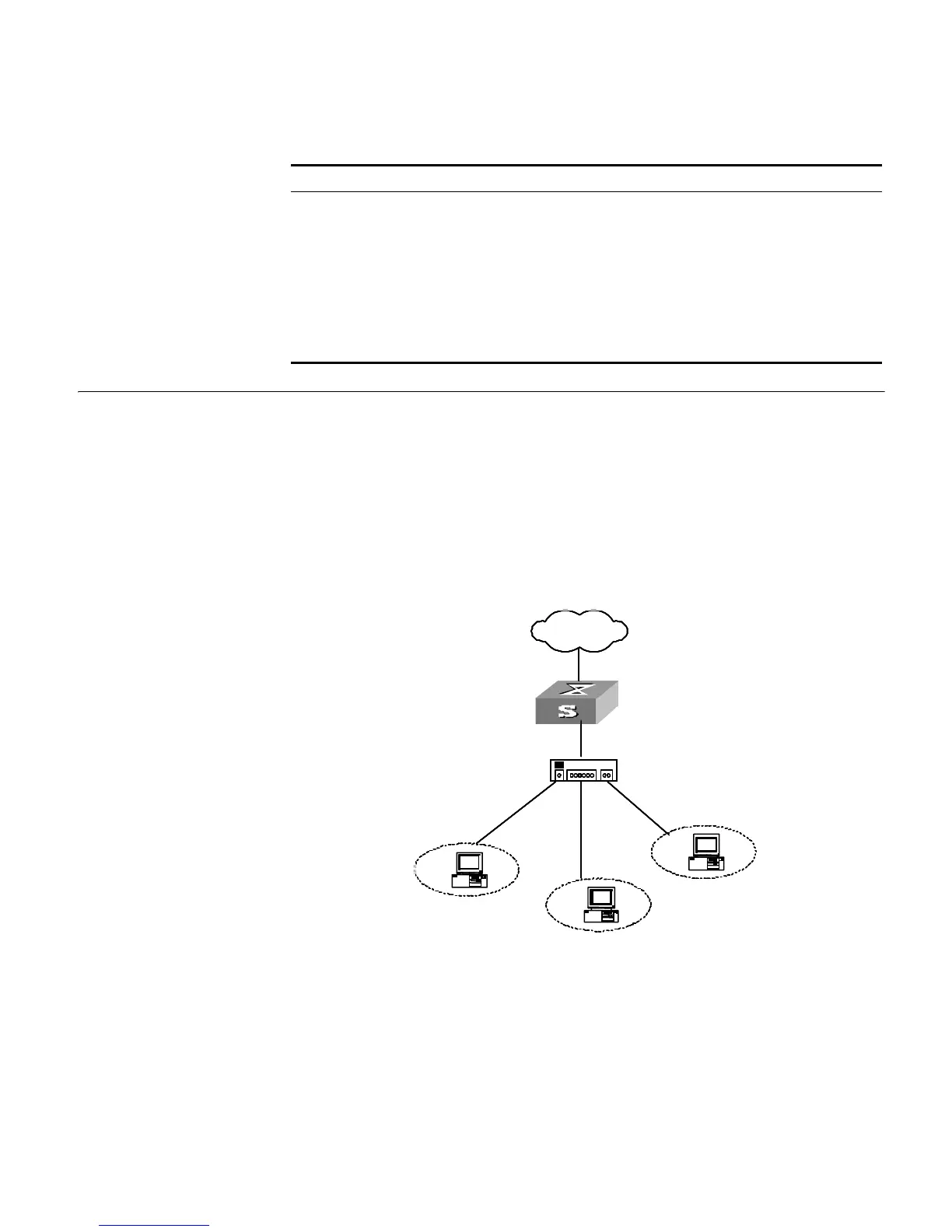
Network requirements
The GigabitEthernet1/0/1 port of the switch is connected to multiple PCs.
Network diagram
Figure 12 Network diagram for address management
Configuration procedure
To enable address management, enter the following:
<S5500> system-view
[S5500] am enable
Table 31 Bind the MAC address and IP address of a legal user to the specified port
Operation Command Description
Enter system view system-view -
Bind the MAC address and IP address
of a legal user to the specified port
am user-bind mac-addr
mac-address ip-addr ip-address [
interface interface-type
interface-number ]
Optional
Enter Ethernet port view interface interface-type
interface-number
-
Bind the MAC address and IP address
of a legal user to the specified port
am user-bind mac-addr
mac-address ip-addr ip-address
Optional
External network
Hub
External network
Hub















 To Next Page