PoE Profile Configuration 561
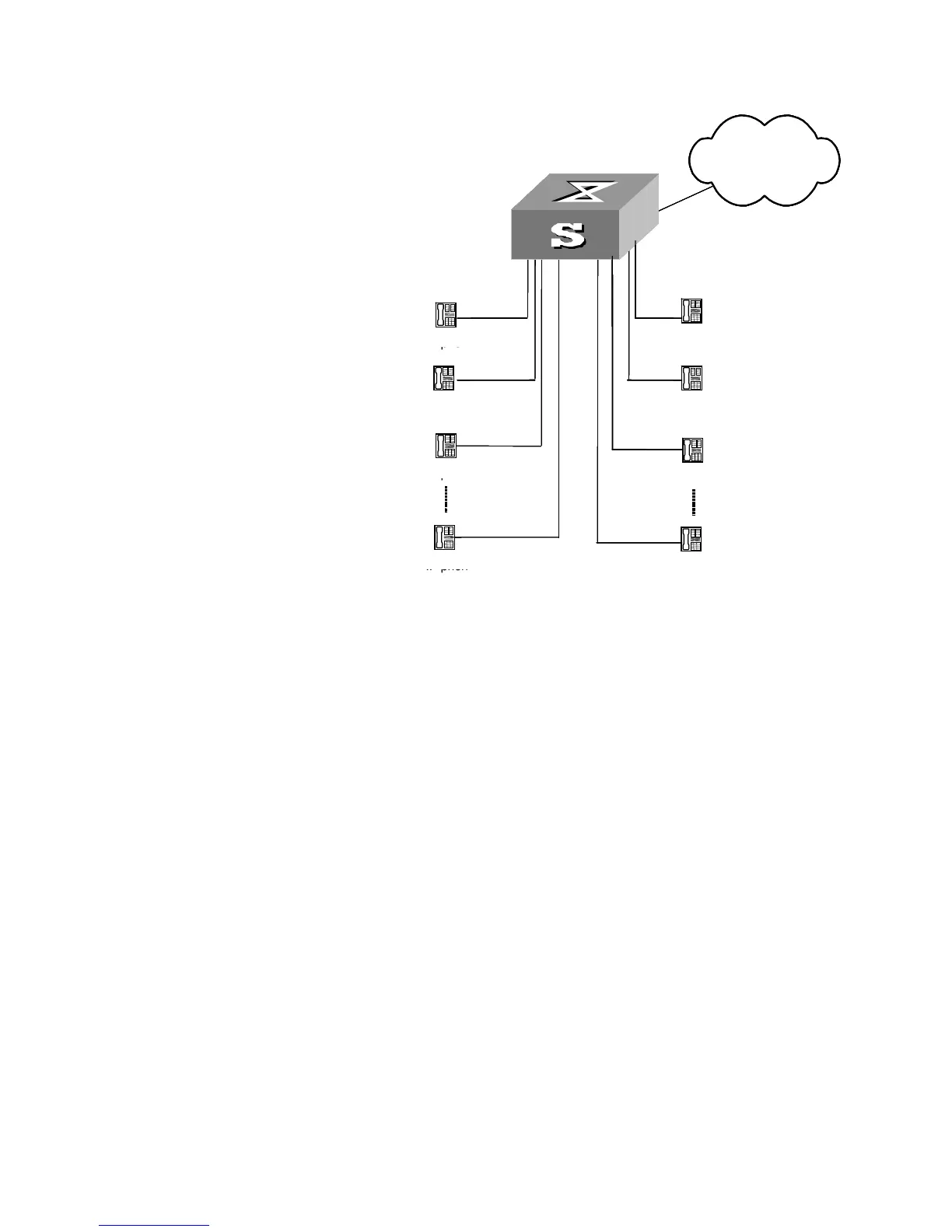
Figure 164 PoE Profile application
Configuration procedures
1 Create Profile 1, and enter PoE Profile view.
<S5500> system-view
[S5500] poe-profile Profile1
2 In Profile 1, add the PoE policy configuration applicable to Ethernet1/0/1 through
Ethernet1/0/5 ports for type A group users.
[S5500-poe-profile-Profile1] poe enable
[S5500-poe-profile-Profile1] poe mode signal
[S5500-poe-profile-Profile1] poe priority critical
[S5500-poe-profile-Profile1] poe max-power 3000
[S5500-poe-profile-Profile1] quit
3 Display detailed configuration information for Profile 1.
[S5500] display poe-profile name Profile1
4 Create Profile 2, and enter poe-profile view.
[S5500] poe-profile profile2
5 In Profile 2, add the PoE policy configuration applicable to Ethernet1/0/6 through
Ethernet1/0/10 ports for type A group users.
[S5500-poe-profile-Profile2] poe enable
[S5500-poe-profile-Profile2] poe mode signal
[S5500-poe-profile-Profile2] poe priority high
[S5500-poe-profile-Profile2] poe max-power 15400
[S5500-poe-profile-Profile2] quit
6 Display detailed configuration information for Profile 2.
[S5500] display poe-profile name profile2
Network
S3928P-PWR
Ethernet1/0/1~Ethernet1/0/5 Ethernet1/0/6~Ethernet1/0/10
Network
S3928P-PWR
AP
IP phone
IP phone
IP phone
IP phone
AP
AP
AP
Network
S3928P-PWR
Ethernet1/0/1~Ethernet1/0/5 Ethernet1/0/6~Ethernet1/0/10
Network
S3928P-PWR
AP
IP phone
IP phone
IP phone
IP phone
AP
AP
AP















 To Next Page