Configuration Example 527
Configuration procedure Configuration on the RADIUS server
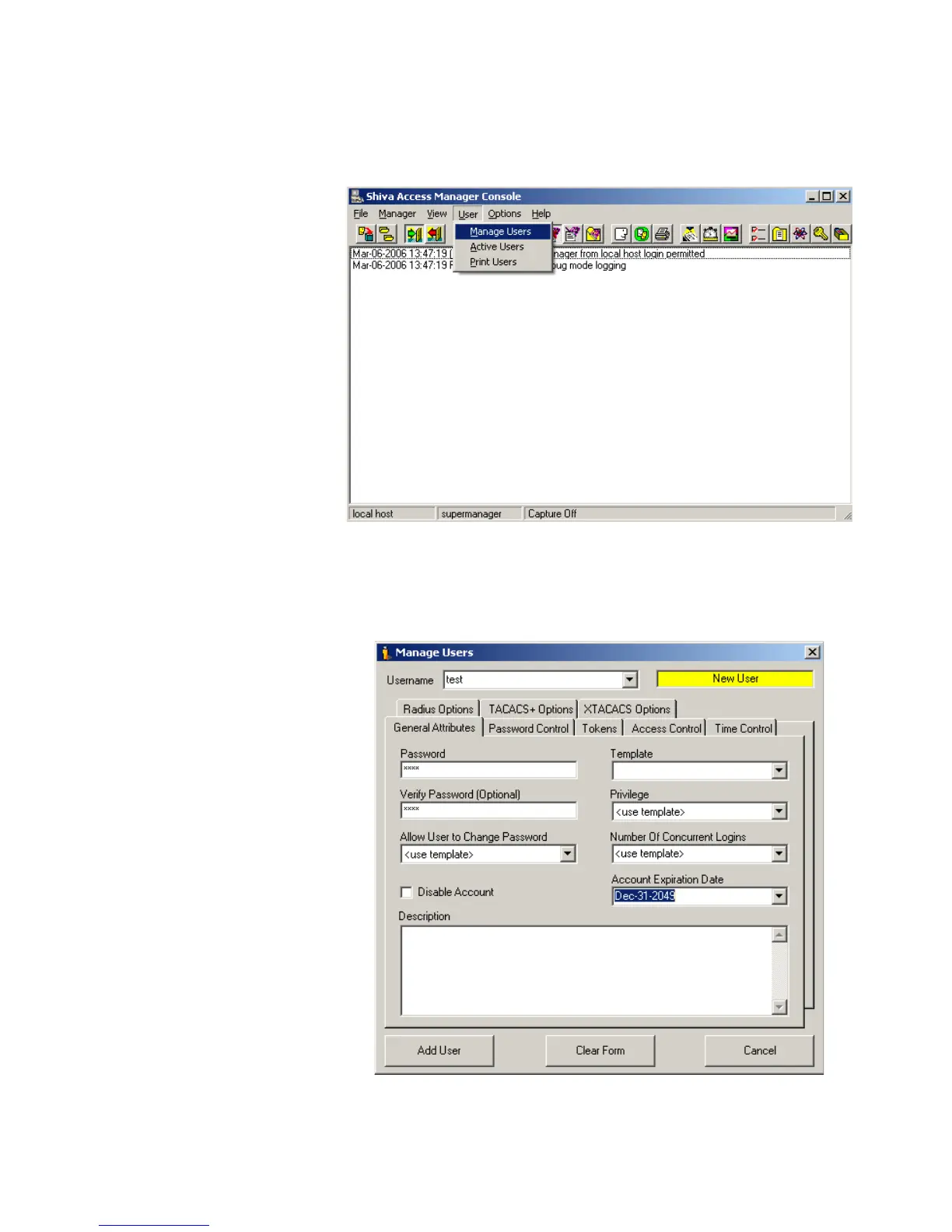
1 Click User/Manage Users. See Figure 150.
Figure 150 The first step
2 Create a new user, and then on the General Attributes page input the password of
the user, meanwhile set the "Account Expiration Date" as Dec-31-2049. See
Figure 151.
Figure 151 The second step
3 On the Radius Options page, set the Filter-Id to 3000. See Figure 152.















 To Next Page