BPDU Tunnel Configuration 189
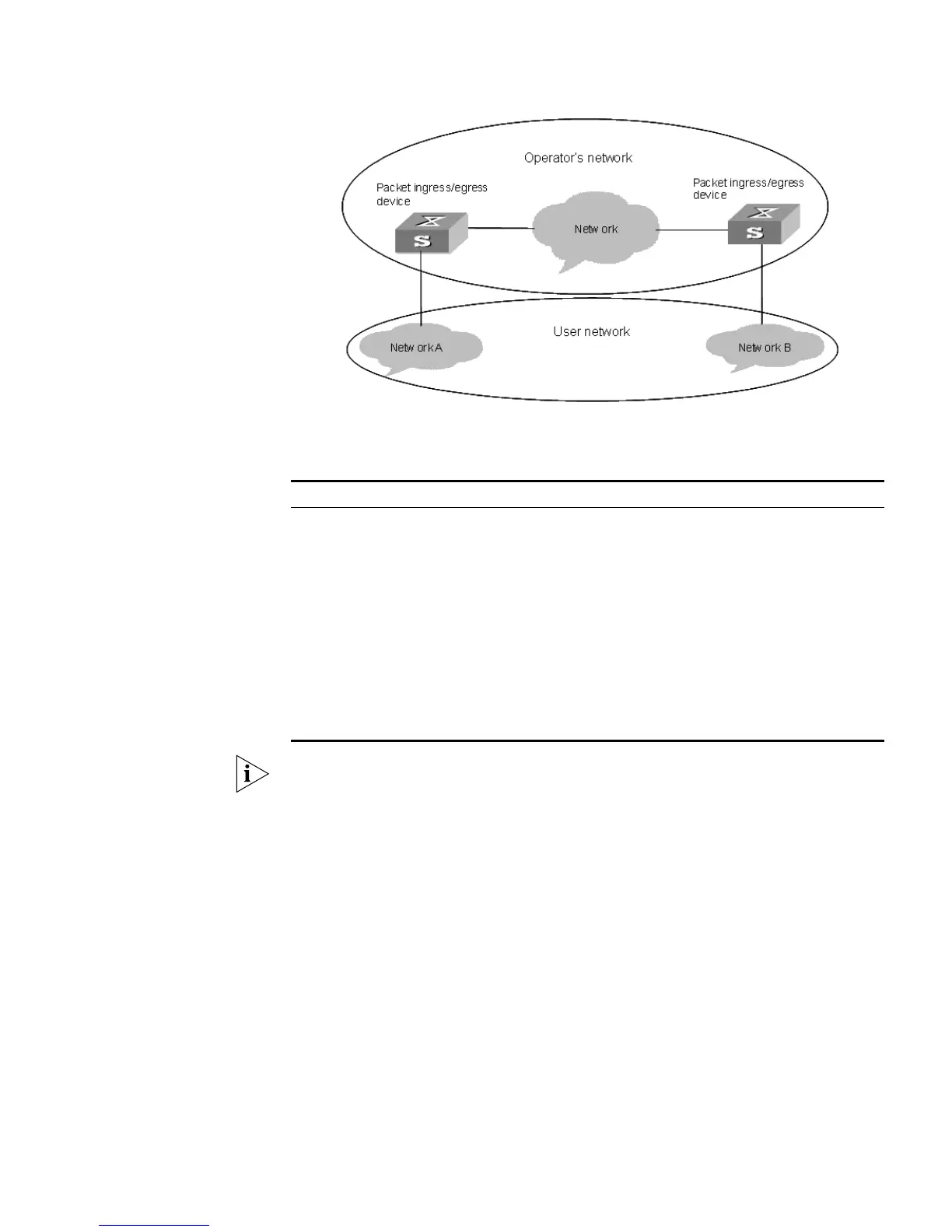
Figure 44 BPDU Tunnel network hierarchy
Configuring BPDU
Tunnel
Notes:
■ You must enable STP on a device before enabling the BPDU tunnel function on it.
■ The BPDU tunnel function is only available to access ports.
■ To implement the BPDU tunnel function, the links between operator networks
must be trunk links.
■ As the VLAN VPN function is unavailable to the ports with 802.1x, GVRP, GMRP,
STP, or NTDP employed, the BPDU tunnel function is unavailable to these ports.
Table 173 Configure the BPDU tunnel function
Operation Command Description
Enter system view system-view -
Enable MSTP stp enable -
Enable the BPDU tunnel function vlan-vpn tunnel Required
Enter Ethernet port view Interface interface-type
interface-number
Make sure that you enter the
Ethernet port view of the port
on which you want to enable
the BPDU tunnel function.
Disable MSTP stp disable -
Enable the VLAN VPN function vlan-vpn enable Required
By default, the VLAN VPN
function is disabled on all
ports.















 To Next Page