488 CHAPTER 22: FILE SYSTEM MANAGEMENT
c After the establishment of information (log file) and the revision of
/etc/syslog.conf, you should view the number of syslogd (system daemon)
through the following command, kill syslogd daemon and reuse -r option the start
syslogd in daemon.
# ps -ae | grep syslogd
147
# kill -9 147
# syslogd -r &
For Linux loghost, you must ensure that syslogd daemon is started by -r option.
After the above operation, the Switch system can record information in related log
files.
To configure facility, severity, filter and the file syslog.conf synthetically, you can get
classification in great detail and filter the information.
Configuration Examples
of Sending Log to
Control Terminal
Networking Requirement
The networking requirements are as follows:
■ Sending the log information of the Switch to Unix loghost
■ The IP address of the loghost is 202.38.1.10
■ The information with the severity level above informational will be sent to the
loghost
■ The output language is English
■ The modules that allowed to output information are ARP and IP
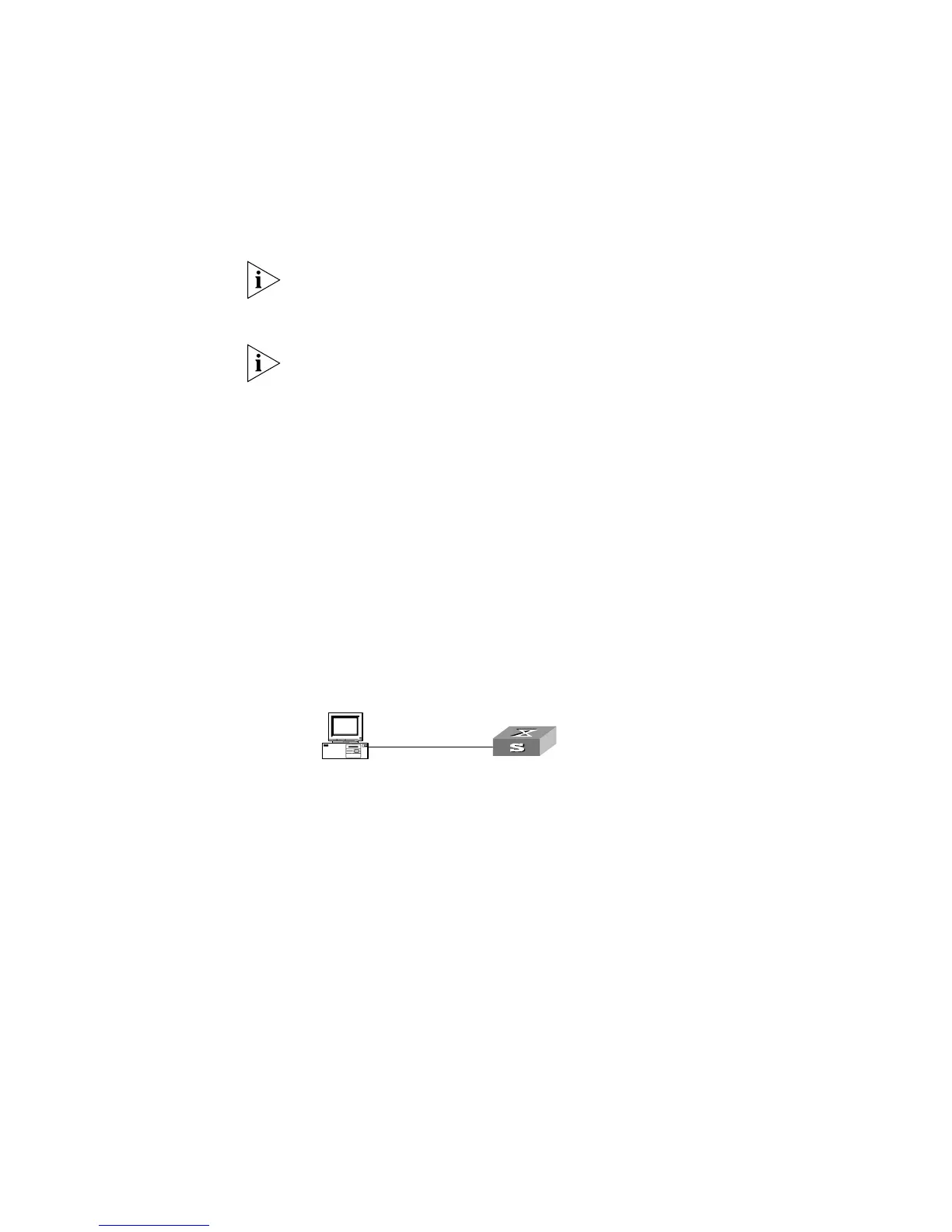
Networking Diagram
Figure 129 Schematic Diagram of Configuration
Configuration Procedure
1 Configuration on the Switch
Enabling info-center
[SW5500]info-center enable
2 Configure control terminal log output; allow modules ARP and IP to output
information; the severity level is restricted within the range of emergencies to
informational.
[SW5500]info-center console channel console
[SW5500]info-center source arp channel console log level informational
[SW5500]info-center source ip channel console log level informational
3 Enabling terminal display function
<SW5500> terminal logging
consol e
PC
Switch
consol e
PC
Switch
consol e
PC
Switch
consol e
PC
Switch















 To Next Page